Introduction
- Introduction
- 1. Match Pin contract to plugin SKU
- 2. Form payments without standing up full ecommerce
- 3. Security and checkout model
- 4. Why purchase from PatSaTECH
- 5. TCO: license vs build vs downtime
- 6. Red flags that should pause “Buy now”
- 7. After you buy: protect the integration
- 8. Pin + Gravity Forms vs WooCommerce for the same client
- FAQ
- Related reading
APAC agencies often pair Pin Payments with WordPress because onboarding and developer docs fit mid-market clients. Gravity Forms adds conditional pricing and notifications WooCommerce blocks would overkill for. The purchase decision is whether your add-on vendor understands Pin’s API and Gravity Forms payment lifecycle—not whether a generic Stripe plugin can be forced into a form feed.
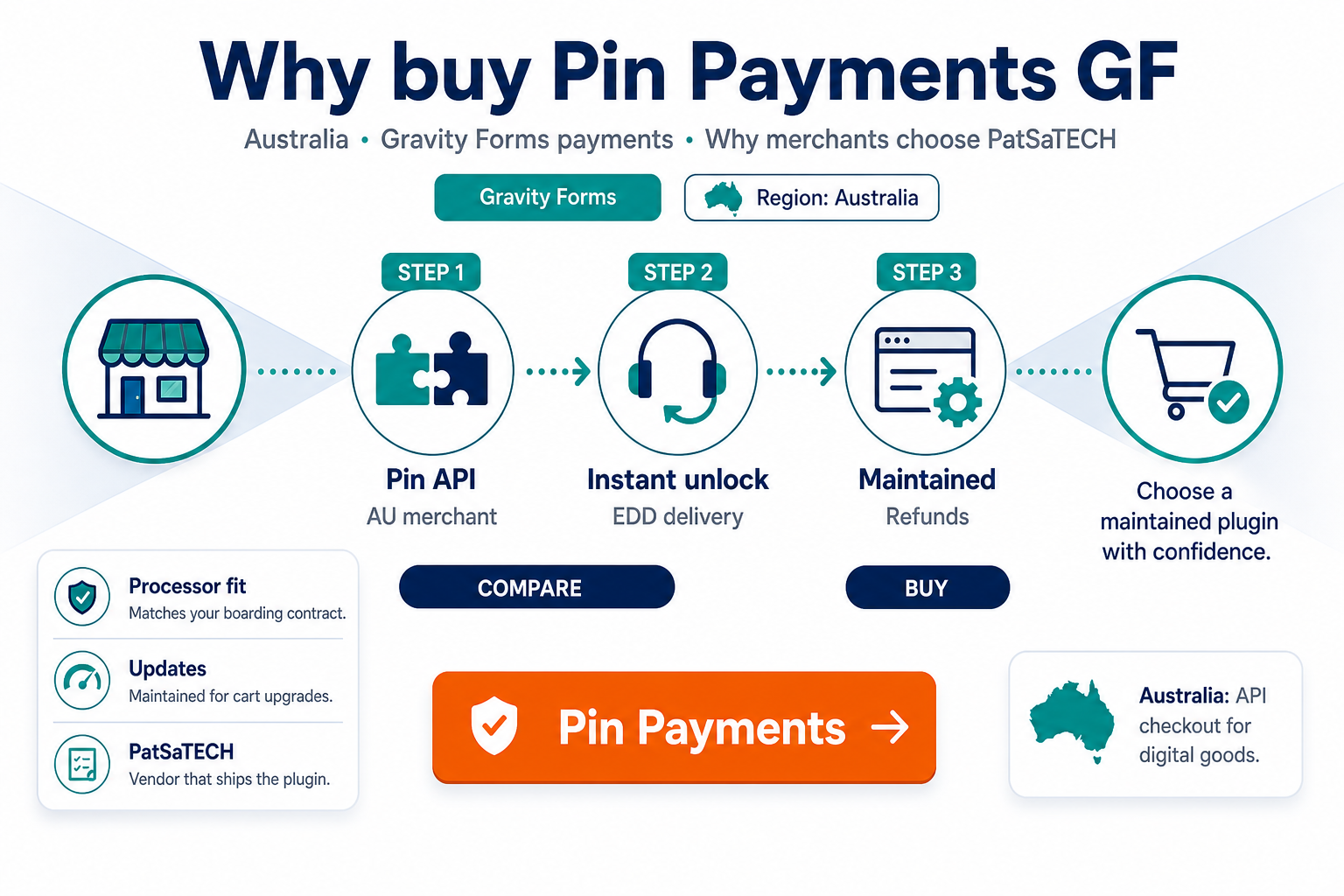
PatSaTECH sells Pin Payments for Gravity Forms to merchants who already signed with Pin. Neutral evaluation: choosing a Gravity Forms payment add-on.
1. Match Pin contract to plugin SKU
Pin offers products and keys tied to your merchant account. Before buying:
- Confirm secret/publishable keys (test vs live) in Pin Dashboard.
- Verify currencies and card brands your MCC supports.
- Understand 3-D Secure expectations for your vertical—see 3D Secure and SCA for conceptual background.
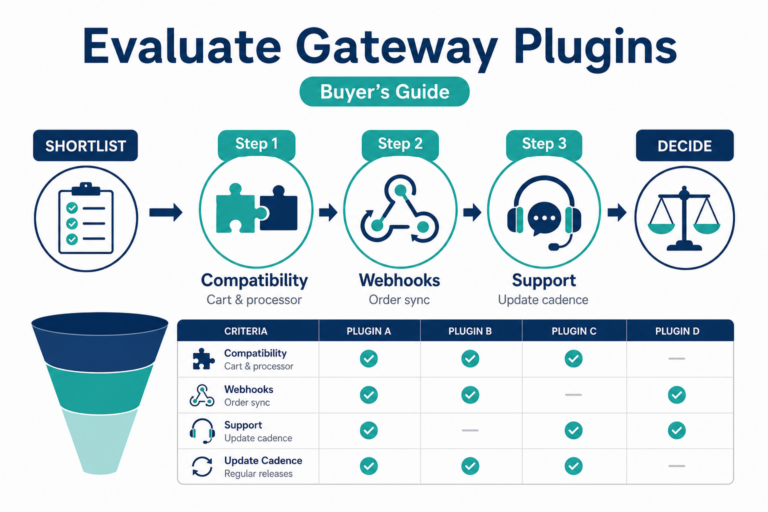
Wrong processor plugins waste sprint time—use how to evaluate payment gateway plugins on any shortlist.
View Pin Payments for Gravity Forms →
2. Form payments without standing up full ecommerce
| Scenario | Pin + Gravity Forms value |
|---|---|
| Charity appeals | Once-off and recurring-friendly stacks (validate recurring separately) |
| Professional registrations | Multi-page + deposit |
| Club memberships | Application fee at submit |
| Creative agencies | Client deposit forms |
Recurring autopay requires explicit checks—Gravity Forms recurring payments and gateways.
3. Security and checkout model
Pin integrations typically keep sensitive card handling within Pin-hosted or tokenized patterns depending on product configuration—compare hosted vs integrated gateways and PCI scope in plain English.
Ensure webhooks or async notifications mark entries paid when customers do not return to the thank-you page—payment gateway webhooks — beginner’s guide.
4. Why purchase from PatSaTECH
- Listed under Gravity Forms payment gateways with sibling EDD and WooCommerce Pin products if you multi-cart.
- Updates when Pin adjusts API requirements—renewals matter per buying a payment gateway plugin.
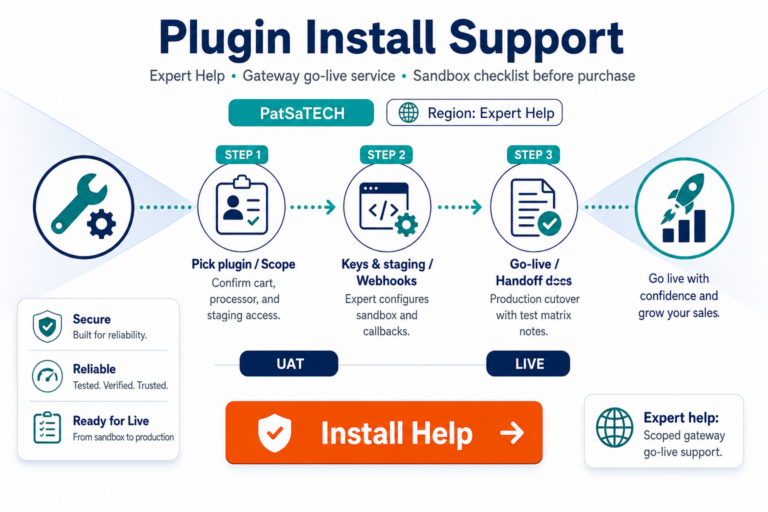
- Plugin installation support for deadline-driven launches.
Non-catalog routing → custom payment gateway integration.
5. TCO: license vs build vs downtime
A Pin Payments for Gravity Forms license is operational insurance—not a line item to minimize. Compare:
| Approach | Hidden cost |
|---|---|
| PatSaTECH add-on | Predictable renewal; vendor maintains Pin field changes |
| Freelancer custom code | Re-work on every PHP/GF major upgrade |
| “We’ll test in prod” | Chargebacks + donor trust loss |
Pair TCO thinking with payment gateway total cost of ownership—concepts apply even when revenue runs through forms, not carts.
6. Red flags that should pause “Buy now”
- Listing says “Pin compatible” but never names Pin API version or key types.
- No changelog activity while Pin updated authentication requirements.
- Vendor cannot explain webhook behavior when the donor closes the browser.
- Reviews mention abandoned support during Australian holiday peaks.
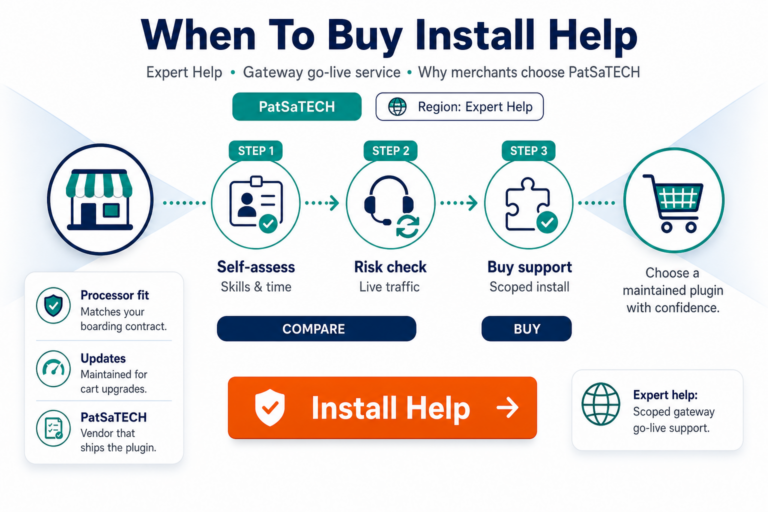
If two or more apply, keep researching—or request get a quote for scoped custom work with explicit SLAs.
7. After you buy: protect the integration
Document test vs live keys, who may rotate them, and refund initiation (Pin portal vs Gravity Forms entry). Exclude payment confirmation pages from aggressive page caching. Train support to distinguish declines from integration errors using Pin transaction IDs on entries—not card numbers.
When launch week is non-negotiable, add plugin installation support at purchase so staging sign-off happens before marketing sends traffic.
8. Pin + Gravity Forms vs WooCommerce for the same client
Some APAC clients run both a Woo shop and GF donation forms. Buying the correct platform SKU for each stack avoids feed conflicts and support finger-pointing. PatSaTECH lists Pin under Gravity Forms payment gateways and Woo/EDD categories separately—match SKU to revenue channel.
FAQ
NZ merchants too?
If Pin approved your NZ profile, configure accordingly—verify on product page + Pin Dashboard.
Replace WooCommerce Pin plugin?
No—buy the Gravity Forms SKU for form revenue.
Purchase link?
Pin Payments for Gravity Forms.
Setup guide?
See Pin Payments Gravity Forms setup and purchase.
Does Pin support recurring donations on GF?
Depends on your Pin product and GF recurring stack—validate in sandbox before marketing autopay; see Gravity Forms recurring payments.
Can agencies white-label the checkout?
Checkout branding follows Pin hosted pages; form branding remains in Gravity Forms.
What about GST on AU donations?
Tax logic is your form/accounting configuration—the gateway charges the total you pass.
Related reading
- Pin Payments for Gravity Forms — product page
- Pin Payments Gravity Forms setup and purchase
- Choosing a Gravity Forms payment add-on
- International payments and currency
- Contact PatSaTECH