Introduction
Transactional guide for PatSaTECH’s Pin integration. Commercial context: why buy Pin Payments for Gravity Forms. Evaluation framework: how to evaluate payment gateway plugins.
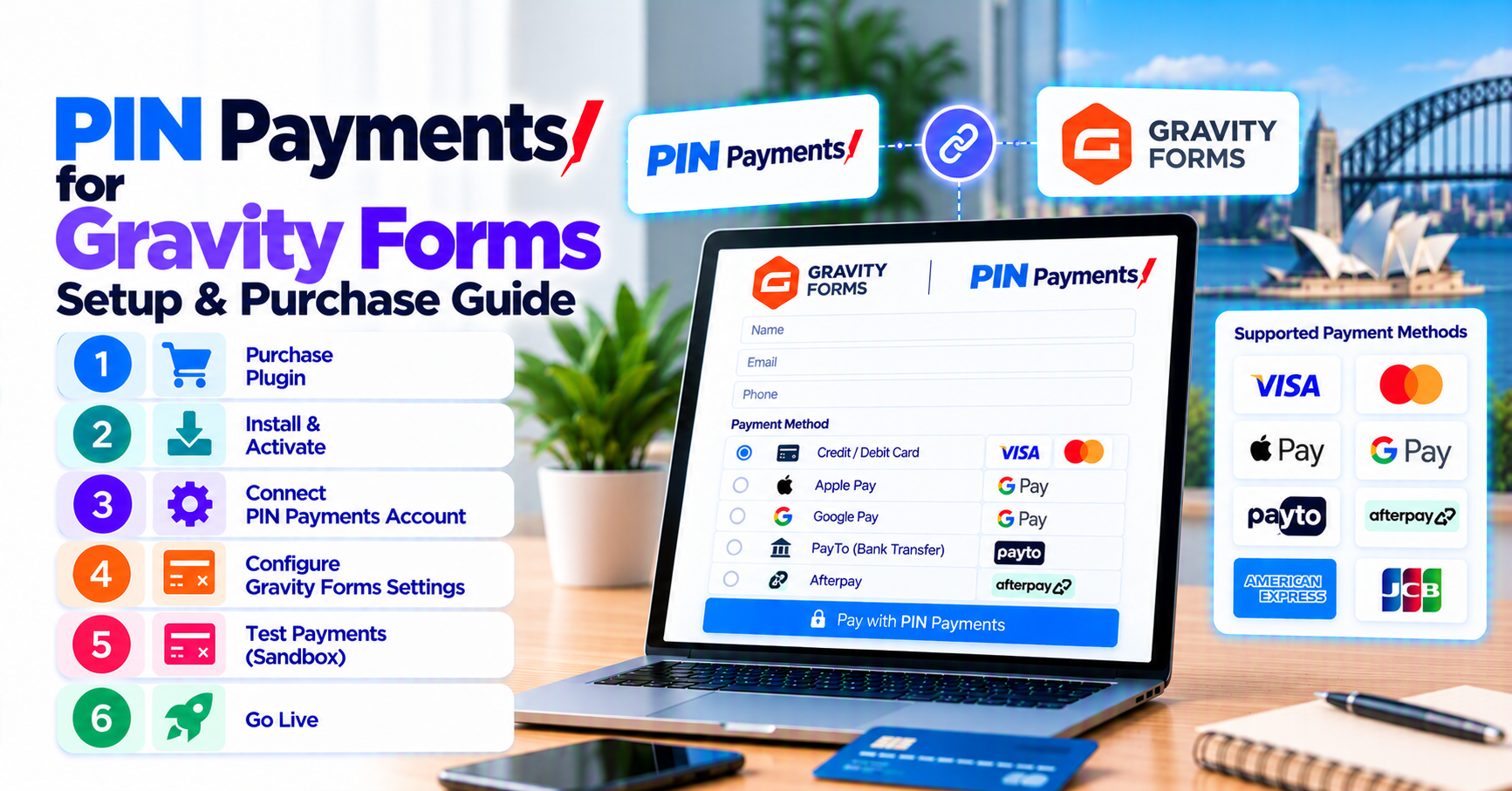
This guide assumes you already completed Pin merchant onboarding—if keys are still pending, finish that first, then purchase Pin Payments for Gravity Forms so support and updates attach to a valid license from day one.
1. Pre-purchase Pin checklist
| Item | Source |
|---|---|
| Pin merchant account active | Pin Dashboard |
| Test and live API keys | Developers section |
| Webhook/callback URL policy | Pin docs + hosting |
| Currency (AUD typical) | Merchant settings |
2. Purchase
- Pin Payments for Gravity Forms → checkout.
- Store license; install zip on staging.
- Add plugin installation support if needed.
Read buying a payment gateway plugin for WordPress for renewal planning.
3. Configure on staging
- Activate plugin; paste test keys in GF settings.
- Form → Pin Payments feed: map products/totals, confirmation pages.
- Register webhook URL in Pin if required.
- Confirm site HTTPS.
Hosted vs direct context: comparing hosted vs integrated gateways.
4. Sandbox matrix
| Test | Pass |
|---|---|
| Approved charge | Entry Paid + Pin charge ID |
| Declined card | Failed state + clear UX |
| Abandoned checkout | No false paid |
| Multi-page conditional amount | Amount matches Pin |
| Refund (optional) | Document finance workflow |
Extend with how to test your payment gateway like a pro. Recurring: Gravity Forms recurring payments.
5. Go-live
- Live keys in plugin settings.
- Live webhook URL.
- Small real transaction; verify AUD settlement.
- Monitor 48h—webhook monitoring discipline.
Other GF gateways: category hub.
6. Common setup mistakes (fix before go-live)
| Mistake | Symptom | Fix |
|---|---|---|
| Live keys on staging | Real charges during QA | Separate environments |
| HTTP confirmation URL | Redirect failures | Force HTTPS |
| Cache on thank-you page | “Paid” UI but entry pending | Exclude from optimization plugins |
| Wrong currency on form | Pin rejects or wrong settlement | Match Pin merchant currency |
| Missing webhook | Delayed paid status | Register URL in Pin Dashboard |
These patterns mirror common WooCommerce payment gateway mistakes—adapt the runbook to Gravity Forms entry statuses.
7. License, renewals, and support
Your PatSaTECH license covers plugin updates and support per product terms. Skipping renewals leaves you on an unmaintained build when Pin or Gravity Forms ships breaking changes—budget renewals as ops spend per buying a payment gateway plugin.
After go-live, open a support ticket with entry ID, Pin charge ID, and timestamp—never paste full card numbers into tickets.
8. Agency handoff checklist
If you deploy for clients, deliver:
- Screenshot map of GF settings (keys redacted).
- Sandbox test matrix results (section 4).
- Link to Pin Payments for Gravity Forms for license renewals.
- One-page refund SOP for finance.
Use agency payment gateway go-live runbook as a template for larger portfolios.
9. Staging sign-off before live keys
Require written sign-off: sandbox matrix completed, webhook registered, mobile Pin test on cellular, cache exclusions documented, finance refund path agreed, license renewal date scheduled. Pin Dashboard totals must match GF paid entries for the test day before production promotion.
For NZ clients, repeat the matrix in NZD if Pin enabled a separate currency profile—do not assume AU sandbox results cover every settlement path.
FAQ
Buy where?
Pin Payments for Gravity Forms.
WooCommerce version?
Separate product—use GF SKU for forms.
Support scope?
Plugin config; Pin underwriting stays with Pin.
Complex rollout?
Get a quote or installation support.
How long does setup take?
Simple single-form staging: often 2–4 hours with credentials ready; multi-form agency rollouts plan 1–2 days including sandbox matrix sign-off.
Will this work with Gravity Forms partial entries?
Test your specific form—payment feeds typically run on submission; confirm behavior with PatSaTECH support if you rely on save-and-continue.
Can we run Pin on multisite?
Usually yes with network-aware licensing—verify PatSaTECH license terms for your client count.
Related reading
- Pin Payments for Gravity Forms — buy now
- Why buy Pin Payments for Gravity Forms
- Choosing a Gravity Forms payment add-on
- When to buy plugin installation support
- Payment gateway webhooks — beginner’s guide