Introduction
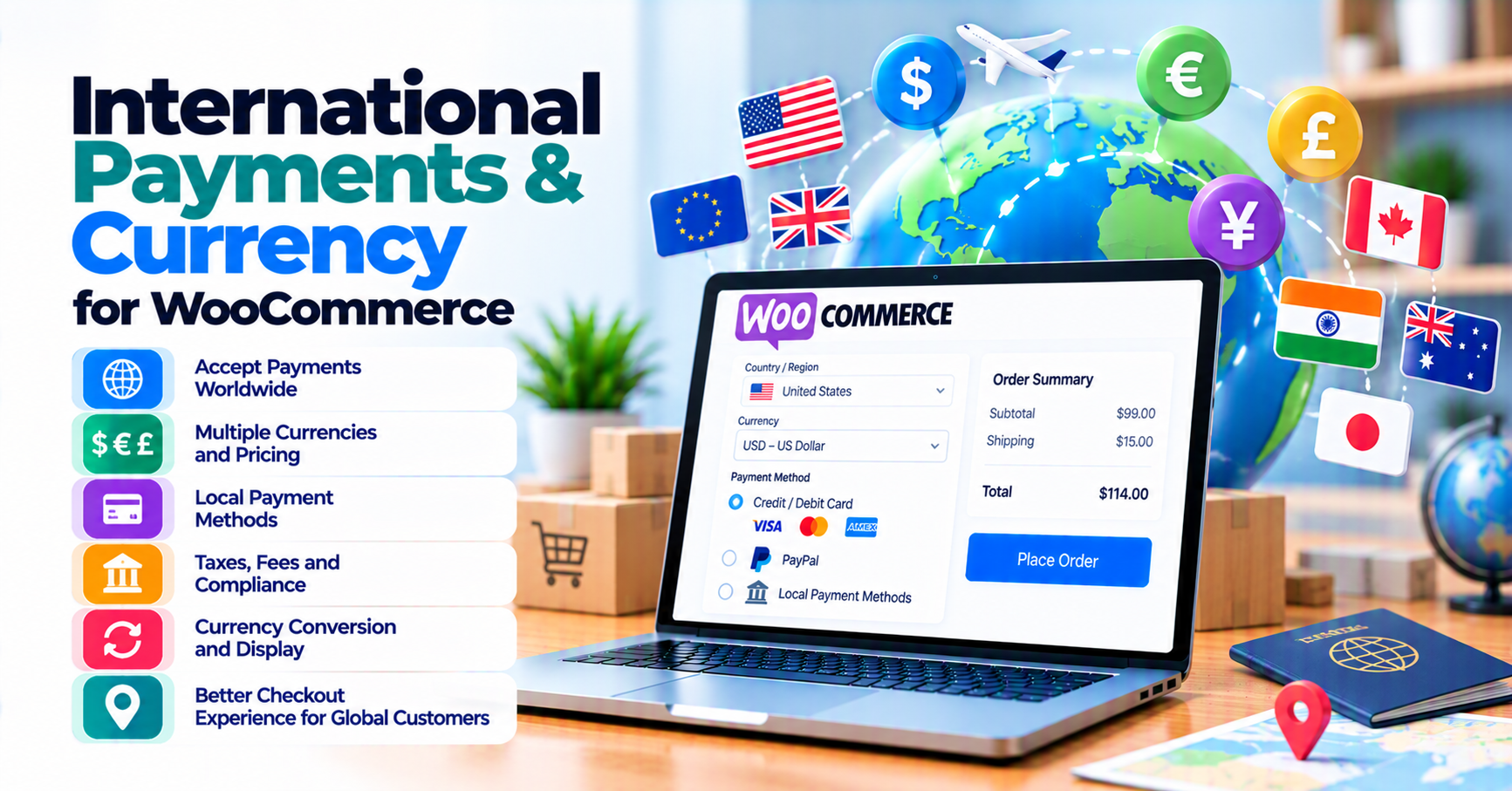
Selling internationally is not only “turn on multi-currency.” You must align what the customer sees (display currency) with what your acquirer can settle and where your business is allowed to sell.
PatSaTECH builds payment gateway integrations for WooCommerce and other carts; this guide helps you ask the right questions before you change pricing or install a currency switcher. For India-specific angles, see India vs global gateways.
Quick rule: The currency switcher customers see is only half the story. Settlement, FX, and decline patterns still depend on your processor and card mix—validate in sandbox before marketing “we ship worldwide.”
Table of contents
- Display vs settlement currency
- Cards, wallets, and local methods
- Tax and compliance (high level)
- Testing matrix
- When PatSaTECH helps
- Subscriptions and cross-border renewals
- FAQ
1. Display currency vs settlement currency
Customers may pay in EUR while your bank account settles in USD or INR. The gateway and processor define:
- Supported presentment currencies
- FX handling (processor vs card network)
- Settlement timing and fees
Mismatch between WooCommerce currency settings and processor capabilities produces declines or reconciliation pain—not always visible at checkout.
Operational tip: Export a monthly sample of decline codes by currency and country from your gateway—spikes after a pricing change often trace to presentment / settlement misconfiguration, not “bad traffic.”
2. Card network and local methods
“International” includes cards, wallets, and local rails (where available). Your gateway plugin must expose the methods you actually enabled in the processor portal.
Purchase-intent angle: Before you buy a new gateway extension solely for “more countries,” confirm your merchant account and MCC allow those presentment currencies and methods—otherwise you are shopping for software that cannot fix a contract gap. Use buying a payment gateway plugin for WordPress as a pre-checkout checklist.
Practical checklist:
- Cards: Confirm debit vs credit behavior and cross-border fees your finance team expects.
- Wallets: Apple Pay / Google Pay may require extra domain verification and HTTPS hygiene—see SSL and insecure checkout.
- Local methods: iDEAL, Bancontact, and similar rails often need country-specific onboarding—not only a plugin toggle.
3. Tax and compliance (high level)
VAT/GST, invoicing rules, and statement descriptors affect chargebacks. Payment plugins do not replace tax advisors—they only pass line items the processor accepts.
4. Testing matrix
Before launch, test:
- At least two currencies you will present
- A cross-border card pattern your processor allows in sandbox
- Refund in foreign currency if you support it
Use how to test your payment gateway as a baseline.
5. When PatSaTECH helps
If your processor is supported in our catalog, start from WooCommerce gateways. If you need custom routing or multi-entity settlement, use custom payment gateway integration.
6. Subscriptions and cross-border renewals
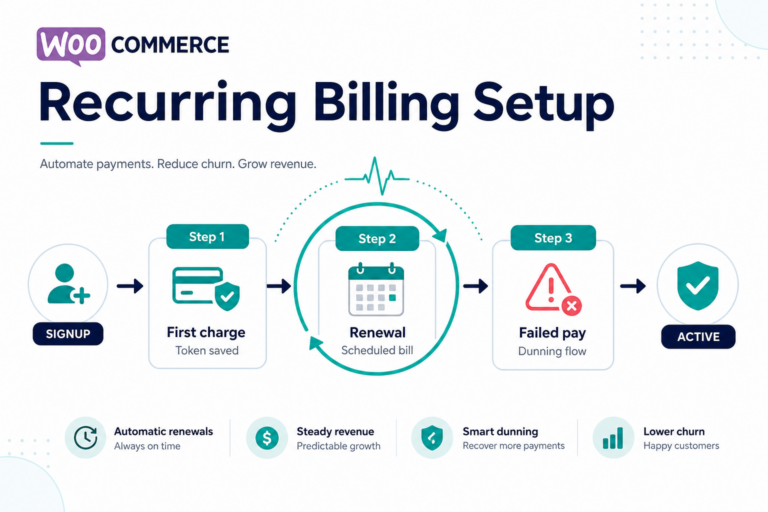
Recurring international charges may hit additional authentication or bank rules. Align currency display with token and retry behavior—see subscriptions and payment gateways. Failed renewals are a leading source of “it worked once” support tickets when FX or 3DS friction was underestimated at signup.
FAQ
Do I need a multi-currency plugin?
You need alignment between display, charge, and settlement. A switcher without processor support can increase declines—test, do not assume.
Why do refunds look “wrong” in reporting?
FX and timing can separate Woo timestamps from settlement reports; document cutoffs with finance.
When should I pay for help?
Complex multi-currency + subscriptions stacks often justify plugin installation support or custom integration—especially near launch.
Key takeaways
- Presentment ≠ settlement—validate both with the processor.
- Test at least two currencies and one cross-border pattern in sandbox.
- Wallets and local methods have onboarding requirements beyond WooCommerce settings.
- Subscriptions amplify FX and authentication issues—plan renewals explicitly.
Related reading
- WooCommerce and international tax compliance via gateways
- Payment gateway glossary
- Buying a payment gateway plugin for WordPress
- Contact