Introduction
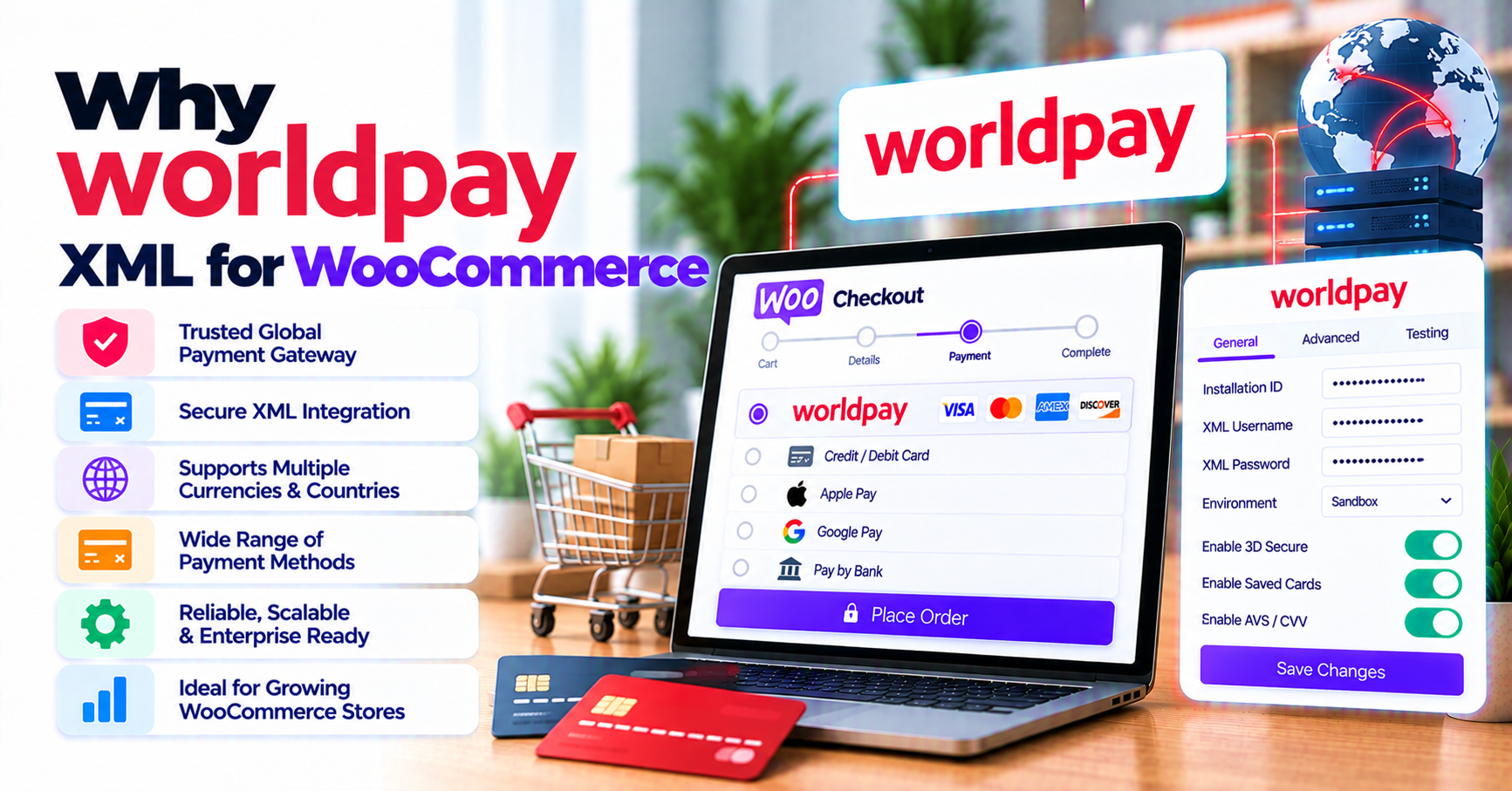
Worldpay serves global merchants through multiple gateway products. XML Direct remains in production for many established accounts, but WooCommerce does not ship native support. Stores often rely on custom XML code from a past agency or a generic plugin that mentions Worldpay without specifying XML Direct.
When Worldpay rotates certificates or WooCommerce updates checkout hooks, unmaintained integrations fail loudly. This article explains why XML Direct merchants should prefer PatSaTECH’s maintained plugin over those paths—and when custom payment gateway integration still applies.
Browse WooCommerce payment gateways or the shop.
1. XML Direct is a specific Worldpay product
Plugins must explicitly target Worldpay XML Direct—not Total Processing REST, not vague “Worldpay compatible.”
Confirm before purchase:
- XML Direct on your Worldpay boarding documents.
- Currencies and merchant codes you will use live.
- Documented auth/capture, refund, and void in Woo admin.
- Test environment credentials path on the product page.
Use buying a payment gateway plugin for WordPress as a neutral checklist.
Primary CTA: Worldpay XML Direct Gateway for WooCommerce
2. Maintained plugin vs bespoke XML integration
Custom XML integrations cost heavily to own: every Woo upgrade, PCI review, and Worldpay schema change lands on your team. A maintained PatSaTECH plugin spreads that cost across license renewals documented on the product page—see payment gateway TCO.
Marketplace forks without recent changelogs are risky when XML Direct endpoints or TLS requirements shift.
Red flags:
- “Worldpay” label without XML Direct specificity.
- No refund documentation from Woo.
- Reviews citing abandoned support.
3. WooCommerce behaviors XML Direct stores need
- Order status mapping when responses arrive asynchronously—order status gateway mapping.
- HPOS compatibility—HPOS and gateway plugins.
- Multi-currency display vs settlement—display vs settlement currency and international payments.
- Finance-grade refunds—refunds and reconciliation.
Implement with WooCommerce payment gateway integration checklist.
4. Support, renewals, and when custom wins
Annual licenses fund compatibility—deferring renewals while accepting live XML traffic is a common outage precursor; read safe plugin updates.
Custom integration fits headless Woo, marketplace splits, or Worldpay features absent from product docs. Standard catalog checkout on XML Direct usually favors a maintained plugin.
Installation: Plugin installation support
5. Honest expectations
Direct API integrations can increase PCI scope if card data touches your server—plugins help structure safer flows but do not certify compliance. See PCI scope plain English. No plugin guarantees authorization rates. Test with how to test your payment gateway like a pro.
FAQ
Is XML Direct the same as Worldpay’s newer REST APIs?
No—confirm XML Direct on your contract and the PatSaTECH product page before buying.
Multi-currency UK/EU stores?
Verify supported currencies on Worldpay XML Direct Gateway for WooCommerce against boarding docs.
WooCommerce Subscriptions?
Depends on tokenization in your Worldpay package—sandbox-test renewals.
Migrating from custom XML code?
Parallel staging validation—migrating payment gateway on WooCommerce.
Where to buy?
Worldpay XML Direct Gateway for WooCommerce.
Related reading
- Worldpay XML Direct Gateway for WooCommerce — product page
- Payment gateway plugin vs custom integration
- Payment gateway outage resilience
- WooCommerce payment gateways hub
- Webhook monitoring for WooCommerce
- Contact PatSaTECH