Quick answer
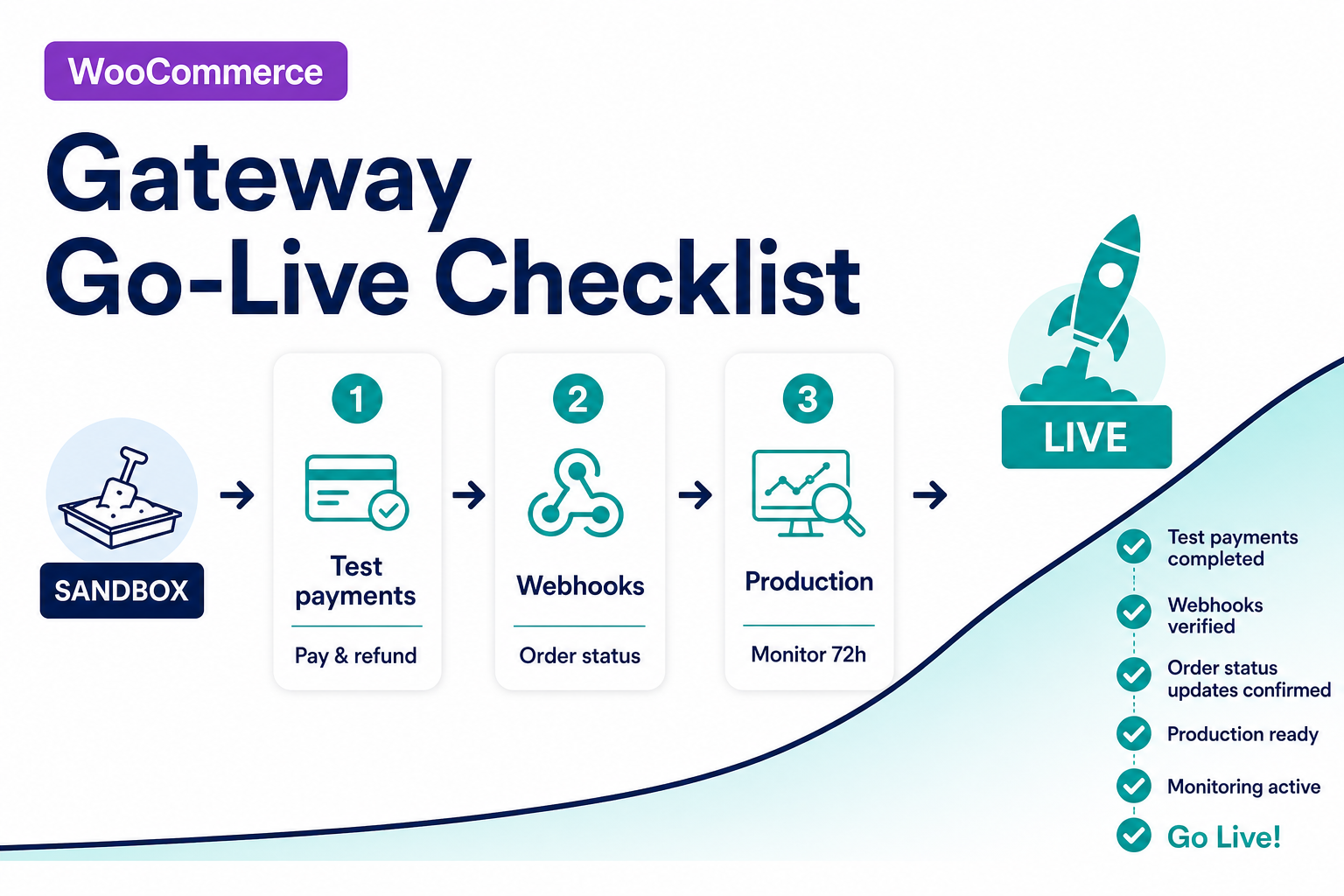
Before live keys on WooCommerce: confirm the processor on your contract matches the catalog SKU (or scope custom work), complete a sandbox matrix (sale, decline, refund, webhook/async path), fix webhook URLs and secrets on production, then monitor order status vs gateway for 72 hours. PatSaTECH integrates; your processor settles funds—we do not board merchant accounts.
Introduction
Payment go-lives fail for boring, repeatable reasons: wrong processor variant, staging webhooks still registered, Blocks never tested, or finance discovering pending orders after shoppers saw receipts. This checklist is the named method we use with merchants and agencies—whether you buy a WooCommerce gateway plugin or commission custom payment gateway integration.
Pair it with how to test your payment gateway like a pro, webhook monitoring for WooCommerce stores, and WooCommerce HPOS and payment gateway plugins if you are migrating order storage.
Named method: Integration checklist → sandbox matrix → cutover → monitoring
- Integration checklist — processor fit, cart constraints, disqualifiers.
- Sandbox matrix — prove money movement and order state on staging.
- Cutover — one owner, one window, live keys and webhooks only after sign-off.
- Monitoring — webhooks, pending orders, reconciliation sample.
Agencies: deliver this as a client-facing appendix from the agency payment gateway go-live runbook.
1. Pre-integration gates
Processor and product fit
- [ ] Merchant account is live or sandbox-ready with the processor you intend to use—not “we’ll pick a gateway later.”
- [ ] WooCommerce currency, country, and product types match what your processor and plugin support (subscriptions need tokenization proof—see product page).
- [ ] You bought the SKU for WooCommerce, not Gravity Forms or EDD, when checkout is a store cart.
- [ ] Hosted vs direct checkout matches your PCI and ops comfort—see payment gateway plugin vs custom integration if the catalog does not fit.
Platform constraints
- [ ] HPOS and Blocks checkout tested on staging if you use them (HPOS guide, Blocks guide).
- [ ] Staging mirrors production: SSL, PHP version, caching rules, and security plugins.
Disqualifiers (stop and re-scope)
- Marketplace split payouts, headless checkout, or processor not in catalog → quote custom work, do not force the wrong plugin.
2. Plugin and credentials
- [ ] Install the maintained plugin from PatSaTECH (or your scoped custom build)—not a fork with unknown update path.
- [ ] Enter sandbox keys first; label environments in your password manager.
- [ ] Store API secrets only in wp-admin settings or your vault—never in theme files or client-side JS.
- [ ] Register webhook / IPN URL from plugin or processor docs on the staging domain first.
- [ ] Document who rotates secrets and how (rotate API keys safely).
- [ ] Link internal runbook: primary doc from
/docs/for your processor (example: NMI credential guide).
3. Checkout UX and shopper trust
- [ ] Statement descriptor and business name recognizable on receipts (processor dashboard setting where applicable).
- [ ] Checkout shows only payment methods you intend to support—disable experiments during cutover week.
- [ ] Shipping, tax, and coupons included in test carts that match real orders (gateways can hide methods when totals or zones fail eligibility).
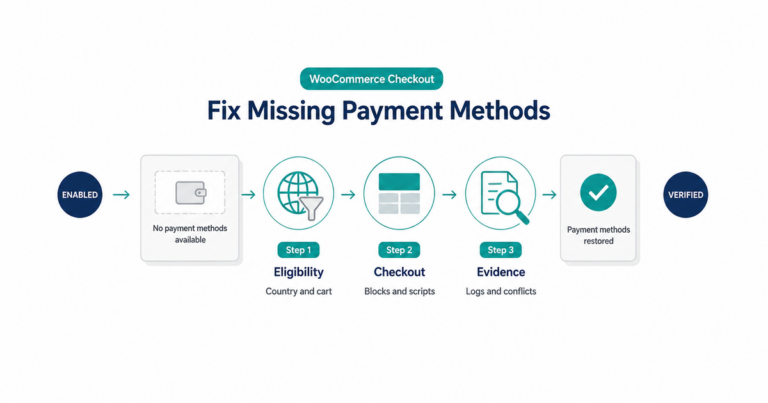
- [ ] If checkout uses Blocks, retest after any plugin update—see no payment methods available if methods disappear.
4. Sandbox test matrix
Run on staging with HPOS/Blocks settings matching production plans. Record order ID, gateway transaction ID, and timestamp for each row.
| Scenario | Pass criteria |
|---|---|
| Successful sale | Order processing/completed matches processor; customer email sent if enabled |
| Declined card | Order failed/cancelled; no silent success |
| Refund (full) | Woo refund and processor ledger align |
| Void / cancel auth | State matches processor for your capture model |
| Webhook / async notify | Gateway log shows 2xx; order updates without browser open |
| Abandoned redirect | No duplicate orders; status recoverable per plugin docs |
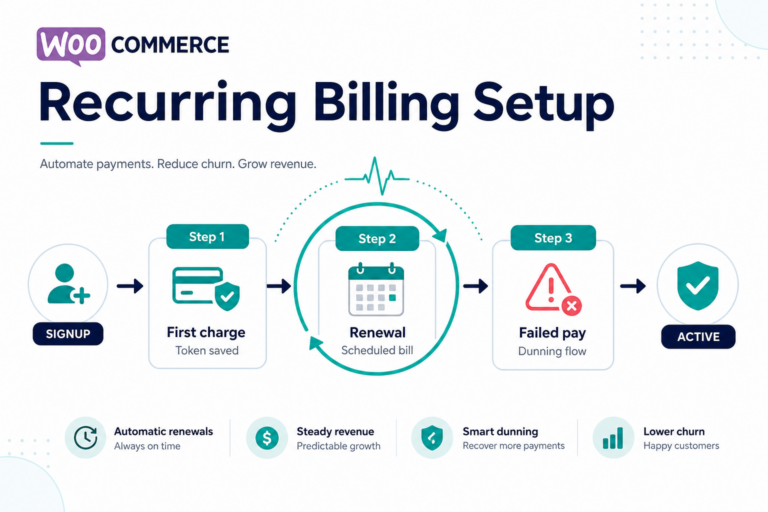
| Subscription renewal | If applicable—second charge succeeds; failed renewal path documented |
If payment succeeded but order pending, stop go-live and fix async path—see payment timeout / unknown status.
5. Production cutover
- [ ] Single change owner and comms window (avoid Friday live keys).
- [ ] Swap to live credentials only after sandbox matrix sign-off.
- [ ] Update webhook URLs and signing secrets to production domain; remove stale staging endpoints at processor.
- [ ] Purge page cache and exclude checkout/cart from full-page cache.
- [ ] Place a small live test order with a real card; refund or void per finance policy.
- [ ] Confirm settlement currency and descriptor with finance.
6. Post-launch monitoring
First 72 hours
- [ ] Dashboard or logs for webhook HTTP status, latency, and signature failures (webhook monitoring).
- [ ] Daily sample: orders pending > 15 minutes with successful gateway auth.
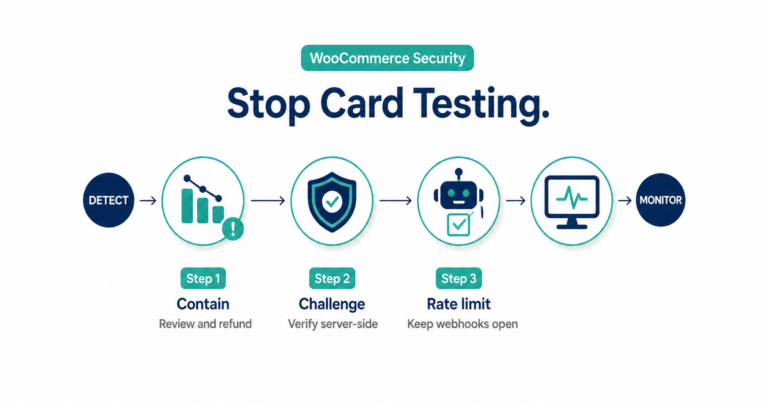
- [ ] Watch for card testing spikes after launch—prevention runbook.
First billing cycle
- [ ] Subscriptions: at least one renewal and one failed payment path.
- [ ] Reconciliation export vs Woo totals (spot-check, not invented KPIs).
Ongoing
- [ ] Safe payment gateway plugin updates on staging before production plugin bumps.
Key takeaways
- Match processor contract → catalog SKU before configuring WooCommerce—category hubs do not replace product-page proof.
- Browser success ≠ order paid; webhooks and return URLs must be production-correct.
- Sandbox matrix is the gate for live keys—not “we tested one Visa sale.”
- HPOS and Blocks are per-plugin tests, not store-wide assumptions.
- PatSaTECH does not process payments or board accounts; missing fit → custom integration or get a quote.
FAQ
Do I need a checklist if my host installed the plugin?
Yes—hosts rarely own webhook URLs, processor dashboards, or finance reconciliation. Verify behavior yourself or use plugin installation support with clear scope.
Can I skip sandbox if the plugin “worked on another site”?
No—currency, capture model, and Blocks/HPOS differ per store. Re-run the matrix on this install.
Where do official Stripe or PayPal plugins fit?
PatSaTECH catalog targets processor-specific integrations for boarded merchants—not official Stripe/PayPal Woo extensions. Wrong catalog → wrong checklist; use processor docs instead.
Agency delivering this to a client?
Use the agency go-live runbook for intake, handoff, and who holds live keys.