Introduction
- Introduction
- 1. Regional processor fit matters
- 2. Gravity Forms scenarios in MENA
- 3. Hosted checkout and compliance practicality
- 4. Why PatSaTECH
- 5. Recurring and subscriptions
- 6. TCO and campaign-season risk
- 7. Red flags before checkout
- 8. Post-purchase discipline
- 9. Why agencies standardize on PatSaTECH PayTabs GF
- FAQ
- Related reading
MENA nonprofits, training providers, and professional associations often collect money through Gravity Forms while settling in AED, SAR, or other PayTabs-supported currencies. The integration risk is buying a “PayTabs plugin” that targets the wrong API version or WooCommerce-only hooks.
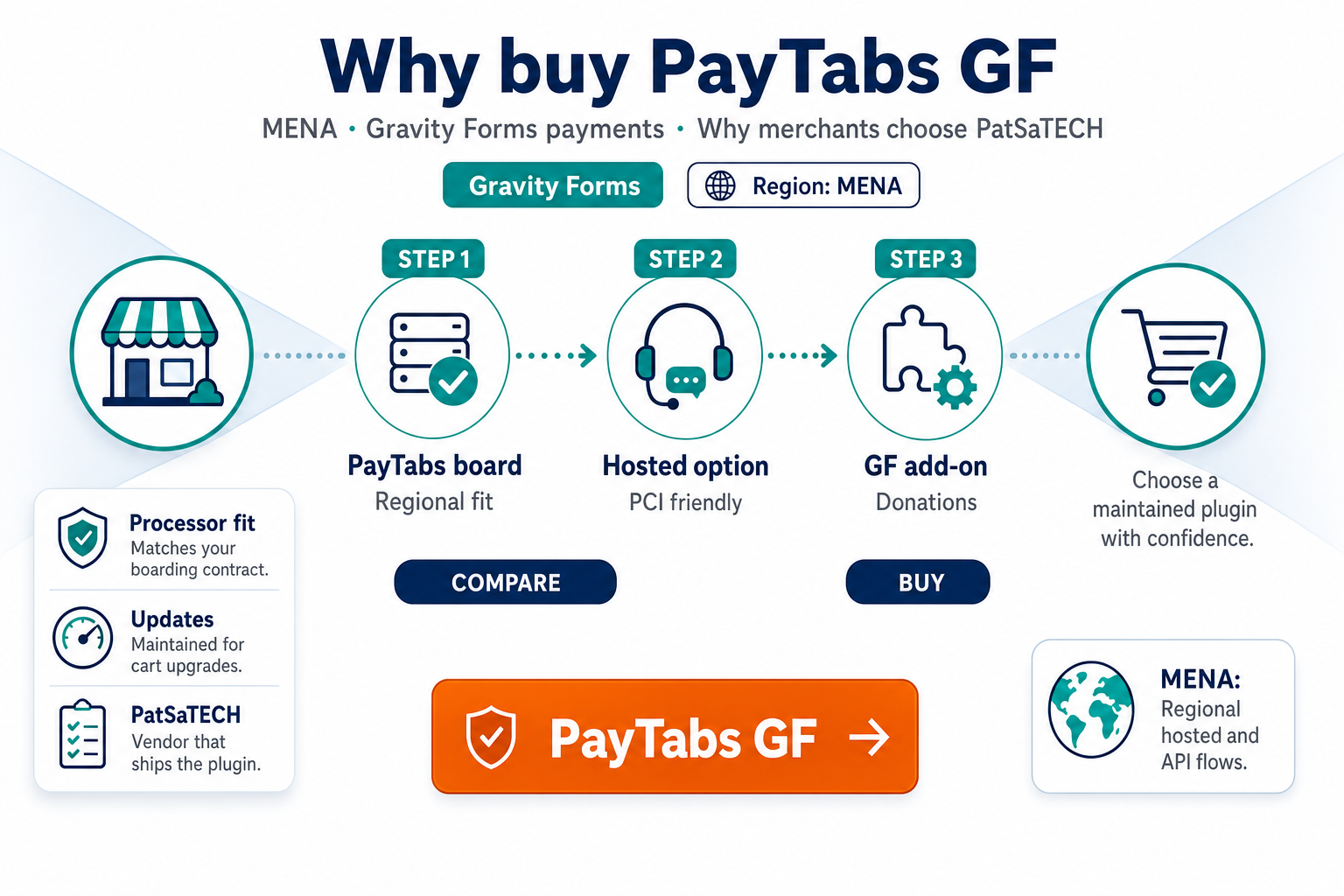
This page explains why merchants purchase PayTabs for Gravity Forms. Start neutral with choosing a Gravity Forms payment add-on if you are still comparing processors.
PayTabs merchants often serve mobile-first donors and registrants—buying a maintained GF add-on matters because callback timing and profile IDs are not something you want to debug from a deprecated GitHub fork during peak season.
1. Regional processor fit matters
Before checkout, confirm with PayTabs:
- Profile ID, server key, and client key (test vs live).
- Currencies and payment methods enabled for your license.
- Return URL and callback/IPN requirements.
Validate documentation quality using how to evaluate payment gateway plugins—PayTabs updates regional rules; unmaintained plugins break quietly.
View PayTabs for Gravity Forms →
2. Gravity Forms scenarios in MENA
| Flow | Why PayTabs + GF |
|---|---|
| Ramadan / campaign donations | Conditional amounts + receipts |
| Conference registration | Multi-page + deposit |
| Professional certification fees | Audit trail per entry |
| B2B service retainers | Custom fields + payment |
Async completion when users pay on mobile is standard—study payment gateway webhooks — beginner’s guide.
3. Hosted checkout and compliance practicality
PayTabs commonly uses hosted payment pages that reduce raw card handling on WordPress—aligns with hosted vs integrated payment gateways and PCI scope in plain English. Your compliance officer still validates against your contract—not plugin marketing alone.
4. Why PatSaTECH
- Gravity Forms category listing alongside global gateways: product hub.
- Maintained integration vs one-off freelancer builds.
- Renewals for security/compatibility—see buying a payment gateway plugin.
- Plugin installation support for agency go-lives.
Custom routing → custom payment gateway integration.
5. Recurring and subscriptions
If you plan installments or membership renewals, read Gravity Forms recurring payments and gateways and confirm PayTabs token/recurring APIs before promising autopay on marketing pages.
6. TCO and campaign-season risk
MENA campaigns—Ramadan giving, conference seasons, year-end membership drives—compress go-live timelines. A maintained PayTabs for Gravity Forms license costs less than emergency developer hours when PayTabs rotates a required field mid-campaign.
Compare plugin TCO against payment gateway plugin vs custom integration if your SI quotes six-figure bespoke work for a standard hosted checkout form.
7. Red flags before checkout
- “Supports all gateways” marketplace bundle with no PayTabs profile ID documentation.
- No mention of callback URL behavior when users pay on mobile and never return.
- Changelog silent for 12+ months while PayTabs updated security requirements.
- Vendor cannot answer refund initiation path for finance.
Two or more red flags → delay purchase and ask PatSaTECH presales—or contact us with your PayTabs integration guide PDF.
8. Post-purchase discipline
After buying, document test vs live keys, train support on decline codes, and monitor pending entries during the first week. Pair operational habits with how to test your payment gateway like a pro on staging before every major form change.
Buy PayTabs for Gravity Forms →
9. Why agencies standardize on PatSaTECH PayTabs GF
Repeatable delivery beats hero developers: same sandbox matrix, same webhook map, same renewal reminders across UAE and KSA clients. Your SOW can cite PatSaTECH product docs instead of reinventing PayTabs field mappings per project—hours saved on every subsequent form checkout engagement.
During Ramadan or conference peaks, pre-purchase the plugin and finish sandbox sign-off before marketing assets ship—callback misconfiguration is harder to fix under live traffic.
FAQ
Which countries?
Depends on your PayTabs merchant profile—verify during onboarding.
Purchase URL?
PayTabs for Gravity Forms.
WooCommerce required?
No.
Setup instructions?
PayTabs Gravity Forms setup and purchase.
MADA and local cards?
Enable on your PayTabs profile first—plugin surfaces what PayTabs approves.
Enterprise hosting with WAF?
Whitelist PayTabs callback IPs or paths—blocked POSTs cause pending entries.
Same plugin for WooCommerce?
No—purchase the Gravity Forms SKU for form revenue.
Related reading
- PayTabs for Gravity Forms — product page
- PayTabs Gravity Forms setup and purchase
- Choosing a Gravity Forms payment add-on
- International payments and currency
- Contact PatSaTECH