Introduction
Australian merchants often board PayWay through Westpac or partner programs. WooCommerce requires a gateway plugin that implements PayWay API authentication, handles AUD settlement, and survives platform updates.
Agencies encounter custom PayWay scripts with no maintainer, or marketplace plugins that mention Australia without PayWay API specificity. Failures appear under real traffic: token renewals break, refunds desync, or checkout conflicts with cache plugins.
This article explains why PayWay merchants should prefer PatSaTECH's maintained plugin—and when custom payment gateway integration is still appropriate.
See WooCommerce payment gateways and the shop.
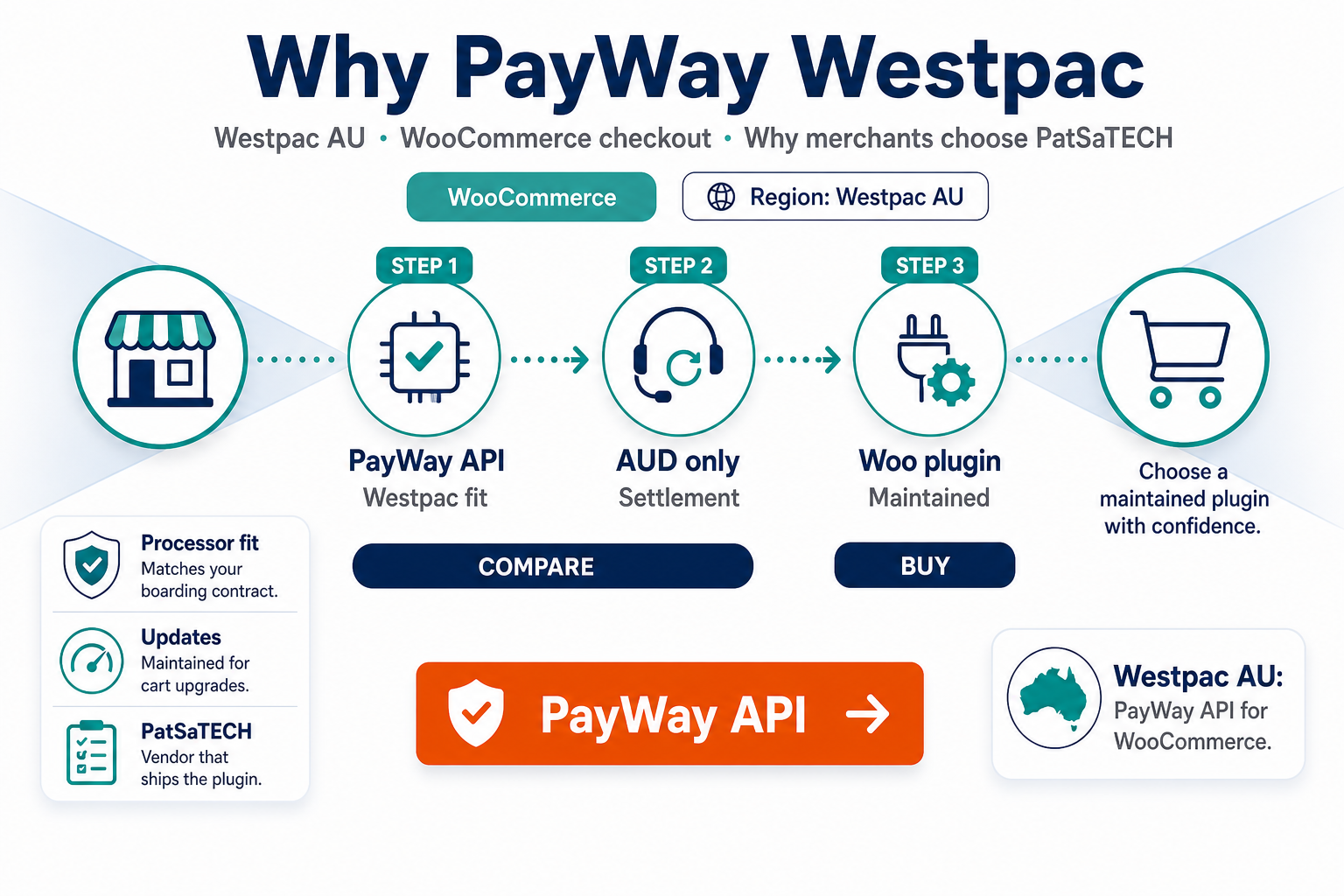
1. PayWay API is a distinct Westpac product
Verify the plugin lists PayWay API explicitly—not legacy hosted-only flows unless that matches your contract.
Before purchase:
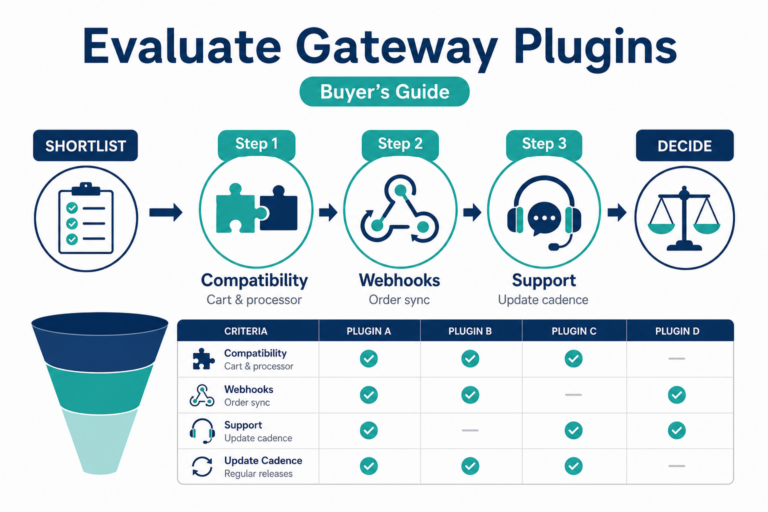
- PayWay API on Westpac boarding documents.
- AUD settlement (and multi-currency if applicable).
- Sandbox/test credential instructions.
- Documented refund behavior in Woo admin.
Filter with buying a payment gateway plugin for WordPress.
Primary CTA: PayWay API Westpac Gateway for WooCommerce
2. Maintained plugin vs unmaintained fork
PayWay and WooCommerce evolve on separate schedules. Plugins without changelog activity while PayWay documentation moved forward are risky for any store past hobby revenue.
PatSaTECH maintains the extension with license-backed updates—budget renewals using payment gateway TCO.
Avoid forks with:
- Vague “Westpac” marketing without PayWay API detail.
- No async/callback documentation.
- Reviews citing abandoned support.
3. WooCommerce behaviors PayWay stores need
- Order status mapping—order status gateway mapping.
- HPOS compatibility—HPOS and gateway plugins.
- Saved cards / tokenization if you sell subscriptions—tokenization guide and subscriptions and gateways.
- Refunds finance expects—refunds and reconciliation.
Use WooCommerce payment gateway integration checklist during setup.
4. Support, renewals, and custom integration
Annual licenses fund compatibility—see safe plugin updates.
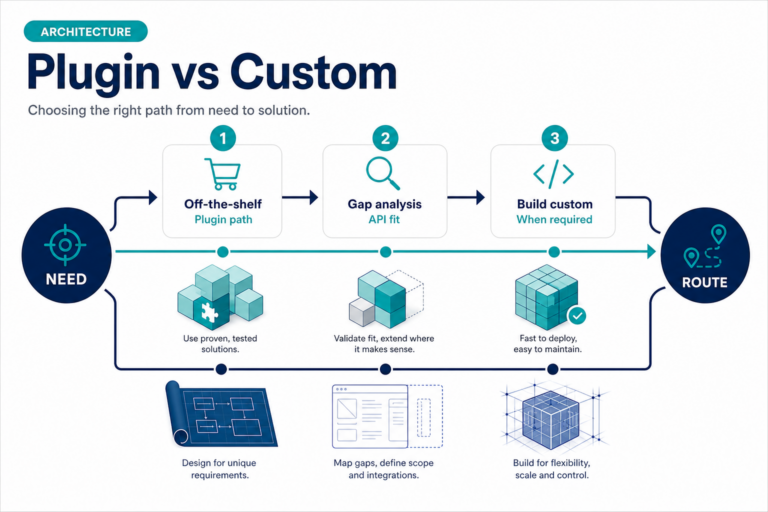
Custom PayWay work suits headless checkout or PayWay features not documented on the product page. Standard Woo catalog checkout typically lands on a maintained PayWay plugin faster.
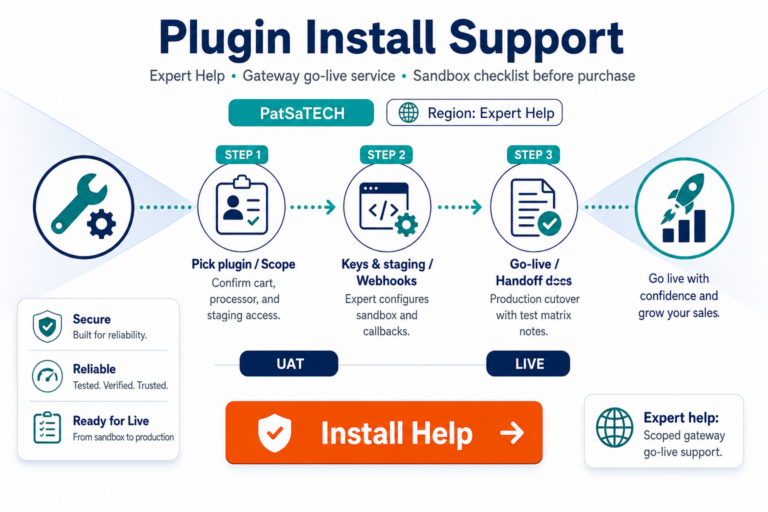
Help: Plugin installation support
5. Honest expectations
Plugins do not guarantee authorization rates or PCI certification. Scope depends on whether checkout is hosted, redirect, or direct—PCI scope plain English. Test with how to test your payment gateway like a pro before scaling campaigns.
Also compare regional options in India vs global gateways if you operate multi-region—not as a PayWay substitute, but for portfolio planning.
FAQ
Is PayWay the same as eWay?
No—different processors. eWay merchants should use eWay Rapid 3.0 for WooCommerce; PayWay merchants use PayWay API Westpac.
WooCommerce Subscriptions?
Verify tokenization on the product page; sandbox-test renewals.
Sandbox credentials?
Obtain from Westpac/PayWay onboarding—confirm before purchase.
Where to buy?
PayWay API Westpac Gateway for WooCommerce.
Custom integration instead?
Custom payment gateway integration when product docs do not cover your flow.
Related reading
- PayWay API Westpac Gateway for WooCommerce — product page
- Payment gateway plugin vs custom integration
- Digital wallets on WooCommerce
- WooCommerce payment gateways hub
- eWay Rapid 3.0 for WooCommerce (alternative AU gateway)
- Contact PatSaTECH