Introduction
- Introduction
- Quick answer
- 1. Gateway and processor prerequisites
- 2. HTTPS, mixed content, and secure context
- 3. Domain verification (high level)
- 4. Blocks checkout vs classic
- 5. Customer experience: when wallets fail silently
- 6. Testing checklist
- 7. Operational cadence and regression risk
- FAQ
- Related reading
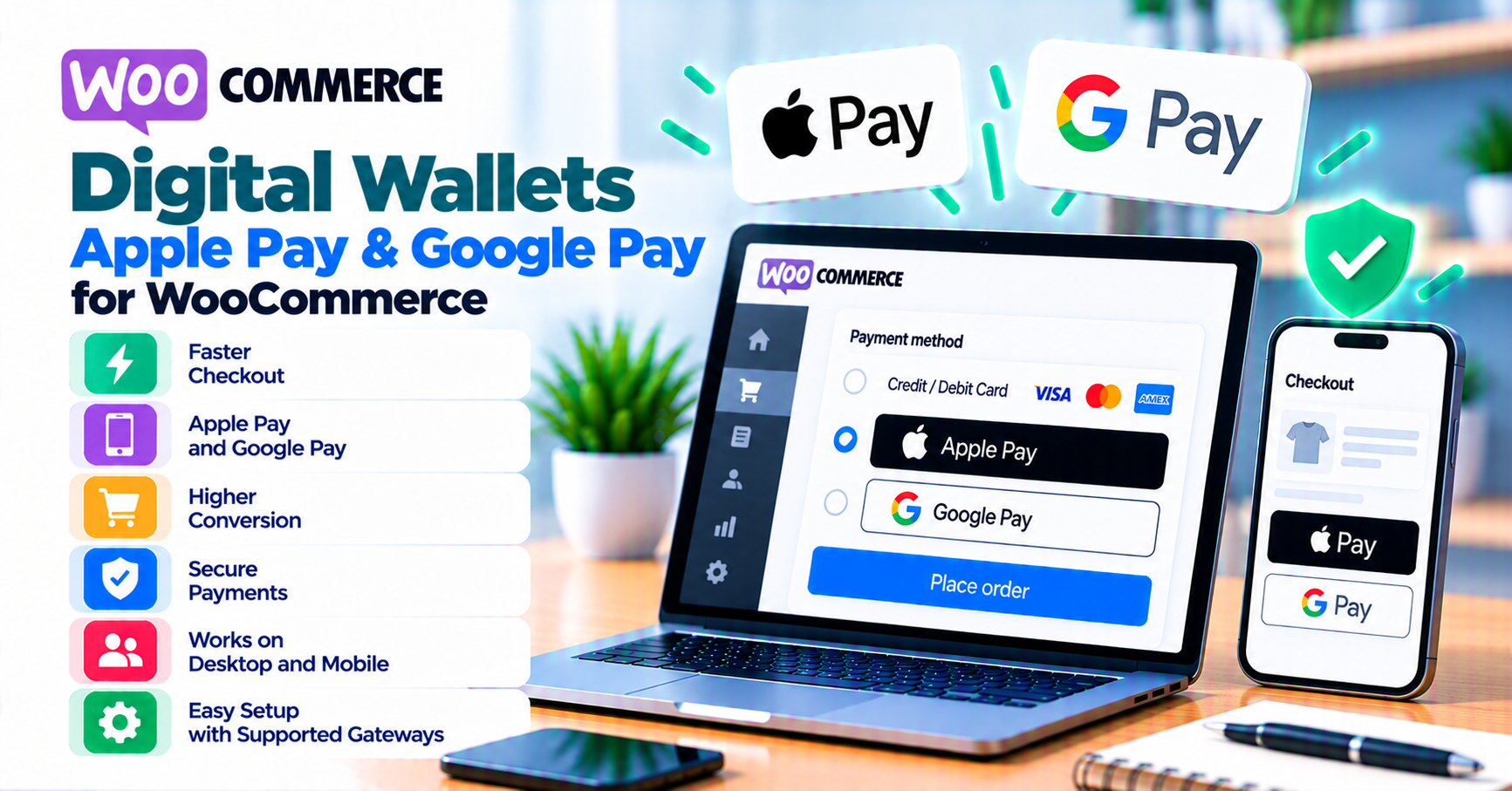
Apple Pay, Google Pay, and similar digital wallets can reduce friction at checkout and lift mobile conversion—when HTTPS, domain verification, gateway configuration, and checkout surface (classic vs Blocks) all align. Merchants frequently enable wallets in the processor portal and still see grayed-out buttons, missing express options, or cryptic errors because of mixed content, wrong merchant domain, unsupported checkout type, or incomplete Apple/Google registration steps.
This article is a merchant-facing verification list for WooCommerce. It does not replace processor documentation—your acquirer and gateway docs remain authoritative for country, currency, and product eligibility.
For SSL remediation, start with insecure checkout and SSL on WooCommerce. For choosing extensions, use how to evaluate payment gateway plugins and buying a payment gateway plugin for WordPress.
Quick answer
Wallet flows usually require: HTTPS without mixed content, correct merchant domain association per Apple / Google rules (often coordinated through your processor), a gateway plugin that exposes wallet methods to your checkout type (classic vs Blocks), and successful 3-D Secure paths where the issuer requires them. Test on real iPhone and Android hardware with sandbox cards—desktop-only testing misses a large share of wallet issues.
1. Gateway and processor prerequisites
Not every processor + gateway plugin combination exposes Apple Pay or Google Pay to WooCommerce, and availability varies by region, MCC, and product.
Confirm before you promise wallets in marketing:
- Wallets are enabled in the processor dashboard for your merchant account / MID.
- Your plugin version explicitly lists wallet support for your WooCommerce major version and checkout mode.
- Countries, currencies, and card brands match what Apple Pay / Google Pay support for your customer and merchant locations.
- Captures and refunds behave as your operations expect—wallets change UX, not your need for correct order and settlement records (chargebacks vs refunds).
2. HTTPS, mixed content, and secure context
Payment Request and wallet experiences expect a secure page. Mixed content—loading scripts, images, or iframes over HTTP on an HTTPS store—can prevent wallet APIs from initializing. Symptoms include missing buttons or console errors that support teams misattribute to “the gateway is down.”
Work through:
- Settings → General: WordPress Address and Site Address both https.
- Theme options and widgets: no hardcoded http:// assets.
- Reverse proxies (Cloudflare, etc.): Full (strict) SSL where applicable; do not cache checkout aggressively.
Deep dive: SSL and insecure checkout.
3. Domain verification (high level)
Apple and Google require domain association so wallets only activate on your site. Implementation is usually a hosted verification file, DNS record, or dashboard step—exactly as your processor documents. If verification fails, customers may see no wallet button or an error at click time.
Do not guess file paths from random tutorials; processor docs change. Re-verify after domain changes, staging vs production swaps, or www vs non-www canonical changes—misaligned hosts break verification silently.
4. Blocks checkout vs classic
If you use Checkout blocks, wallet support depends on whether your gateway integrates wallets with the block checkout and your Woo version. If wallets work on classic but not Blocks, you have a surface-area compatibility issue—see WooCommerce Blocks checkout and payment gateways.
5. Customer experience: when wallets fail silently
Poor wallet UX often shows up as: customer taps Apple Pay, sees a spinner, then returns to cart with no clear message. Support tickets spike.
Mitigations:
- Surface actionable errors where the gateway allows—without leaking raw processor codes to shoppers.
- Offer a fallback card flow on the same page.
- Log request IDs server-side for staff (webhook monitoring discipline).
For 3DS behavior and trust, read how 3-D Secure 2.0 improves customer trust.
6. Testing checklist
- [ ] Production-like HTTPS; no mixed content in devtools.
- [ ] iPhone Safari and Android Chrome with sandbox where supported.
- [ ] Guest and logged-in checkout.
- [ ] Confirm webhooks / async completion—wallets do not remove the need for reliable server-side payment state.
- [ ] Refund path from Woo admin (if supported) or documented portal fallback.
7. Operational cadence and regression risk
Digital wallets break in ways plain card fields often do not: mobile OS updates, browser privacy changes, processor dashboard edits, merchant domain or SSL renewals, and checkout refactors (classic → Blocks or theme swaps). Without an owner, teams discover wallet outages from customers, not monitoring.
Practical discipline:
- Re-run the testing checklist after major WooCommerce upgrades, payment plugin updates, or hosting TLS changes.
- Keep staging vs production verification explicit in runbooks—sandbox Apple/Google registration does not prove live domain state.
- Align support scripts with payment failure recovery so agents log request IDs instead of guessing.
- After cutovers or gateway migrations, wallets are a first-class smoke test alongside card—see migrating payment gateway on WooCommerce.
Treat wallet buttons as release QA, not a one-time checkbox.
FAQ
Why do wallets work in sandbox but not live?
Often domain verification, live MID settings, or keys—re-check mode and credentials (common gateway mistakes).
Do wallets reduce fraud?
They can improve authentication UX; they are not a fraud strategy alone—layer real-time fraud tools where appropriate.
Should every store enable wallets?
Only if supported and tested—bad wallet UX damages trust more than no wallet button.