Introduction
- Introduction
- 1. Pre-purchase: Worldpay credential pack
- 2. Purchase steps
- 3. Staging configuration
- 4. Enterprise sandbox matrix
- 5. Production cutover
- 6. When to involve PatSaTECH services
- 7. Common Worldpay + GF deployment mistakes
- 8. Credential and compliance handoff
- 9. Enterprise staging sign-off gate
- FAQ
- Related reading
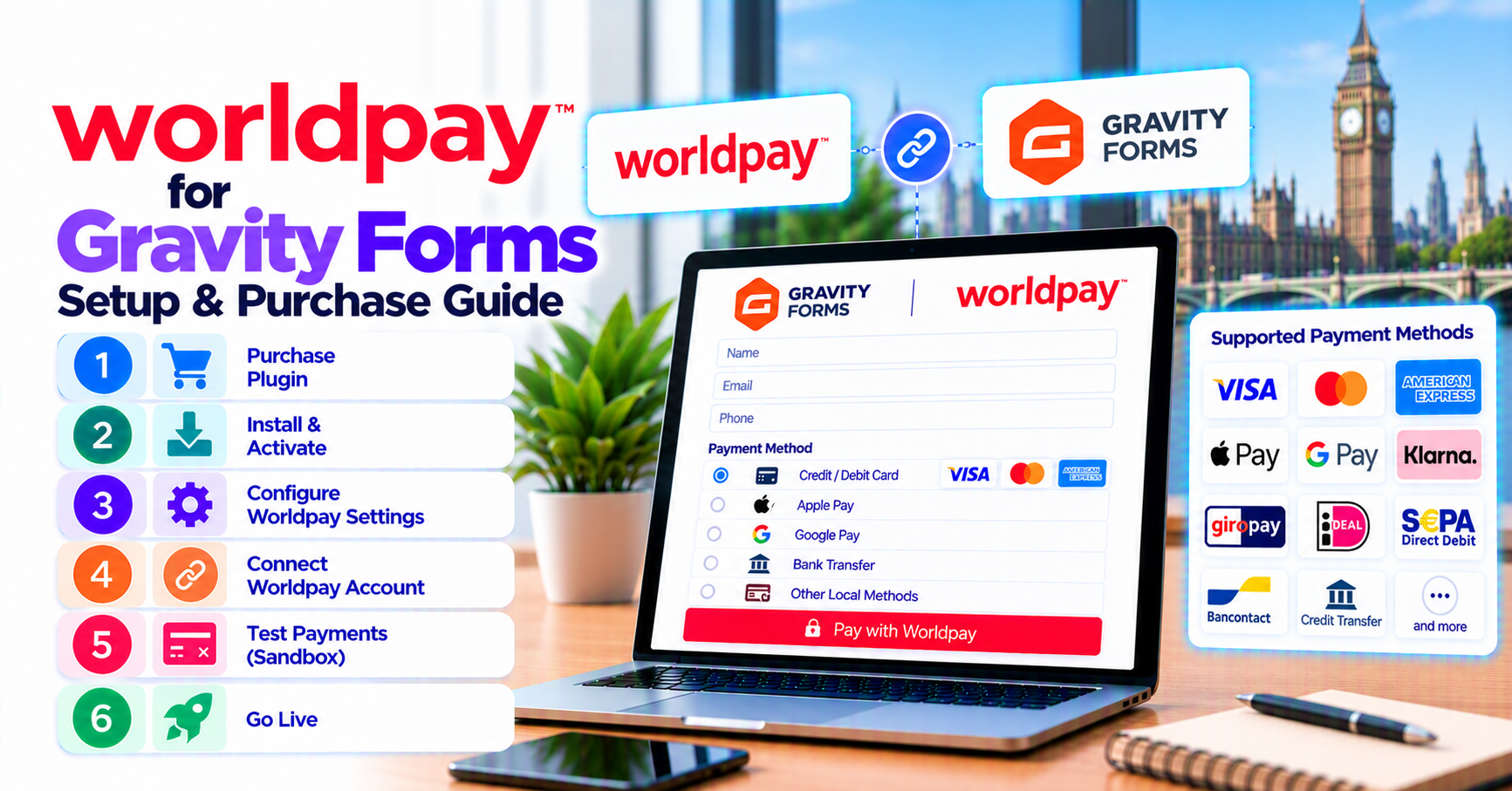
Enterprise teams ready to purchase and deploy Worldpay on Gravity Forms should follow this checklist. Commercial context: why buy Worldpay for Gravity Forms. If Worldpay is not yet approved internally, pause and use choosing a Gravity Forms payment add-on while procurement finishes.
Budget two staging cycles: first for functional payments, second for 3DS and notification replay after your SI adjusts Worldpay-side URLs—then purchase Worldpay for Gravity Forms if not already licensed.
1. Pre-purchase: Worldpay credential pack
Your SI or Worldpay portal should supply:
| Credential | Test + Live |
|---|---|
| Merchant ID / installation ID | Both |
| API credentials per integration guide | Both |
| Payment URL or endpoint config | Document |
| Webhook/notification endpoints | HTTPS required |
Confirm the PatSaTECH plugin version matches your Worldpay product—see how to evaluate payment gateway plugins if docs are ambiguous.
2. Purchase steps
- Worldpay for Gravity Forms → complete checkout.
- Retain license for updates.
- Install on staging isolated from production keys.
- Bundle plugin installation support for fixed compliance dates.
Review buying a payment gateway plugin for WordPress for renewal policy.
3. Staging configuration
- Activate plugin; enter test credentials.
- Configure Worldpay callback/notification URLs as documented.
- Form → Worldpay feed: line items, totals, confirmation/failure pages.
- Align form currency with Worldpay merchant currency setup—see international payments and currency for display vs settlement concepts.
Hosted flow notes: comparing hosted vs integrated gateways.
4. Enterprise sandbox matrix
| Test | Pass |
|---|---|
| Approved transaction | Entry Paid + Worldpay reference |
| Declined / insufficient funds | Correct failure UX |
| 3-D Secure challenge (if enabled) | Completes without duplicate charge |
| Abandoned redirect | Entry state documented |
| Multi-page conditional pricing | Amount match |
Apply how to test your payment gateway like a pro. Never store PAN in logs—PCI-safe logging.
Subscriptions: Gravity Forms recurring payments.
5. Production cutover
- Production credentials only after sign-off.
- Update live notification URLs.
- Low-value live transaction; finance verifies settlement.
- 48-hour monitoring—webhook monitoring practices.
Sibling products: Gravity Forms payment gateways hub.
6. When to involve PatSaTECH services
- Multi-form global rollout
- SI needs handoff documentation—agency go-live runbook template
- Requirements exceed catalog → get a quote
7. Common Worldpay + GF deployment mistakes
| Mistake | Risk |
|---|---|
| Wrong integration guide assumption | Charges fail silently in UAT |
| 3DS untested on mobile | Abandonment spikes at launch |
| Form total edits without retest | Over/under charging |
| No webhook monitoring | Pending entries accumulate |
| Skipped license renewal | Blocked upgrade during audit season |
Review safe payment gateway plugin updates before applying GF or plugin updates in production.
8. Credential and compliance handoff
Deliver redacted runbooks to compliance: where keys live, who approves production promotion, which pages are in PCI scope. Even hosted flows require governance—PCI scope in plain English helps non-technical stakeholders.
Complete purchase at Worldpay for Gravity Forms.
9. Enterprise staging sign-off gate
No production keys until: 3DS mobile test passed, webhook replay documented, GF feed JSON exported, finance signed settlement reconciliation SOP, and compliance acknowledged hosted-flow PCI boundaries per PCI scope in plain English.
Loop your SI into the sign-off call so Worldpay-side notification URLs and WordPress plugin URLs stay synchronized—split ownership is the top enterprise failure mode.
FAQ
Official purchase URL?
Worldpay for Gravity Forms.
WooCommerce Worldpay plugin instead?
Wrong platform—use GF SKU for forms.
Who owns Worldpay contract?
Your organization—PatSaTECH delivers WordPress integration.
Installation help?
Plugin installation support at checkout.
SI vs in-house setup?
Systems integrators often handle Worldpay keys; PatSaTECH configures the WordPress plugin layer—define boundaries in your statement of work.
Multi-currency forms?
Each form should present a currency Worldpay accepts on your merchant profile—test every currency on staging.
Disaster recovery?
Export GF feed JSON and store redacted credential map offline so rebuilds do not require rediscovering Worldpay installation IDs.
Load testing?
High-volume membership intakes should stress staging with concurrent submissions before enterprise launch windows.
Plugin + SI versioning?
Pin Worldpay integration guide version in change control when either side updates notification URLs.
Related reading
- Worldpay for Gravity Forms — buy now
- Why buy Worldpay for Gravity Forms
- Choosing a Gravity Forms payment add-on
- Payment gateway plugin vs custom integration
- When to buy plugin installation support