Introduction
Installing a payment gateway plugin sounds like a few clicks. In production, it is a systems task: TLS, webhooks, currency, cache exclusions, and refund paths must line up—or orders sit in the wrong status while customers see success screens.
This article helps buyers decide whether to purchase professional setup or allocate internal time. It is not a sales pitch; it is a risk framing that matches how agencies scope work.
Timeline tip: If your launch is less than two weeks away and nobody on the team has done a live gateway cutover before, assume unknown unknowns—book installation or agency time early, not the night before traffic spikes.
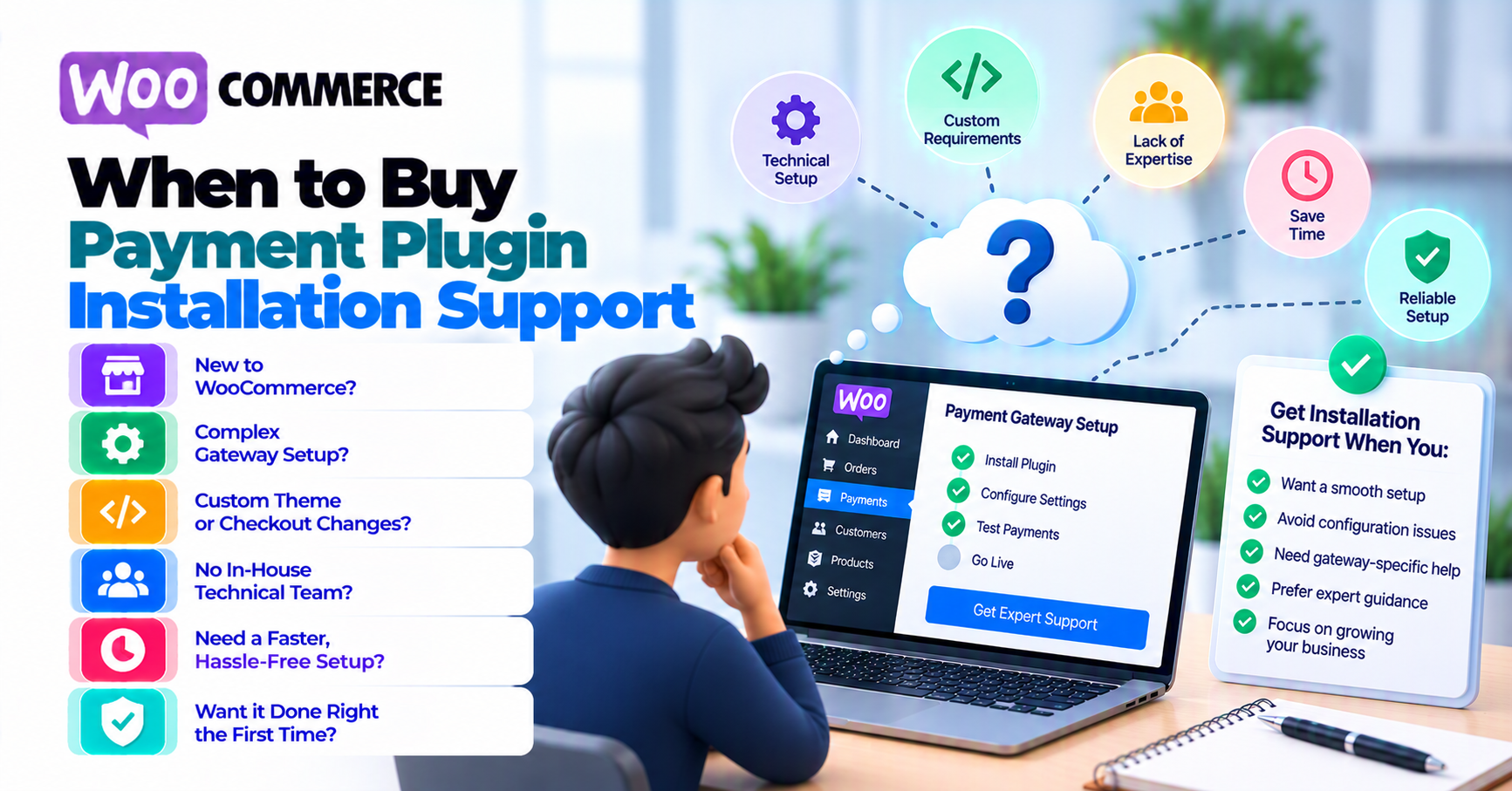
Signals you should not DIY live payments alone
- First time taking cards on this domain—no prior sandbox discipline.
- Subscriptions or tokenized rebills without a written test matrix.
- Headless, multi-site, or custom checkout that shares webhooks with another system.
- Compliance pressure (new MCC, new region) with a hard deadline.
- Past incidents with mixed content, malware, or SEO plugins breaking checkout—stabilize SSL first (insecure checkout fixes).
What professional installation typically includes (conceptually)
Offerings vary by vendor; generally expect:
- Staging validation before touching production.
- Credential placement and mode (sandbox vs live) verification.
- Webhook URL registration guidance and a smoke test payment.
- Handoff notes for who rotates keys and who monitors logs.
It does not replace your relationship with the acquirer or your PCI responsibilities—see how to evaluate payment gateway plugins for scope clarity.
DIY checklist (if you skip paid install)
- [ ] Full sandbox run: success, decline, refund, browser closed during redirect.
- [ ] Webhook receipt confirmed in logs or order notes (webhook monitoring).
- [ ] Cache and security plugins configured to not break checkout.
- [ ] Rollback plan documented.
What professional installation usually does not include
Clarify scope before purchase so you are not surprised after handoff:
- Processor underwriting or merchant account approval with your bank.
- Legal advice on PCI scope—merchants should use acquirer / PCI SSC guidance for obligations.
- Ongoing 24/7 monitoring unless you buy a retainer or monitoring package explicitly.
- Theme customization unrelated to payment UX—unless scoped separately.
If your need is mostly custom business logic (marketplaces, split payouts), installation is the wrong SKU—see custom payment gateway integration.
When custom integration is the better purchase
If no plugin fits your processor or marketplace model, buying installation for the wrong product wastes time. Escalate to custom payment gateway integration and get a quote with API documentation.
FAQ
Is installation support the same as ongoing retainer?
Usually no—confirm hours, channels, and post-handoff boundaries in writing.
Can PatSaTECH install non–PatSaTECH plugins?
Ask at contact with your processor and cart—scope depends on compatibility and risk.
How is this different from hiring a freelancer for “a day”?
Freelancers can be great—installation from a gateway-focused vendor should include payment-specific smoke tests and webhook validation, not only “plugin activated.” Compare deliverables, not only hourly rate.
Should I buy installation before or after I buy the plugin?
Usually after you know which processor and plugin you are committing to—otherwise scope changes force rework.
Related reading
- Buying a payment gateway plugin for WordPress
- Plugin vs custom integration
- Common WooCommerce gateway mistakes