Introduction
- Introduction
- 1. Before you purchase: credential checklist
- 2. Purchase and license
- 3. Install and map the payment feed
- 4. Sandbox test matrix (non-negotiable)
- 5. Go-live and first-week monitoring
- 6. When to escalate to professional setup
- 7. Common Moneris Checkout + GF mistakes
- 8. Post-launch monitoring
- FAQ
- Related reading
You have the Moneris contract. Gravity Forms is built. The remaining work is connecting them without turning launch week into a webhook fire drill. This guide is the transactional companion to why buy Moneris Checkout for Gravity Forms—it tells you what to configure, what to test, and where to complete purchase.
If you have not yet validated processor fit, start with choosing a Gravity Forms payment add-on and how to evaluate payment gateway plugins.
1. Before you purchase: credential checklist
Gather from Moneris Merchant Resource Center (or your implementer):
| Item | Why it matters |
|---|---|
| Checkout enabled on MID | Wrong product = wrong plugin |
| Store ID and Checkout ID | Required for hosted session creation |
| Sandbox equivalents | Pre-live testing without touching live money |
| Webhook / notification URL allowance | Async completion when users close the tab |
Compare against the product page for Moneris Checkout for Gravity Forms—if any row is unknown, ask Moneris support before checkout.
2. Purchase and license
- Open Moneris Checkout for Gravity Forms.
- Add to cart; complete checkout on PatSaTECH.
- Download the zip from your account; note license key and renewal terms—see buying a payment gateway plugin for WordPress for renewal risk.
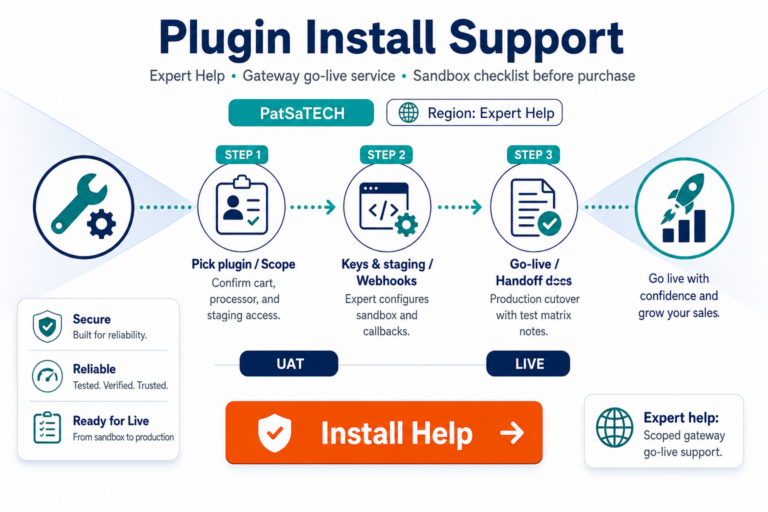
- Optionally add plugin installation support for scoped staging setup.
Browse sibling integrations in Gravity Forms payment gateways if you operate multiple form stacks.
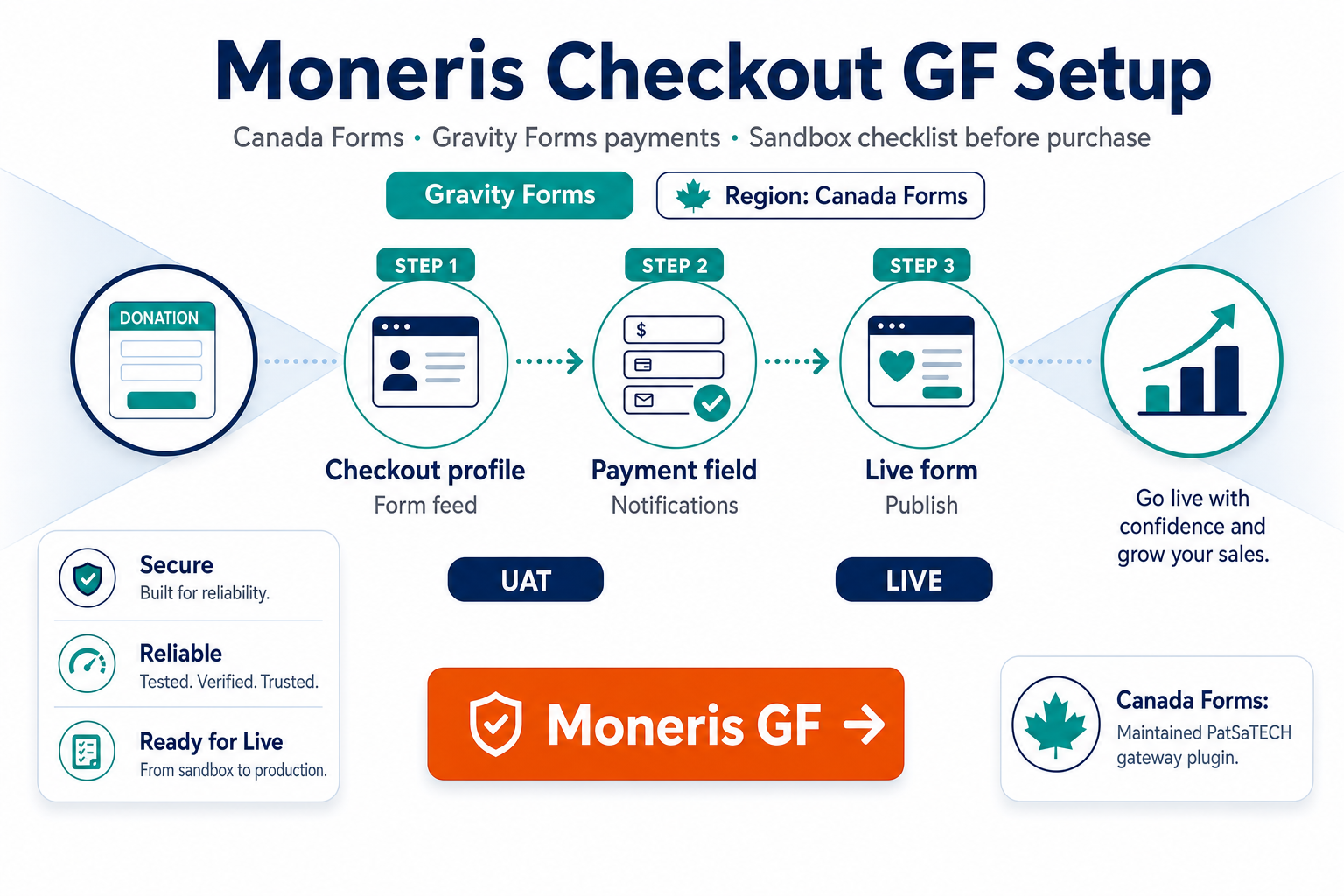
3. Install and map the payment feed
On staging:
- Install and activate the PatSaTECH add-on.
- Enter sandbox credentials in Gravity Forms payment settings.
- Create or open your form; add a Product field or total logic your flow requires.
- Configure the Moneris Checkout feed: line item mapping, confirmation page, and entry payment status rules.
- Ensure SSL on the site URL customers see—redirect flows fail silently on mixed content.
For hosted-flow background, see hosted vs integrated payment gateways.
4. Sandbox test matrix (non-negotiable)
Do not go live after one successful $1 payment. Run:
| Test | Pass criteria |
|---|---|
| Approved transaction | Entry marked Paid; Moneris ID stored |
| Declined card | Entry stays Failed / actionable message |
| User abandons on Moneris page | No false Paid; webhook or polling behavior documented |
| Partial refund (if used) | Finance can reconcile in Moneris portal |
| Multi-page form with conditions | Total at payment step matches Moneris charge |
Use how to test your payment gateway like a pro as a cross-platform playbook. Log transaction IDs only—never PAN—per PCI-safe logging habits.
5. Go-live and first-week monitoring
- Replace sandbox keys with production store/checkout IDs.
- Submit one real low-value payment; verify settlement currency CAD matches expectations.
- Watch for webhook or return-url failures the first 48 hours—discipline from webhook monitoring for WooCommerce stores applies to form entries too.
- Document who may rotate keys and where refunds are initiated.
If you sell recurring donations, re-read Gravity Forms recurring payments and gateways before marketing autopay.
6. When to escalate to professional setup
Request plugin installation support or get a quote when:
- Forms use complex conditional totals or third-party CRM hooks on payment.
- You migrate from another gateway mid-season and must preserve entry history.
- Compliance requires a written go-live runbook—see agency payment gateway go-live runbook for agency-style delivery.
7. Common Moneris Checkout + GF mistakes
| Mistake | Symptom |
|---|---|
| eSELECTplus keys in Checkout plugin | Session creation fails |
| Staging uses live store ID | Unplanned live charges |
| No webhook/return test for abandon | False pending/paid states |
| Cache on confirmation page | Misleading success UI |
| License expired during GF upgrade | Checkout errors after update |
Troubleshooting patterns overlap woocommerce-common-payment-gateway-mistakes.
8. Post-launch monitoring
For the first 48 hours, review paid vs failed entries daily, spot-check Moneris portal totals against GF exports, and test Interac-eligible flows on mobile browsers.
Buy Moneris Checkout for Gravity Forms →
FAQ
Where do I buy the plugin?
Moneris Checkout for Gravity Forms on PatSaTECH—avoid third-party download sites.
Can I test without a license?
You need a valid license for supported updates; use sandbox credentials on staging after purchase.
What Gravity Forms license do I need?
A current Gravity Forms license with payment add-on support—confirm with Gravity Forms before purchase.
Does installation include Moneris merchant approval?
No. PatSaTECH configures the plugin; your Moneris contract remains between you and Moneris.
Related reading
- Moneris Checkout for Gravity Forms — buy now
- Why buy Moneris Checkout for Gravity Forms
- Buying a payment gateway plugin for WordPress
- Payment gateway webhooks — beginner’s guide
- When to buy plugin installation support