Introduction
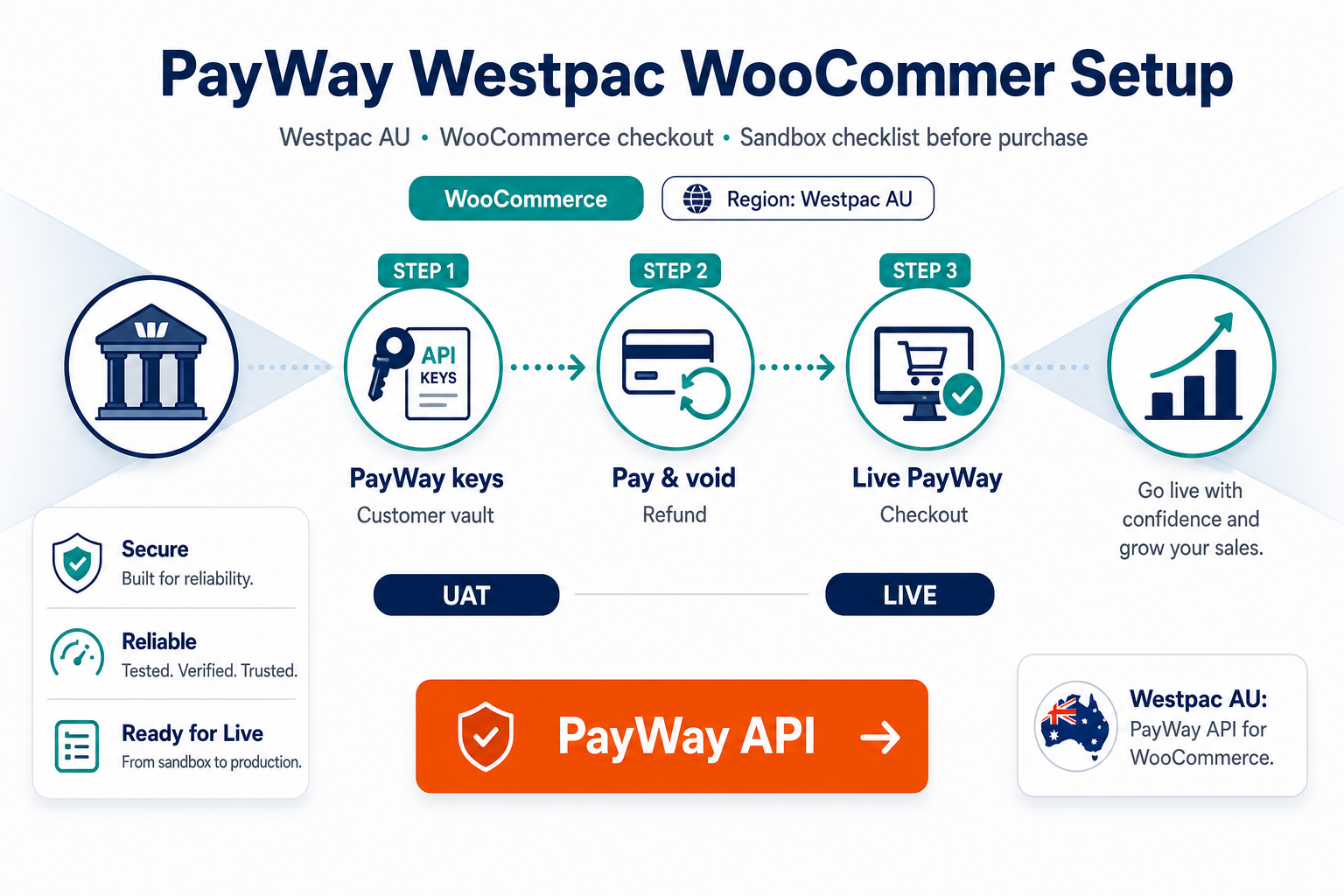
PayWay credentials arrive from Westpac onboarding; production WooCommerce checkout still demands staging discipline. This guide supports merchants ready to buy PatSaTECH's PayWay extension.
Pairs with why PayWay Westpac merchants should use a maintained plugin and buying a payment gateway plugin for WordPress.
Buy: PayWay API Westpac Gateway for WooCommerce · Setup: Plugin installation support
1. Pre-purchase checklist
| Item | Action |
|---|---|
| Boarding confirms PayWay API | Not unrelated Westpac products |
| Sandbox API credentials | From PayWay/Westpac portal |
| AUD settlement documented | Product page alignment |
| Tokenization needs (if subscriptions) | Product page features |
| WooCommerce + PHP within requirements | Before purchase |
| Valid SSL on checkout | No mixed content |
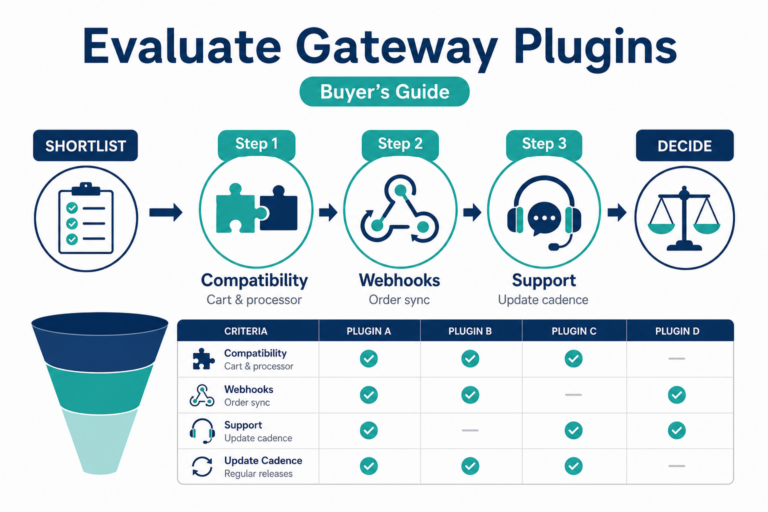
Also review how to evaluate payment gateway plugins and WooCommerce payment gateway integration checklist.
2. License and renewal expectations
- Annual license for updates/support—product page terms.
- Lapsed licenses leave live PayWay checkout on unmaintained code when Woo or PayWay updates.
- Plan renewals as operational spend—payment gateway TCO.
- Retest after Woo upgrades—safe plugin updates.
3. Sandbox test matrix
Run on staging with PayWay sandbox credentials:
| Test | Pass criteria |
|---|---|
| Approved sandbox payment | Expected order status |
| Decline | Safe failure UX |
| Customer abandons redirect/hosted step | Async completion |
| Partial refund in Woo admin | PayWay portal alignment |
| Full refund | Finance SOP |
| Saved card + renewal (if used) | Second charge succeeds |
References: how to test your payment gateway like a pro, staging vs production testing, PCI-safe logging.
4. Purchase and install workflow
- Checkout on PayWay API Westpac Gateway for WooCommerce.
- Download; install on staging.
- Configure WooCommerce → Settings → Payments with sandbox keys.
- Map order statuses—order status gateway mapping.
- Exclude checkout from cache—SSL insecure checkout fixes.
- Go live after matrix passes.
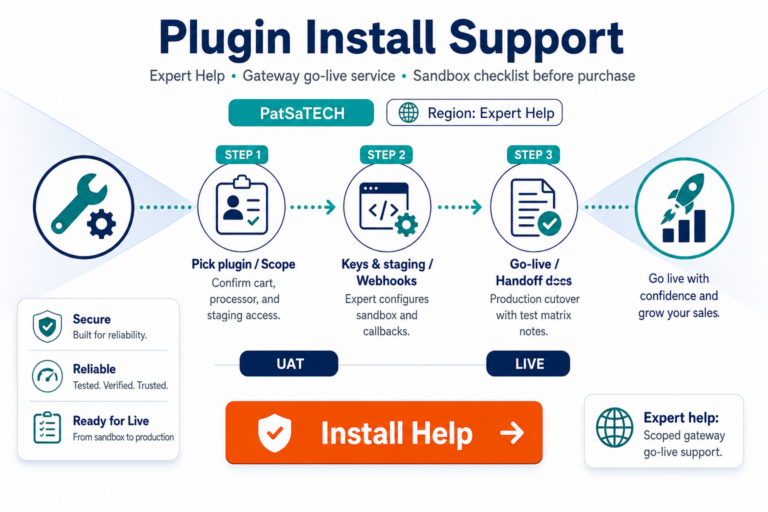
Optional: Plugin installation support.
5. Post-purchase
- Monitor callback failures—webhook monitoring.
- Align billing descriptors—billing descriptors.
- Train support on chargebacks vs refunds—chargebacks vs refunds.
- Migrating from another PayWay integration—migrating payment gateway on WooCommerce.
FAQ
Where do I buy the PayWay WooCommerce plugin?
PayWay API Westpac Gateway for WooCommerce.
PayWay vs eWay—which plugin?
PayWay → PatSaTECH PayWay product; eWay Rapid → eWay Rapid 3.0 for WooCommerce.
Guaranteed payment approvals?
No—technical integration only.
PCI compliance from plugin?
No—follow SAQ guidance—PCI scope plain English.
Professional setup?
Plugin installation support.
Related reading
- PayWay API Westpac Gateway for WooCommerce — product page
- Why PayWay Westpac merchants should use a maintained plugin
- WooCommerce payment gateways hub
- When to buy plugin installation support
- Payment failure recovery
- Contact PatSaTECH