Introduction
Canadian Moneris onboarding supplies credentials quickly; production WooCommerce checkout requires disciplined staging work. This guide is for buyers ready to purchase PatSaTECH's CA eSELECTplus extension.
Pairs with why Moneris CA merchants should use a maintained plugin and buying a payment gateway plugin for WordPress.
Buy: Moneris CA eSELECTplus Gateway for WooCommerce · Setup: Plugin installation support
1. Pre-purchase checklist
| Item | Verify |
|---|---|
| Canadian Moneris eSELECTplus MID | Not US product |
| Sandbox store ID + API token | From Moneris CA onboarding |
| CAD settlement plan | Product page alignment |
| Checkout mode (hosted/direct) | Matches boarding |
| WooCommerce + PHP versions | Product requirements |
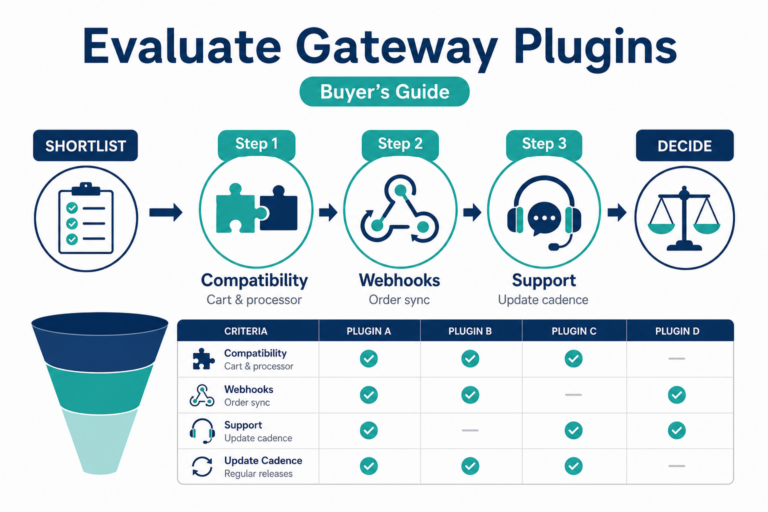
Also review how to evaluate payment gateway plugins and WooCommerce payment gateway integration checklist.
2. License and renewal expectations
- Annual license for updates/support—product page terms.
- Lapsed licenses risk unmaintained live checkout when Moneris or Woo updates APIs.
- Treat renewals as operational spend—payment gateway TCO.
- Before major Woo upgrades, retest on staging—safe plugin updates.
3. Sandbox test matrix
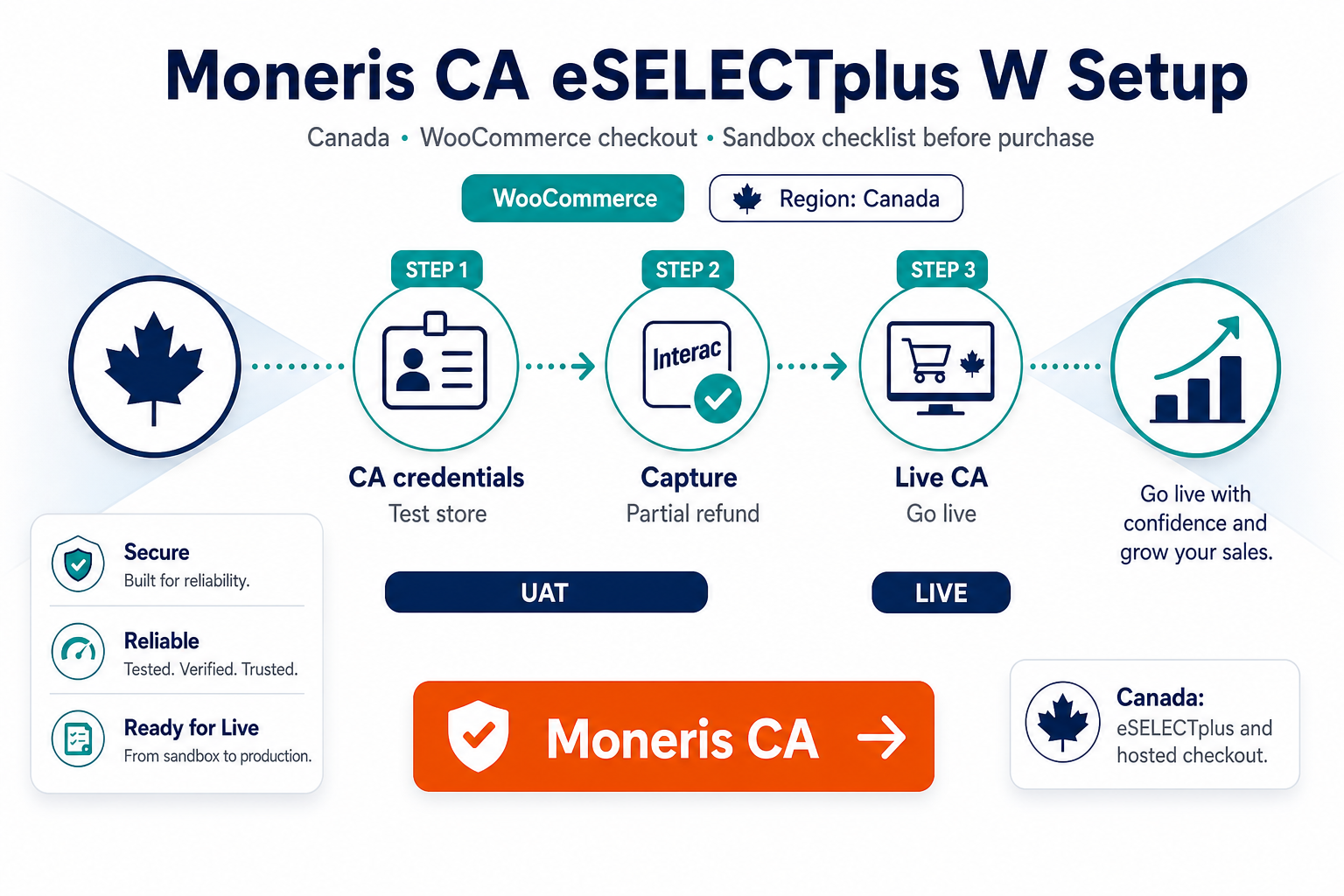
Execute on staging with Moneris test credentials:
| Test | Pass criteria |
|---|---|
| Approved test transaction | Expected paid/processing state |
| Decline | Clear failure UX |
| 3DS / hosted step (if used) | Mobile + desktop |
| Abandoned checkout mid-flow | Async completion correct |
| Partial refund in Woo admin | Moneris portal alignment |
| Full refund / void | Finance SOP documented |
References: how to test your payment gateway like a pro, staging vs production testing, PCI-safe logging.
4. Purchase and install workflow
- Checkout on Moneris CA eSELECTplus Gateway for WooCommerce.
- Download; install on staging.
- Configure WooCommerce → Settings → Payments with sandbox credentials.
- Map order statuses—order status gateway mapping.
- Exclude checkout from cache—SSL insecure checkout fixes.
- Go live after matrix passes during low-traffic window.
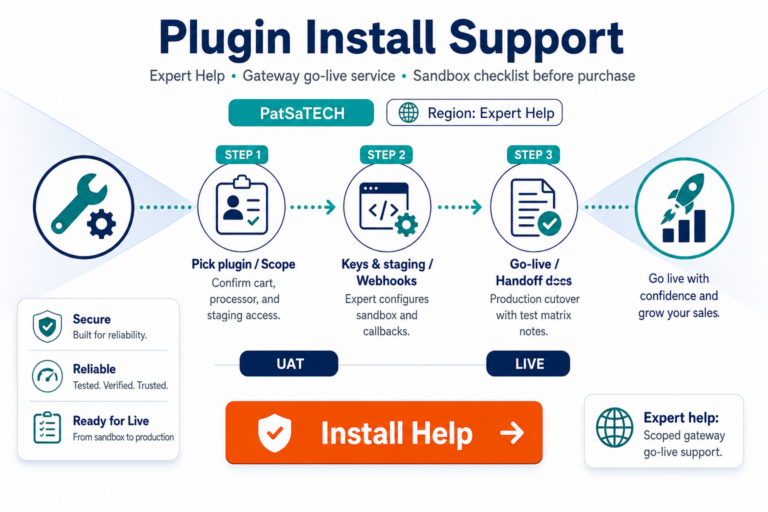
Optional: Plugin installation support.
5. Post-purchase
- Enable monitoring for async failures—webhook monitoring.
- Train support on chargebacks vs refunds—chargebacks vs refunds.
- Multi-region agencies: keep CA vs US plugins separate per store.
- Migration path—migrating payment gateway on WooCommerce.
FAQ
Where to purchase?
Moneris CA eSELECTplus Gateway for WooCommerce.
US Moneris store—wrong plugin?
Use Moneris US eSELECTplus instead.
Approval guarantees?
No—plugin provides technical integration; issuers decide approvals.
PCI compliance from plugin alone?
No—follow SAQ guidance—PCI scope plain English.
Professional installation?
Plugin installation support.
Related reading
- Moneris CA eSELECTplus Gateway for WooCommerce — product page
- Why Moneris CA merchants should use a maintained plugin
- WooCommerce payment gateways hub
- B2B invoicing vs card checkout
- Agency go-live runbook
- Contact PatSaTECH