Introduction
- Introduction
- 1. Match the plugin to your processor contract
- 2. Understand checkout type and PCI scope
- 3. Webhooks, IPNs, and order state
- 4. Compatibility and “tested up to” honesty
- 5. Support and maintenance signals
- 6. Security hygiene beyond marketing badges
- 7. When a plugin is the wrong tool
- Summary table
- Scorecard you can reuse internally
- Next steps
- Related reading
- About PatSaTECH
A payment gateway plugin is not a commodity download. It sits between your customer’s card network, your processor’s API, and your cart’s order lifecycle. The wrong choice shows up as silent webhook failures, partial captures that never reconcile, or checkout breaks the day after a WooCommerce update.
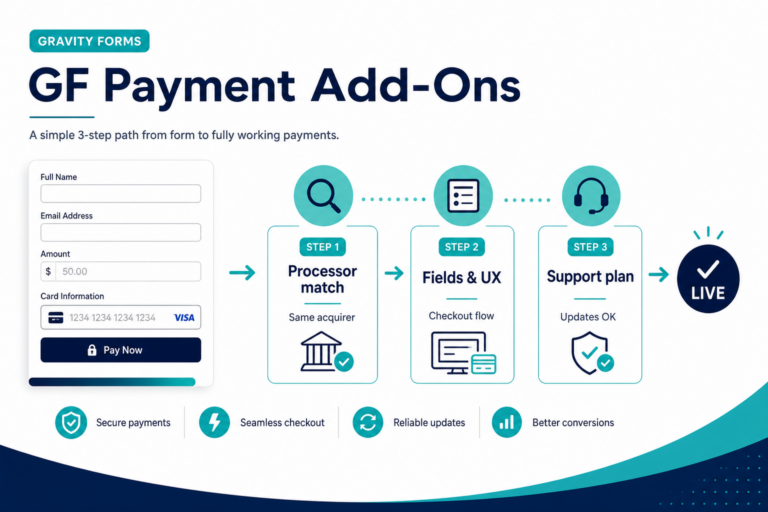
This guide gives you a vendor-neutral evaluation framework. Use it when comparing plugins in any marketplace—including extensions built and maintained by teams like ours at PatSaTECH, where we have focused on gateway integrations since 2011. When you are ready to shortlist concrete products, start from our WooCommerce payment gateway category or custom payment gateway integration if no off-the-shelf plugin fits.
1. Match the plugin to your processor contract
Plugins are not interchangeable between acquirers. A “Stripe-style” mental model does not transfer to every regional bank API.
Checklist
- Does the plugin explicitly list your processor name and product (e.g. hosted checkout vs direct API)?
- Does it support your countries, currencies, and capture model (auth + capture vs sale)?
- If you use subscriptions or saved cards, does the plugin map to the processor’s tokenization model?
If documentation is vague, assume higher implementation risk. Official processor integration guides remain the source of truth; the plugin should align with those flows, not invent parallel behavior.
Authority note: PCI expectations for merchants are described by the PCI Security Standards Council (merchant responsibility varies by how you take payments).
2. Understand checkout type and PCI scope
Rough buckets:
- Hosted / redirect: Card data is collected on the processor’s domain or iframe; often narrower merchant PCI scope when implemented correctly.
- Integrated / on-site fields: More UX control; often broader scope unless you use certified hosted fields.
A serious plugin description states which pattern it implements and what the merchant must configure (keys, webhooks, allowed domains). If a listing only says “secure checkout” without explaining where card data touches your origin, keep looking.
For background on merchant responsibilities, your acquirer and the PCI SSC materials apply—not blog opinion.
3. Webhooks, IPNs, and order state
Modern stacks rely on asynchronous notifications when captures, refunds, or disputes finalize. Your WooCommerce order status should not depend only on the customer’s browser returning to the “thank you” page.
Evaluate
- Does the plugin document which events it handles (payment captured, refund, void)?
- Is there guidance on retry behavior and duplicate deliveries (idempotency)?
- Are logs or order notes written in a way your staff can audit during a dispute week?
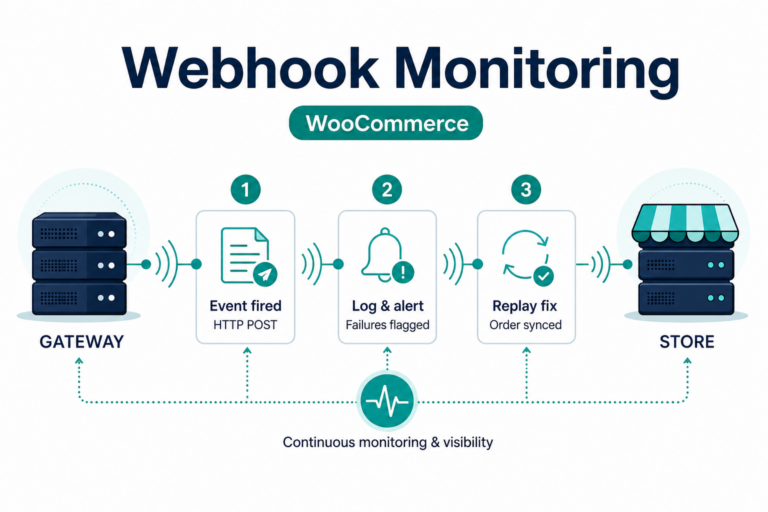
Plugins that treat webhooks as optional are fragile at scale. For a deeper operational angle, see our article on webhook monitoring for WooCommerce (adjust the URL to match your published slug).
4. Compatibility and “tested up to” honesty
Gateway plugins couple to:
- WooCommerce major versions and checkout hooks
- PHP version on your host
- Sometimes Blocks checkout vs classic shortcode checkout
Prefer listings that state tested versions and a changelog cadence. “Works with WooCommerce” without a version range is not a compatibility promise.
The WooCommerce documentation remains the canonical reference for store owner and developer expectations.
5. Support and maintenance signals
Payment APIs change. A plugin that has not updated in years is a liability.
Look for
- Changelog entries tied to gateway API changes
- Clear support channel (ticket system, email, scope of help)
- Refund policy aligned with software you cannot “return” like physical goods—see our refund policy as an example of transparent terms
Experience signal: Teams that only sell plugins but never publish how they test sandboxes or handle processor deprecations are harder to trust than teams that document upgrade paths.
6. Security hygiene beyond marketing badges
Trust is not a padlock icon alone.
- Prefer plugins distributed from known sources (vendor site, Woo marketplace) with verifiable update channels.
- Never paste gateway secrets into public forums or tickets; redact logs.
- After installation, confirm TLS is enforced on checkout and admin.
If your site was compromised in the past, fix root cause before trusting new payment code—see WordPress malware removal when relevant.
7. When a plugin is the wrong tool
You may need custom integration if:
- Your processor exposes a private or regional API without a maintained extension.
- You run multi-vendor payouts, marketplace splits, or non-standard order objects.
- You need headless or decoupled checkout where WooCommerce is not the system of record for payment state.
In those cases, scope work with documented APIs and test plans—our custom payment gateway integration page describes how we approach discovery.
Summary table
| Criterion | Question to ask |
|---|---|
| Processor fit | Is my exact processor + product supported? |
| Checkout model | Hosted vs integrated—do I understand PCI implications? |
| Webhooks | Are async events first-class, not an afterthought? |
| Compatibility | Version ranges stated for Woo + PHP? |
| Maintenance | Recent changelog tied to real API changes? |
| Support | Clear scope and channel? |
Scorecard you can reuse internally
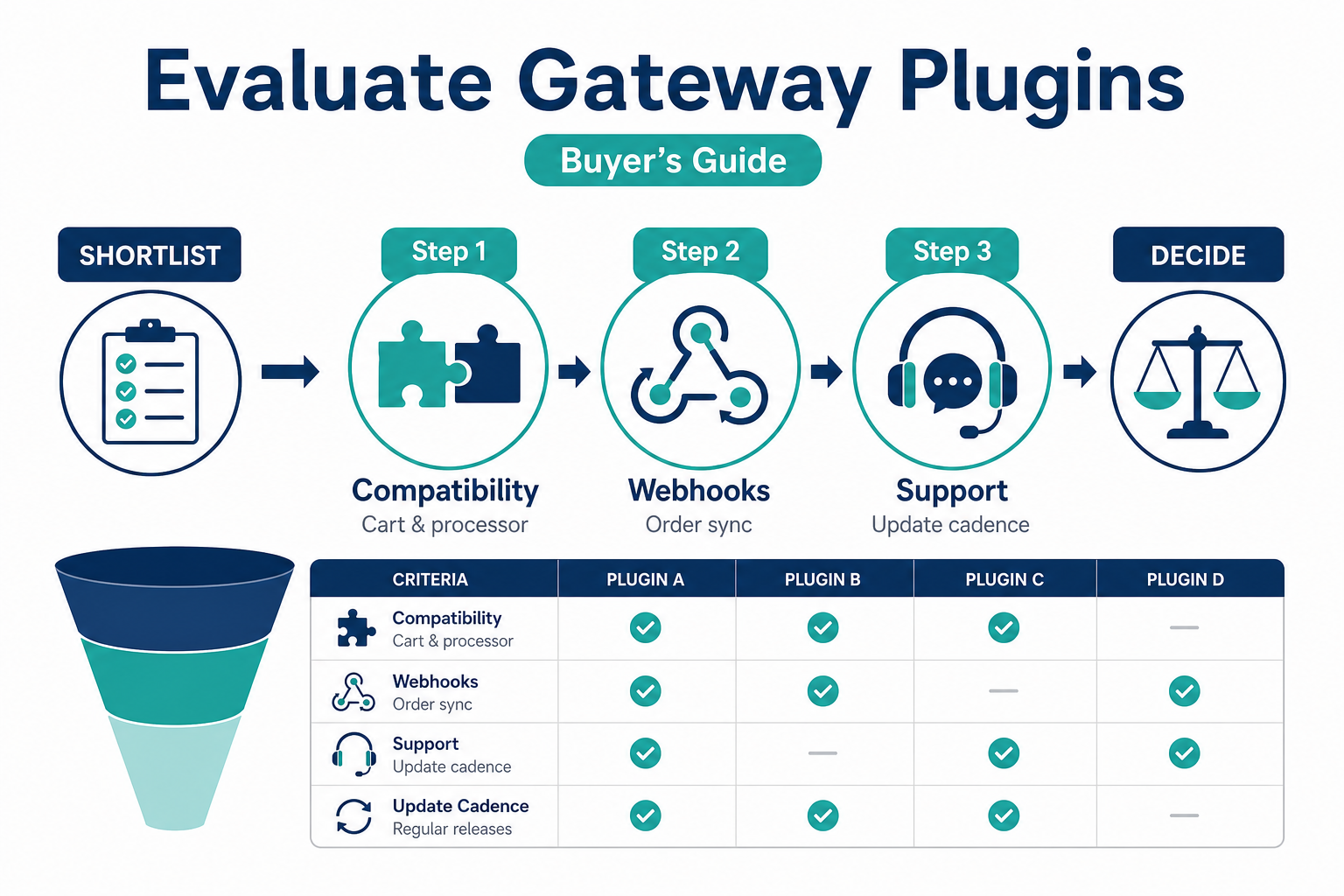
Rate each candidate plugin 1–5 on: processor fit, webhook clarity, changelog cadence, support transparency, compatibility disclosure. Anything below 3 in webhook clarity is a red flag for stores doing material volume—async failures are harder to debug than visual checkout bugs.
Compare shortlist results against your non-functional requirements: P95 checkout latency expectations, dispute tooling, and whether subscriptions are in scope (subscriptions article). Keep notes in the same place your team tracks incidents so evaluation survives staff turnover.
Next steps
- Shortlist plugins that pass sections 1–3 without hand-waving.
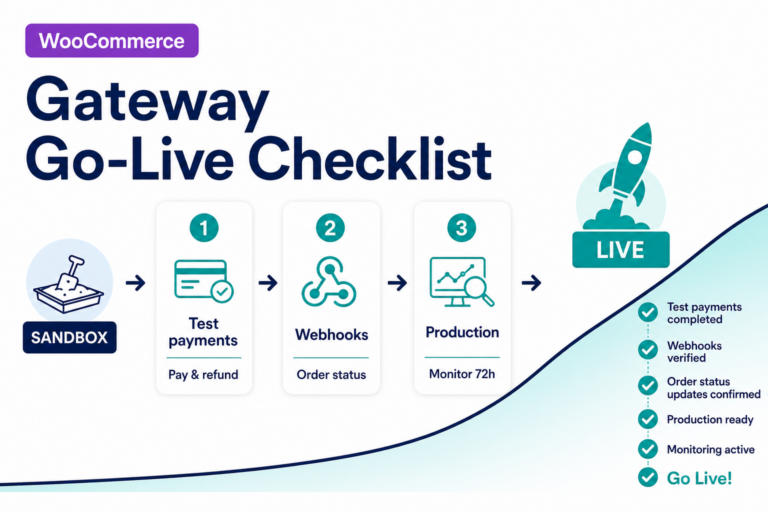
- Run sandbox tests for success, decline, timeout, refund—use our payment gateway testing checklist mindset alongside this article.
- If you standardize on WooCommerce, browse payment gateway plugins for WooCommerce and filter by your processor.
If you are ready to purchase, use the pre-checkout checklist in buying a payment gateway plugin for WordPress.
Related reading
- WooCommerce payment gateway integration checklist
- Buying a payment gateway plugin for WordPress
- Payment gateway plugin vs custom integration
- Webhook monitoring for WooCommerce
- Payment gateway glossary
About PatSaTECH
PatSaTECH builds and maintains payment gateway plugins for WooCommerce, Gravity Forms, Easy Digital Downloads, and other carts, and delivers custom integrations when catalog plugins do not fit. Since 2011, we have focused on integrations that survive processor changes—not demo screens that work once.