Introduction
Ready to purchase and configure PayTabs on Gravity Forms? This guide covers credentials, feeds, and testing. Background: why buy PayTabs for Gravity Forms.
Gulf clients often run parallel Arabic and English form variants—test both confirmation URLs against the same PayTabs profile before go-live, and buy PayTabs for Gravity Forms from PatSaTECH so updates stay tied to one vendor account.
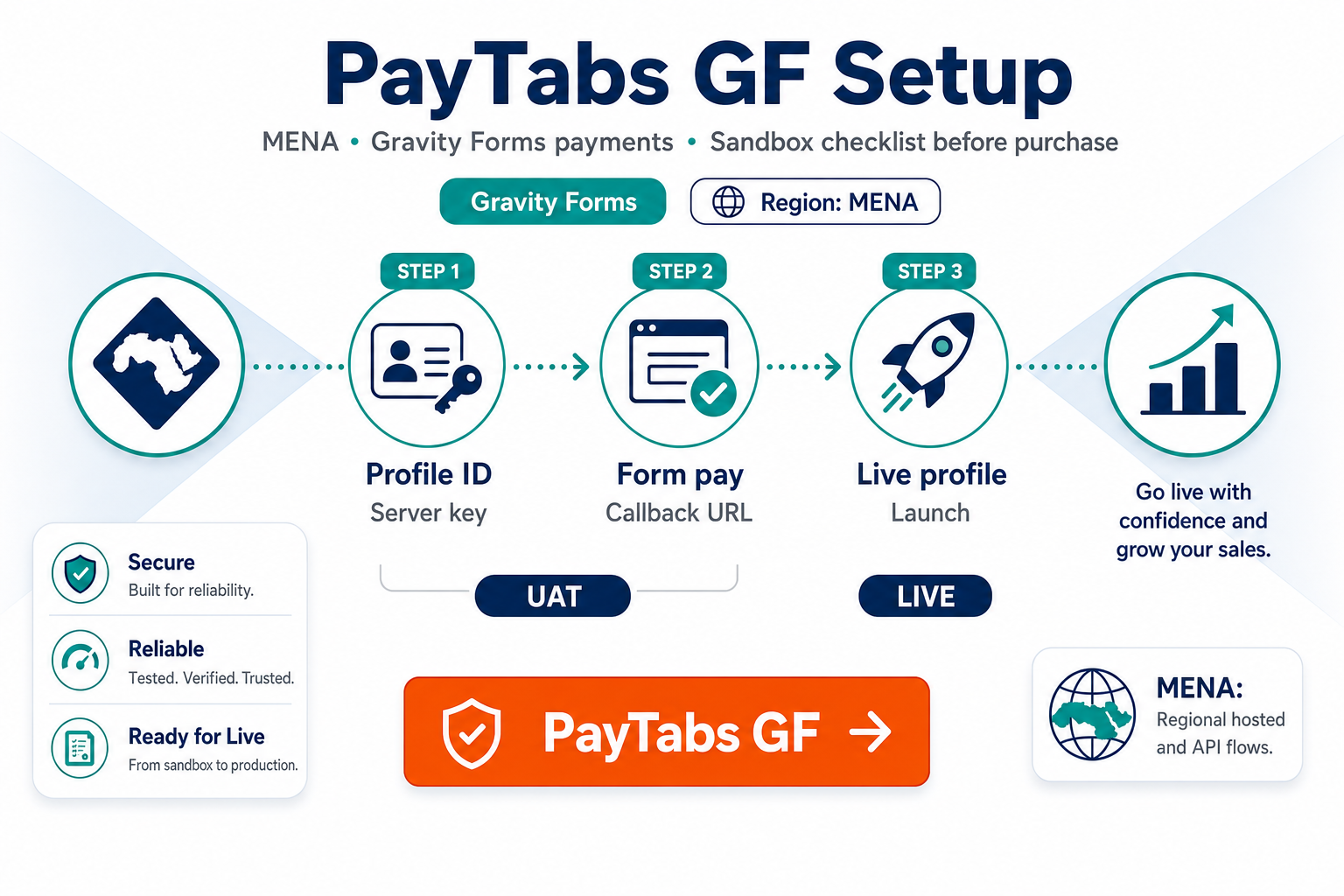
1. Pre-purchase credentials
| Field | Notes |
|---|---|
| Profile ID | Test + Live |
| Server key | Keep secret off client-side |
| Client key | If required by integration |
| Callback/IPN URL | Must be HTTPS |
Incomplete PayTabs onboarding blocks go-live—finish KYC first. See buying a payment gateway plugin for WordPress.
2. Purchase flow
- PayTabs for Gravity Forms → add to cart.
- Download plugin; activate license.
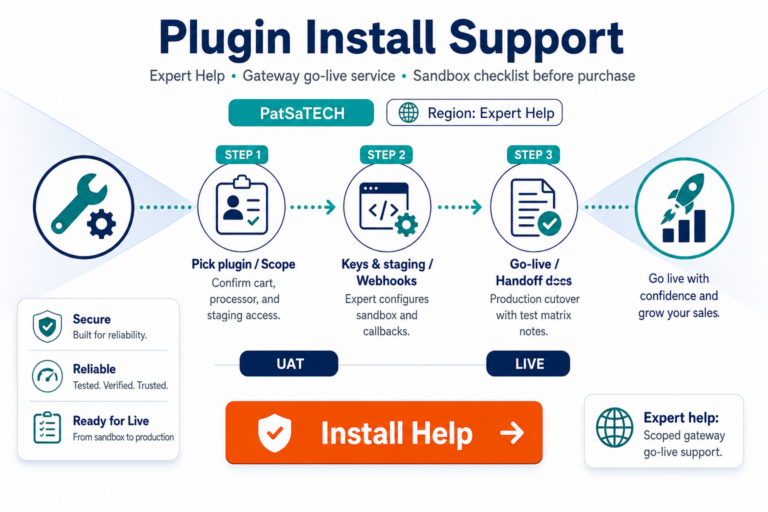
- Optional: plugin installation support.
3. Staging setup
- Enter test credentials in Gravity Forms PayTabs settings.
- Configure PayTabs return URL and callback to match plugin docs.
- Form → PayTabs feed: amount, description, success/failure pages.
- Test from mobile network—not only office Wi-Fi.
Webhooks primer: a beginner’s guide to payment gateway webhooks.
4. Test matrix
| Scenario | Expected |
|---|---|
| Successful payment | Entry paid; PayTabs reference stored |
| Declined | No paid entry |
| User closes PayTabs page | Callback eventually syncs or stays pending—document SOP |
| Wrong currency | Caught in staging |
| Multi-page form | Final total charged |
Use how to test your payment gateway like a pro. For subscriptions later: Gravity Forms recurring payments.
5. Go-live
- Live profile ID and keys.
- Update PayTabs live callback URLs.
- Small live payment in AED/SAR (or your currency).
- Monitor entries—apply webhook monitoring mindset.
Browse Gravity Forms payment gateways for sibling products.
6. Escalation paths
Multi-form deployments or CRM hooks → get a quote or agency go-live runbook patterns.
7. Common PayTabs + GF mistakes
| Mistake | What breaks |
|---|---|
| Mixed test/live profile IDs | Real money during QA or failed live tests |
| Callback URL HTTP only | PayTabs cannot POST securely |
| Cache on return page | Users see success while entry stays unpaid |
| Form currency ≠ PayTabs profile | Declines or wrong settlement |
| Skipping mobile QA | Most MENA donors pay on phone |
Cross-reference woocommerce-common-payment-gateway-mistakes—the failure modes rhyme across platforms.
8. License and renewals
Keep your PatSaTECH license active for security and compatibility updates. PayTabs and Gravity Forms both move forward without asking your permission—expired licenses turn “set and forget” into “surprise outage during peak season.” See renewal framing in buying a payment gateway plugin for WordPress.
9. First-week monitoring
- Daily export of pending vs paid entries.
- Alert if callback failures spike—treat like webhook monitoring.
- Finance spot-check: PayTabs settlement report vs GF entry totals.
Ready to purchase? PayTabs for Gravity Forms.
10. Staging sign-off checklist
Sign off only when: callback URL returns 200, mobile SAR/AED test payment marks entry paid, decline path verified, finance knows refund portal, and PatSaTECH license renewal date is in the ops calendar. Export GF feed settings JSON to your password manager for rebuilds.
Schedule a 48-hour post-launch review with finance to compare PayTabs settlement exports against Gravity Forms paid entries—catch currency or profile mismatches before month-end close.
FAQ
Official buy link?
PayTabs for Gravity Forms.
Test cards?
Use PayTabs sandbox documentation with test profile.
Gravity Forms license tier?
Confirm payment add-on support with Gravity Forms.
Does PatSaTECH configure PayTabs underwriting?
No—plugin only.
How long until live after purchase?
With credentials ready, many merchants go live same week; allow extra time for callback URL whitelisting on enterprise hosting.
Multilingual forms?
Gravity Forms handles translations; PayTabs hosted pages follow PayTabs locale settings—test Arabic/English flows if you serve both.
Refunds from WordPress?
Confirm on product docs whether refunds initiate in GF admin, PayTabs portal, or both—document for finance before launch.
Duplicate callback handling?
Replay the same PayTabs notification in staging; entry must not double-charge or flip statuses incorrectly.
Holiday traffic plan?
Pre-scale hosting and disable aggressive cache warmers on payment return URLs before campaigns.
Related reading
- PayTabs for Gravity Forms — buy now
- Why buy PayTabs for Gravity Forms
- Choosing a Gravity Forms payment add-on
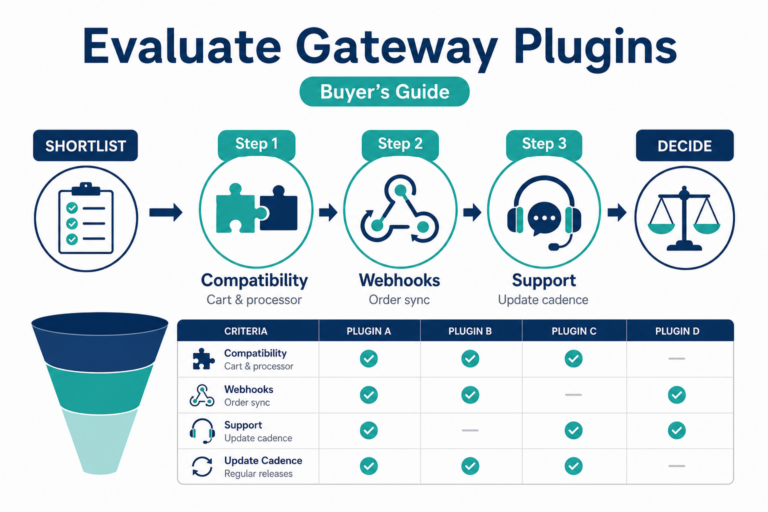
- How to evaluate payment gateway plugins
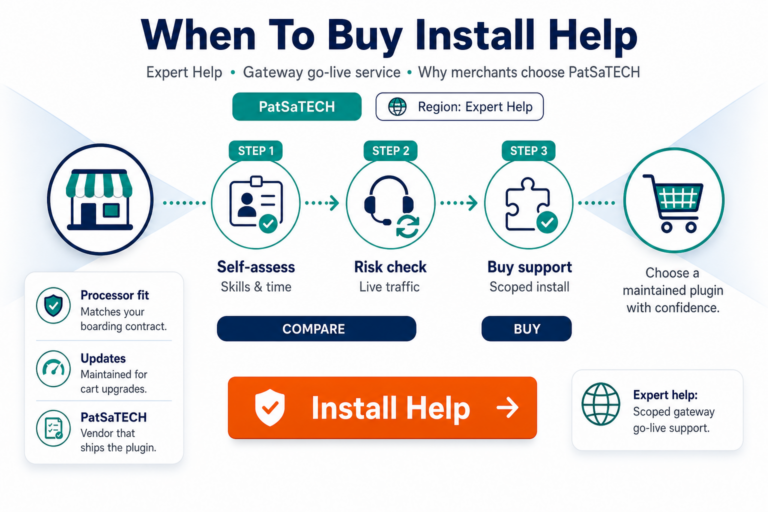
- When to buy plugin installation support