Introduction
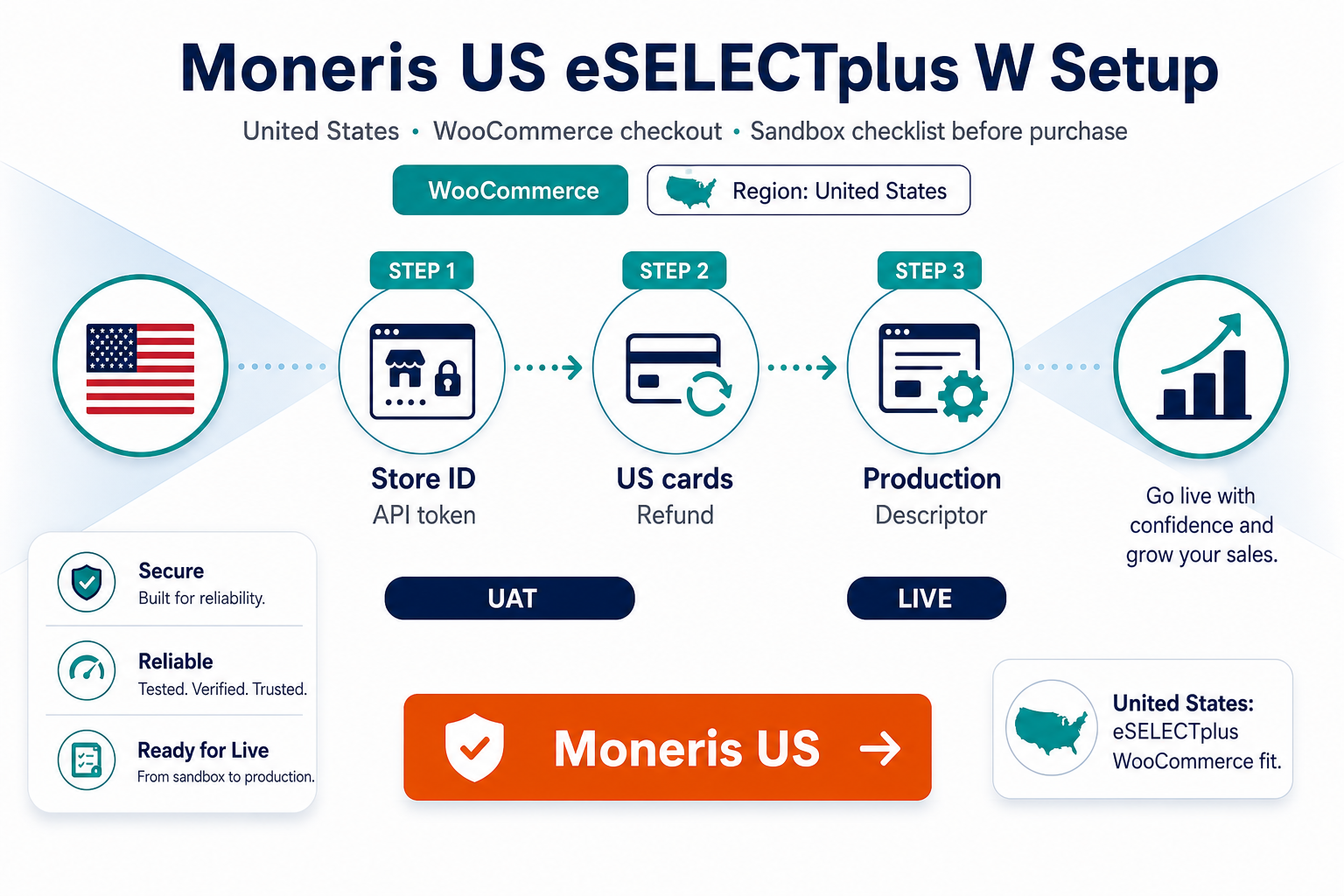
Moneris US credentials look ready to paste into WooCommerce—until store ID, API token, or checkout mode mismatches your boarding package. This guide supports merchants ready to buy PatSaTECH's US eSELECTplus extension.
Complements why Moneris US merchants should use a maintained plugin and buying a payment gateway plugin for WordPress.
Buy: Moneris US eSELECTplus Gateway for WooCommerce · Setup: Plugin installation support
1. Pre-purchase checklist
| Item | Action |
|---|---|
| Boarding says Moneris US eSELECTplus | Not CA plugin |
| Sandbox store ID + API token | From Moneris onboarding |
| USD settlement confirmed | Match product page |
| Hosted vs direct matches plugin | Product documentation |
| Woo + PHP within requirements | Before checkout |
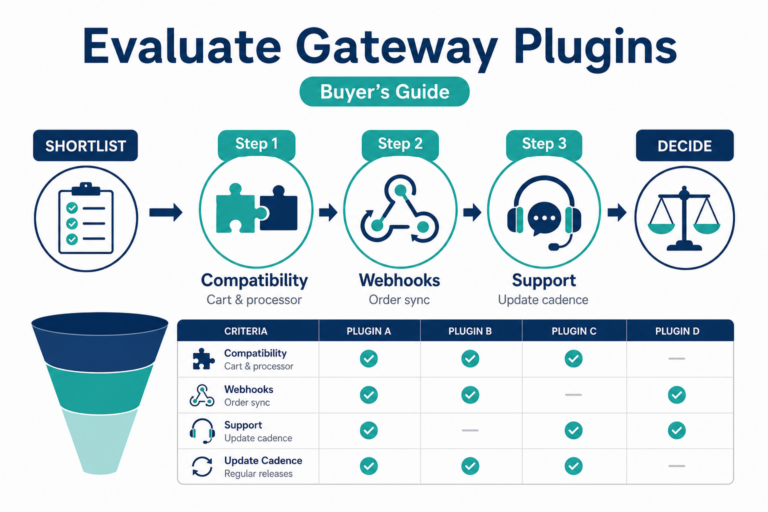
Broader checks: how to evaluate payment gateway plugins and WooCommerce payment gateway integration checklist.
2. License and renewal notes
PatSaTECH uses annual licensing for updates and support—see product page.
- Plan renewals before expiry to avoid unmaintained live checkout.
- Support scope covers documented behaviors—edge webhook failures yes, unlimited theme customization no.
- Read safe payment gateway plugin updates before skipping renewals.
3. Sandbox test matrix
Run on staging with Moneris test credentials:
| Test | Why |
|---|---|
| Approved test card | Baseline |
| Decline | UX + order state |
| 3DS if enabled | Mobile + desktop |
| Customer abandons hosted step | Async completion |
| Partial refund in Woo | Finance reconciliation |
| Void/full refund | Portal alignment |
Use how to test your payment gateway like a pro, staging vs production testing, and PCI-safe logging.
4. Purchase, install, go-live
- Purchase Moneris US eSELECTplus Gateway for WooCommerce.
- Install on staging; configure WooCommerce → Settings → Payments.
- Enter sandbox store ID and credentials.
- Map order statuses—order status gateway mapping.
- Exclude checkout from cache—SSL insecure checkout fixes.
- Promote live credentials after matrix passes.
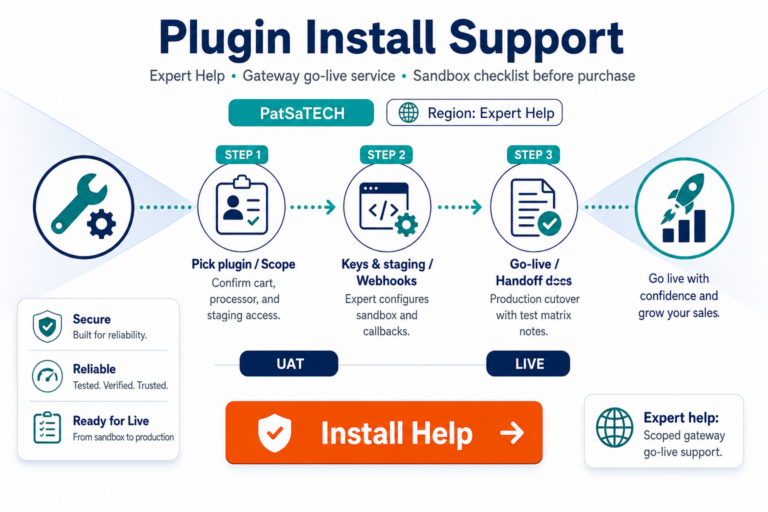
Optional: Plugin installation support.
5. After go-live
- Monitor async failures—webhook monitoring.
- Align descriptors with support—billing descriptors.
- Avoid CA/US plugin mix-ups on multi-store agencies.
- Migrate safely—migrating payment gateway on WooCommerce.
FAQ
Where do I buy?
Moneris US eSELECTplus Gateway for WooCommerce.
Can I use the Canada plugin for US processing?
No—use the US-specific PatSaTECH product linked above.
Guaranteed approvals?
No—technical integration only; issuers decide approvals.
PCI certified plugin?
No plugin certifies your business—follow SAQ guidance—PCI scope plain English.
Installation help?
Plugin installation support.
Related reading
- Moneris US eSELECTplus Gateway for WooCommerce — product page
- Why Moneris US merchants should use a maintained plugin
- Moneris CA eSELECTplus product (if you also operate in Canada)
- WooCommerce payment gateways hub
- Common WooCommerce gateway mistakes
- Contact PatSaTECH