Introduction
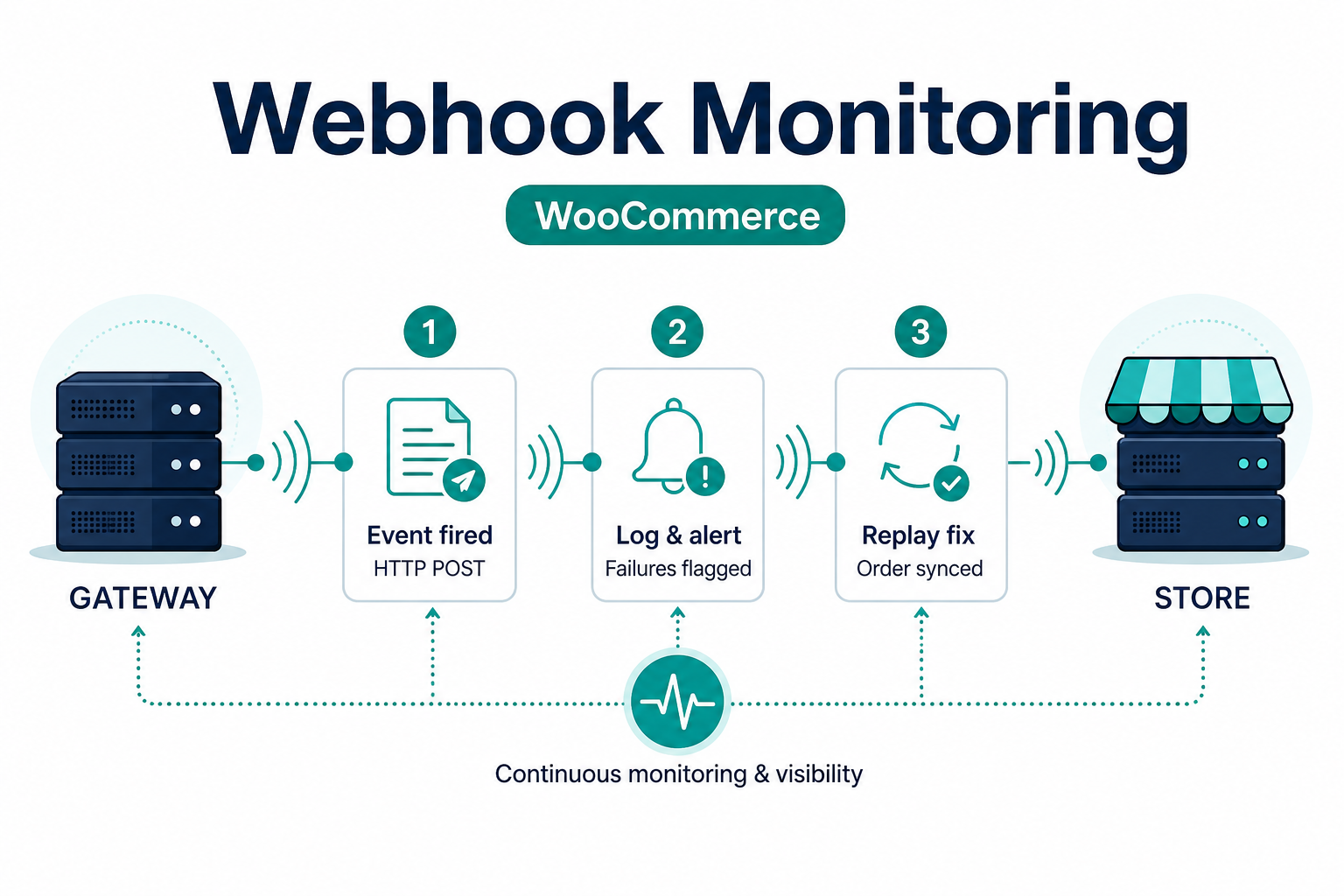
Payment gateways do not rely on the shopper’s browser alone. After a redirect or an on-page authorization, the gateway typically notifies your site with an asynchronous HTTP request. When that request fails—wrong URL, TLS error, 503, bad secret, security plugin blocking POSTs—WooCommerce can show pending while the customer already saw a receipt.
This article covers practical webhook monitoring for WooCommerce stores. It complements a beginner’s guide to payment gateway webhooks, how to test your payment gateway like a pro, and our WooCommerce payment gateway integration checklist.
Why webhooks fail in production
Common causes our team sees in support and integration work:
- Webhook URL still points to staging after go-live.
- Firewall, WAF, or security plugin blocks the processor’s IP ranges or user-agent.
- SSL or certificate issues on the callback endpoint.
- Rotated signing secret not updated in WordPress.
- Timeouts under load—checkout scales before webhook endpoint does.
Fixing these is usually faster than blaming “the gateway” generically—see common WooCommerce payment gateway mistakes.
What to monitor
1. HTTP status returned to the gateway
Most gateways expect 2xx responses. Log non-200 responses with request ID and timestamp (avoid logging full card data).
2. Latency and timeouts
Spikes may cause the gateway to retry. You need idempotent handling so duplicate deliveries do not double-ship digital goods or double-update totals.
3. Signature validation
HMAC or asymmetric signatures prove the payload came from the processor. Failures often mean wrong secret, key rotation, or middleware altering the body.
4. Idempotency
Store a unique event ID when the gateway provides one; ignore duplicates safely.
5. Correlation with WooCommerce order notes
Your gateway plugin should write traceable notes—compare to gateway dashboards during disputes.
Implementation checklist
- Log webhook receipt server-side: event type, order ID, gateway reference—never full PAN/CVV.
- Use separate staging vs production webhook URLs.
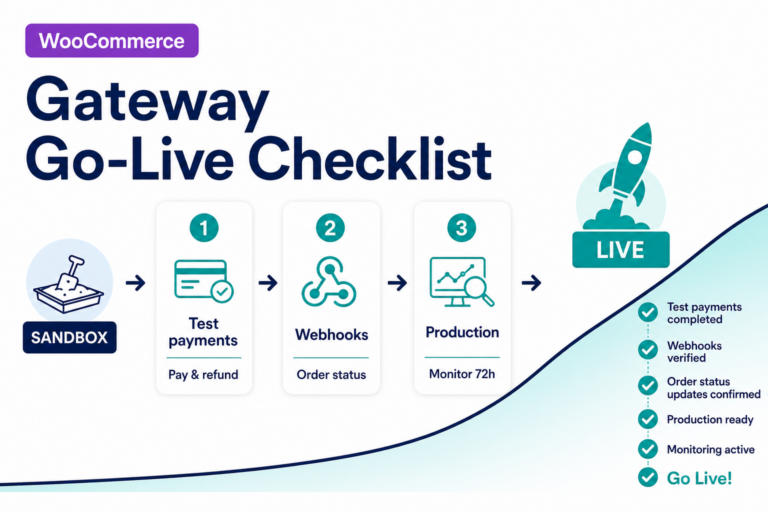
- After WooCommerce, PHP, hosting, or gateway plugin updates, run a sandbox payment and confirm webhook + order note.
- Set alerts when error rates exceed baseline (log aggregator, uptime monitor, or gateway’s retry dashboard).
- Whitelist processor IPs only per official documentation—not guesswork.
WooCommerce-specific tips
- Treat “customer returned from redirect” and “webhook settled payment” as two signals—monitor both.
- If you use custom order statuses, map gateway events explicitly and test edge cases (partial capture, partial refund).
- Blocks checkout vs shortcode checkout can change timing—retest after theme changes.
For SSL and mixed content issues that break scripts or wallets, see WooCommerce insecure checkout and SSL fixes.
Key takeaways
- Browser success ≠ order paid—async webhooks finalize many gateway integrations; monitor both paths.
- Log 2xx responses, signature validation, and latency; alert when error rates exceed baseline.
- After WooCommerce, TLS, or plugin changes, re-run a sandbox payment and confirm order notes match the gateway dashboard.
FAQ
Do all gateways use webhooks?
Most modern APIs do. Some legacy flows rely heavily on return URLs—know your processor’s model and document it internally.
Can I replay a missed webhook?
Often yes from the gateway dashboard; procedures vary. Prefer replay over manually marking orders paid without an audit trail.
Should webhooks be authenticated?
Yes—use signing secrets or mTLS per processor docs; never expose secrets in client-side code.
When to get help
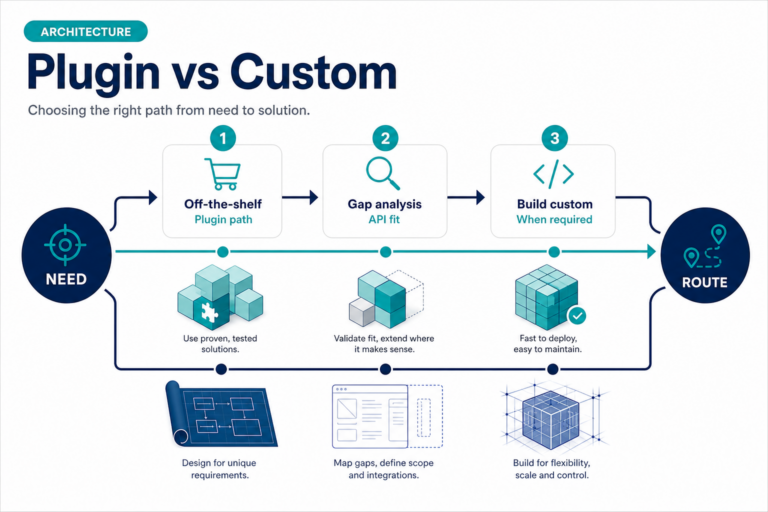
Unsupported processors, headless setups, or custom middleware may need scoped engineering. See custom payment gateway integration.
Related reading
- How to evaluate payment gateway plugins
- WooCommerce payment gateway integration checklist
- WooCommerce payment gateway plugins
- Payment gateway glossary — webhook
- Contact PatSaTECH