Introduction
Pin Payments on EDD is straightforward when you treat test keys as a separate universe from live keys and you refuse to go live after one successful $0.01-style happy path.
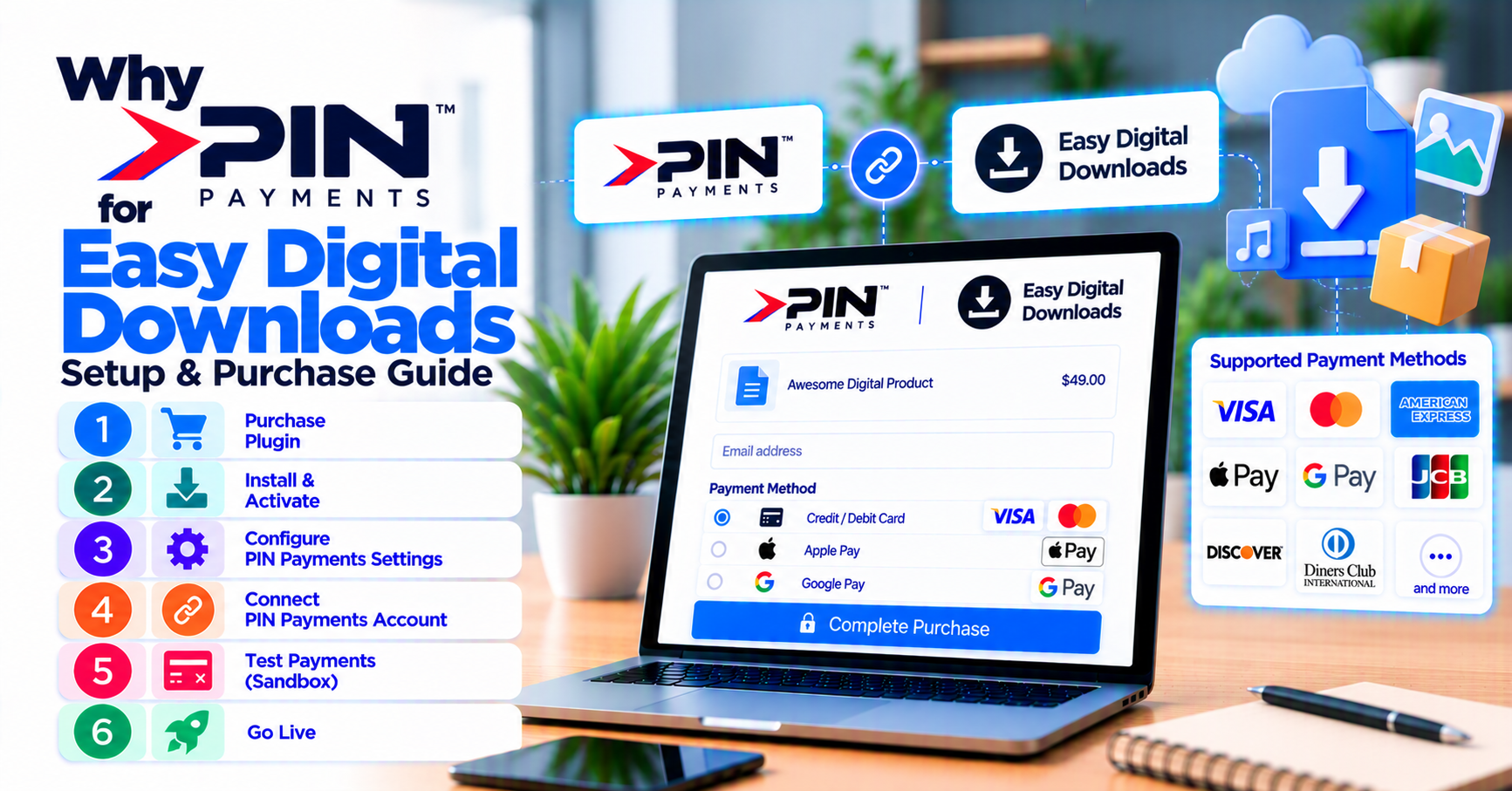
This is the setup-and-purchase guide for the PatSaTECH extension—companion to why Pin Payments for EDD. Purchase URL: Pin Payments gateway for Easy Digital Downloads. Category overview: EDD hub; full catalog: shop.
Scope: Standard EDD checkout with instant download or license fulfillment. Headless storefronts or marketplace splits may need custom payment gateway integration beyond this plugin.
1. Before you buy
Confirm from Pin and the product listing:
- Test and live secret/publishable keys available in Pin dashboard
- EDD version compatibility
- SSL on checkout
- Currency alignment (typically AUD for Pin merchants)
- Production EDD extensions list documented
Pre-purchase matrix: buying a payment gateway plugin for WordPress.
2. Purchase and staging setup
- Buy Pin Payments for Easy Digital Downloads.
- Install on staging; activate.
- Enable gateway under EDD payment settings.
- Paste test secret key (and related fields per settings UI).
- Enable test mode; save.
Agencies: add plugin installation support for fixed timelines.
Pin dashboard tip: label test charges in your internal wiki with EDD payment IDs during QA so finance does not reconcile sandbox noise as live revenue.
Security: restrict WordPress users who can view live secret keys in gateway settings—treat them like production passwords.
3. Webhooks, caching, and digital fulfillment
Pin may notify your site asynchronously—critical for EDD when shoppers close the browser.
- [ ] Webhook URL registered in Pin dashboard matches plugin docs
- [ ] Host/firewall allows Pin callback traffic
- [ ] Cache plugins bypass checkout and webhook endpoints
- [ ] Successful charge → EDD payment complete → download available
Deep dive: EDD payment setup for digital products.
4. Sandbox test matrix
| Test | Pass |
|---|---|
| Approved charge | File access immediate |
| Declined card | No access |
| Abandon after auth | Async completes order |
| Refund | References match support macros |
| EDD Recurring renewal (if used) | Status synced |
Logging tips: how to test your payment gateway like a pro.
6. Software Licensing and membership stacks
If EDD Software Licensing or Recurring is in your production stack, install those extensions on staging before Pin testing—not after. Gateway success with “plain” downloads does not prove license key generation or renewal behavior.
Document an access matrix: payment status → download → license state → support action.
7. Post-purchase license hygiene
Store the PatSaTECH license key in your password manager with Pin live keys. Renew annually; expired licenses leave you on unmaintained code when Pin or EDD ships breaking changes.
8. Go-live
- Replace with live secret key; disable test mode.
- Small live purchase + refund.
- Document key rotation ownership.
- Keep license renewed for Pin API / EDD compatibility updates.
Recurring: EDD subscriptions and payment gateways.
FAQ
Official purchase page?
Pin Payments for Easy Digital Downloads
WooCommerce Pin settings portable?
Reconfigure for EDD; retest all paths.
Pending payments after success?
Check webhooks and cache exclusions first.
Non-standard architecture?
custom payment gateway integration
Can I sell subscriptions with Pin on EDD?
Only if EDD Recurring and the gateway plugin both support your renewal model—run renewal tests before marketing membership tiers.
What logs should I keep during sandbox?
EDD payment ID, Pin charge ID, timestamp, and test scenario name—attach to your go-live ticket for audit trail.
Related reading
- Pin Payments for Easy Digital Downloads — purchase
- Why Pin Payments for Easy Digital Downloads
- How to evaluate payment gateway plugins
- Easy Digital Downloads payment gateways
- PatSaTECH shop