Introduction
You are past “which processor?” and into “make Easy Digital Downloads accept Verotel FlexPay without stranding customers who paid but never got their file.” That is a configuration and testing problem—and the right EDD gateway plugin is the fastest fix when FlexPay is already on your contract.
This guide is the transactional companion to why Verotel FlexPay for EDD. It walks through setup, a sandbox matrix, and the moment you click purchase on the PatSaTECH product page. For platform-neutral buying discipline, keep buying a payment gateway plugin for WordPress open in another tab.
All PatSaTECH EDD extensions live in the Easy Digital Downloads category; the broader catalog is in the shop.
1. Before you purchase: confirm requirements
Verify on the product page and against your Verotel paperwork:
- EDD and WordPress versions within the plugin’s stated compatibility.
- Active Verotel FlexPay merchant account with sandbox and live credentials.
- SSL (HTTPS) on checkout and account pages.
- Currency and billing model (one-time vs subscription) your FlexPay account supports.
- Any EDD extensions you rely on in production—especially Recurring or Software Licensing.
If FlexPay is not your processor, choose a different extension from the EDD hub instead of forcing this SKU.
2. Purchase and install
- Buy Verotel FlexPay for Easy Digital Downloads from PatSaTECH.
- Download the plugin ZIP from your account area.
- Install on staging via Plugins → Add New → Upload (or deploy through your agency pipeline).
- Activate and open Downloads → Settings → Payment Gateways (EDD menu labels may vary slightly by version).
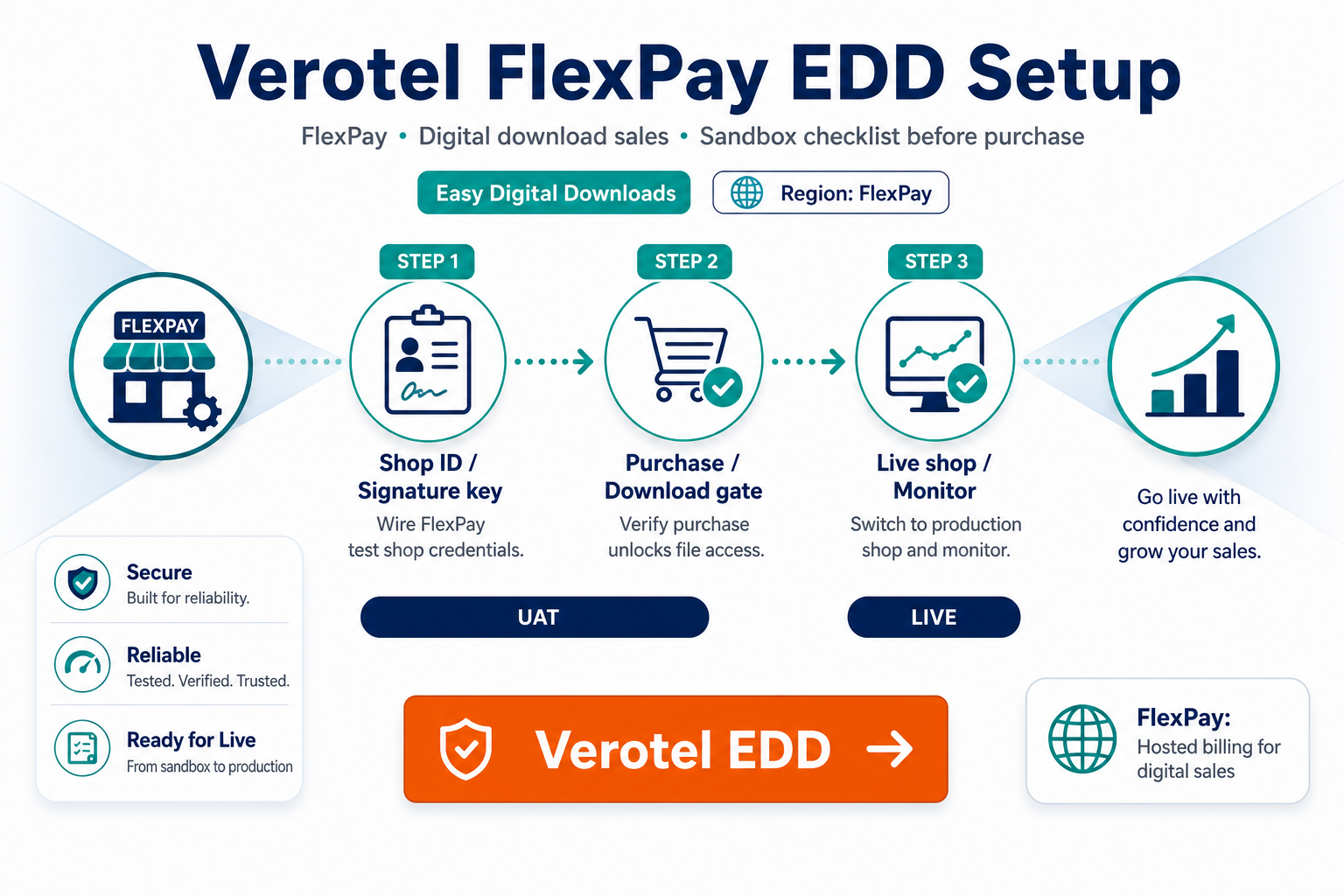
- Enable Verotel FlexPay, paste sandbox credentials, and set test mode on.
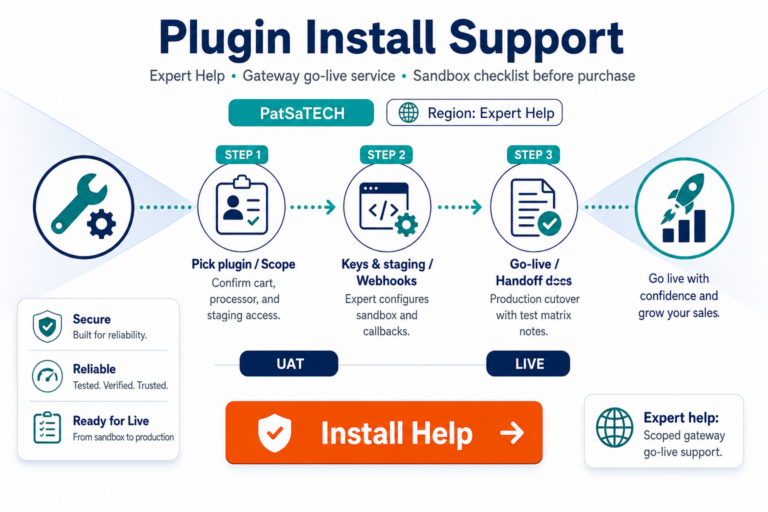
Prefer a scoped handoff? Add plugin installation support at checkout or request it before a fixed launch date.
3. Configure hosted return paths and notifications
FlexPay is hosted: customers leave EDD for Verotel, then return to your site. Misconfigured return URLs are the top cause of “payment succeeded but order pending.”
Setup checklist:
- [ ] Success and failure URLs match what Verotel expects for your environment (staging hostname vs production).
- [ ] Webhook, IPN, or documented async notification URL is reachable from the public internet—not blocked by firewall or basic auth.
- [ ] Caching plugins exclude checkout, confirmation, and gateway callback paths.
- [ ] Statement descriptor and receipt email totals match what FlexPay authorizes.
Align async behavior with EDD payment setup for digital products—digital goods cannot wait for manual reconciliation.
4. Sandbox test matrix (run before live keys)
Do not go live after a single happy-path payment. Run:
| Test | Pass criteria for EDD |
|---|---|
| Successful one-time purchase | Payment complete; download or license available immediately |
| Declined card | Order not fulfilled; clear customer-facing error |
| Customer closes browser before return | Async path still marks payment complete and unlocks access |
| Partial or full refund | EDD and FlexPay reports show matching transaction reference |
| Subscription signup + renewal (if used) | EDD Recurring status matches gateway; failed renewal handled |
Use how to test your payment gateway like a pro for logging discipline during the matrix.
5. Go-live and renewals
After staging passes:
- Copy live credentials into the plugin settings; disable test mode.
- Run one low-value live purchase you can refund.
- Document who may rotate keys and where they are stored.
- Schedule license renewal for plugin updates—expired licenses risk incompatibility when EDD or PHP updates ship.
For recurring digital products, cross-check EDD subscriptions and payment gateways.
6. When setup exceeds plugin scope
Request custom payment gateway integration if you need headless checkout, multi-vendor payouts, or custom order metadata FlexPay must receive on every charge. The standard EDD extension targets typical download and license stores.
FAQ
Where do I buy the plugin?
Only from the official PatSaTECH product URL: Verotel FlexPay for Easy Digital Downloads.
Can I use the same FlexPay keys as WooCommerce?
Credentials may overlap, but never copy callback URLs or settings panels blindly—implementations differ. Test EDD independently.
What if downloads do not unlock after payment?
Check payment status in EDD, verify async notifications, and confirm caching is not serving stale confirmation pages.
Does the plugin include Verotel support?
Processor account issues go to Verotel; plugin configuration goes to PatSaTECH per your support terms.
How does this compare to other digital gateways?
See best payment gateways for digital goods for strategic fit—then buy the extension that matches your processor.
Related reading
- Verotel FlexPay for Easy Digital Downloads — purchase
- Why Verotel FlexPay for Easy Digital Downloads
- EDD payment setup for digital products
- Easy Digital Downloads payment gateways
- PatSaTECH shop