Introduction
Quantum Gateway on Easy Digital Downloads should take hours to configure, not weeks to debug—provided you buy the correct EDD plugin and run a disciplined sandbox matrix first.
This guide complements why Quantum Gateway for EDD. Purchase: Quantum Gateway for Easy Digital Downloads. Category: EDD hub; catalog: shop.
Audience: Merchants already boarded on Quantum—not teams still comparing US acquirers. Compare first via best payment gateways for digital goods and the EDD hub.
1. Before purchase
Verify:
- Quantum Gateway sandbox login / API credentials from your account manager
- EDD + WordPress compatibility on product page
- SSL on checkout and account pages
- USD pricing alignment (typical for Quantum US merchants)
- Full list of production EDD extensions
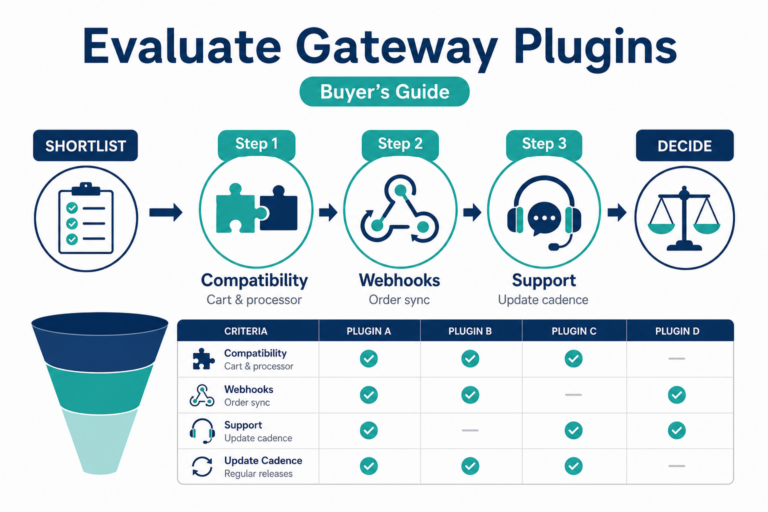
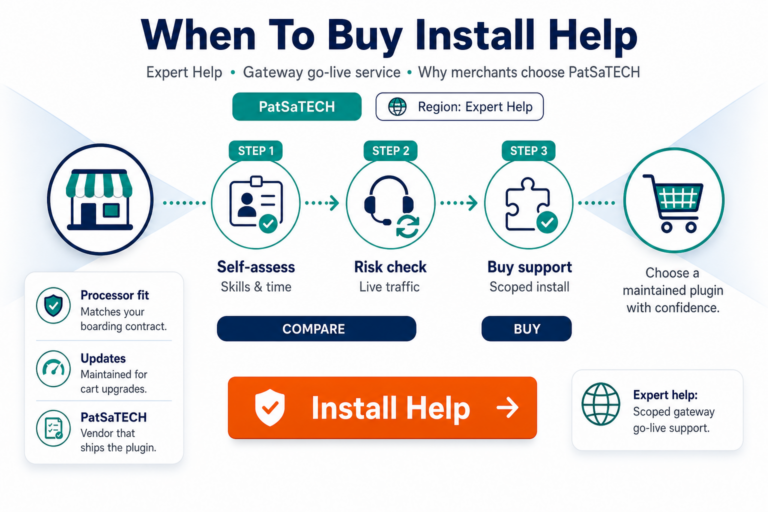
Buying discipline: buying a payment gateway plugin for WordPress.
2. Purchase, install, configure
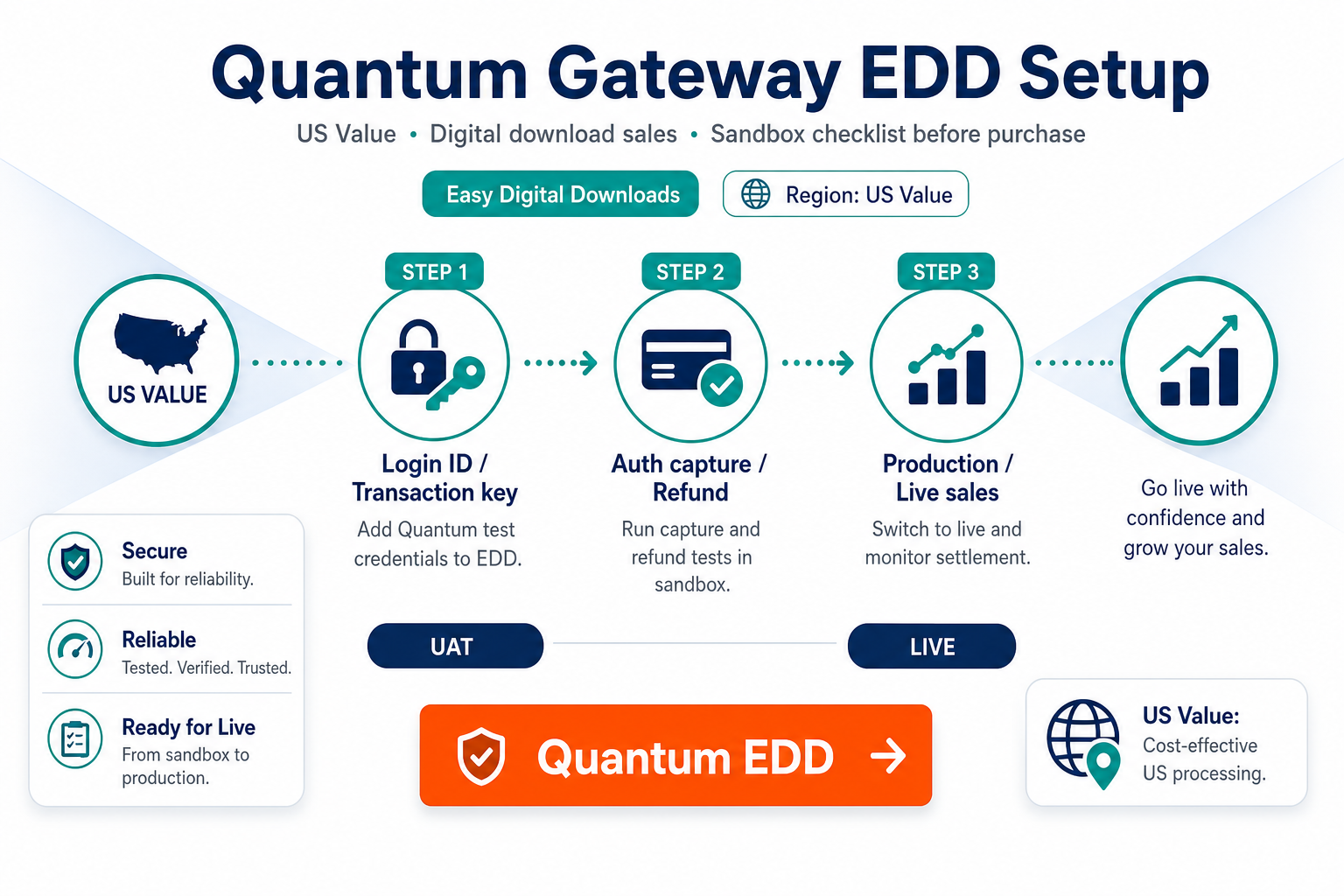
- Purchase Quantum Gateway for Easy Digital Downloads.
- Install on staging; activate.
- Enable under EDD payment gateways.
- Enter sandbox credentials; enable test mode.
- Save; verify gateway appears on checkout.
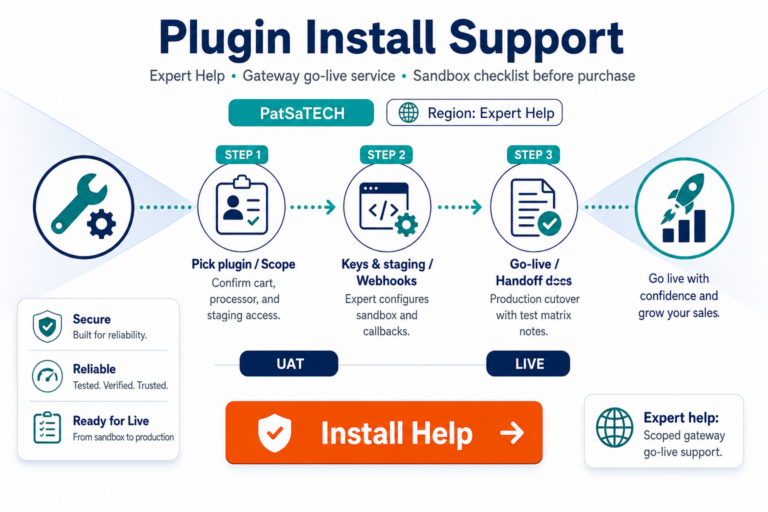
Optional: plugin installation support for agency delivery.
Low-volume launch tip: even if you expect few sales at first, run the full decline and browser-close tests—edge cases arrive with your first real customer, not your tenth.
Finance handoff: export one sandbox and one live transaction report from Quantum alongside EDD payment export so bookkeeping trusts the integration before month-end close.
3. Setup checklist
- [ ] Test mode prevents live charges during QA
- [ ] Return / callback URLs match staging hostname
- [ ] Cache plugins exclude checkout and gateway endpoints
- [ ] Receipt emails show correct total and reference
- [ ] Statement descriptor approved by finance
Fulfillment patterns: EDD payment setup for digital products.
4. Sandbox test matrix
| Test | Pass criteria |
|---|---|
| Successful payment | EDD complete; download available |
| Declined card | No access granted |
| Browser closed before receipt | Async completion unlocks file |
| Refund | References consistent in EDD + Quantum |
| Recurring (if applicable) | EDD Recurring synced |
Methodology: how to test your payment gateway like a pro.
5. Go-live
- Live credentials; disable test mode.
- Low-value live purchase; refund it.
- Monitor pending payments 48–72 hours.
- Maintain plugin license renewal.
Recurring digital products: EDD subscriptions and payment gateways.
6. Descriptor and branding checklist
Quantum statement descriptors should match the brand on your EDD product pages. Digital buyers who do not recognize a charge file chargebacks at higher rates than physical goods sellers. Align copy with chargebacks vs refunds playbooks.
7. Renewals and regression testing
After each EDD minor or major update, rerun one sandbox purchase before peak traffic—especially if you defer plugin updates. Pair with safe payment gateway plugin updates mindset (EDD screens differ; discipline is the same).
8. When to escalate beyond the plugin
custom payment gateway integration for headless delivery, split payouts, or processor metadata EDD does not pass by default.
FAQ
Where to buy?
Quantum Gateway for Easy Digital Downloads
Reuse Woo Quantum settings?
Reconfigure for EDD; rerun entire matrix.
Paid but no download?
Check payment status, async URLs, caching.
Other small-business US gateways?
See Inspire Commerce and CardConnect in the EDD hub.
Is Quantum only for high-volume stores?
No—many small digital catalogs use Quantum; volume does not change the need for async completion testing on EDD.
Can I migrate from PayPal to Quantum without downtime?
Run parallel gateways in staging first; cut over during a quiet window and monitor pending payments hourly for 48 hours.
Related reading
- Quantum Gateway for Easy Digital Downloads — purchase
- Why Quantum Gateway for Easy Digital Downloads
- How to evaluate payment gateway plugins
- Easy Digital Downloads payment gateways
- PatSaTECH shop