Introduction
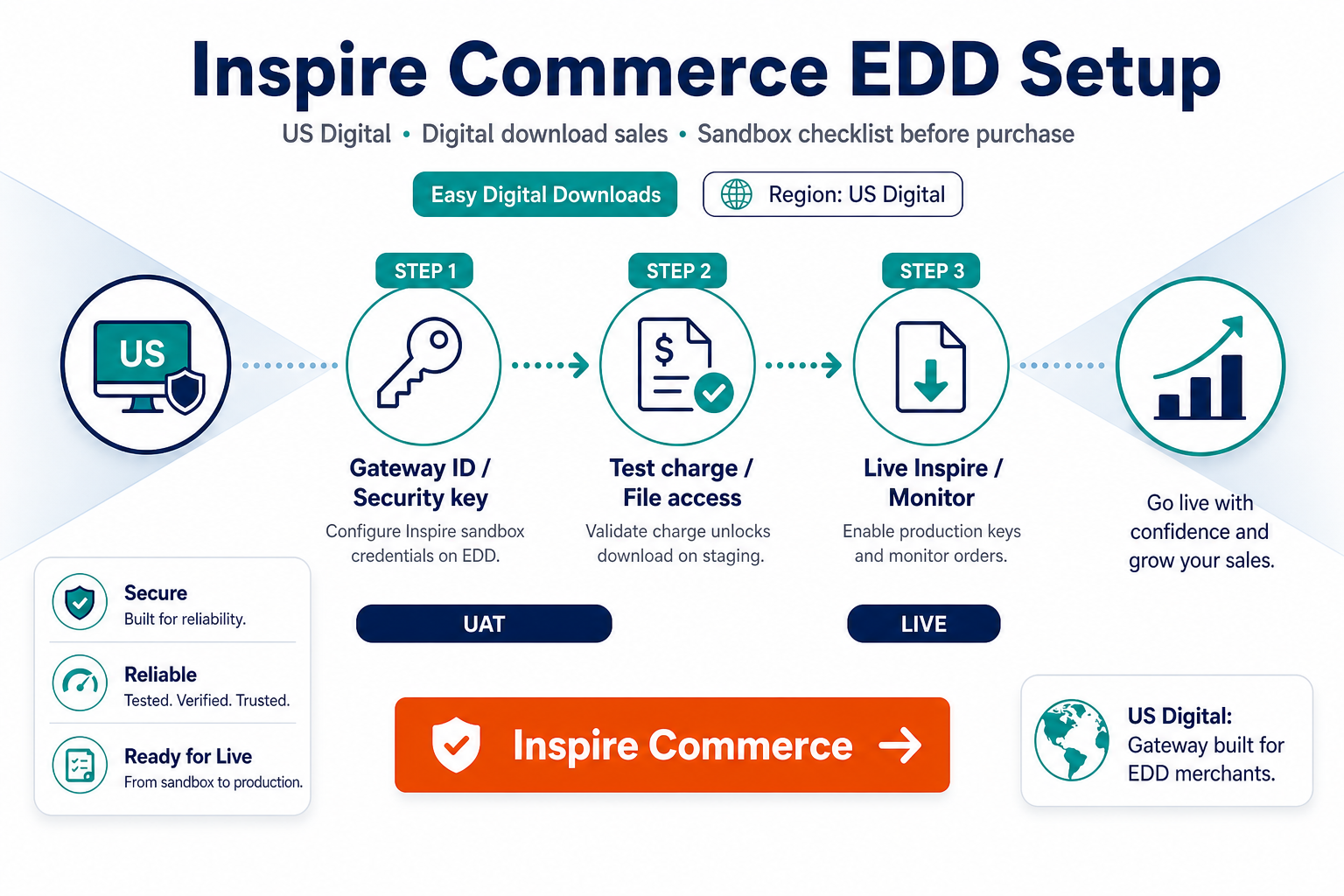
Inspire Commerce setup on EDD is a sequence: buy the right plugin, configure sandbox, prove fulfillment, then flip live keys—not the reverse.
This transactional guide pairs with why Inspire Commerce for EDD. Buy here: Inspire Commerce gateway for Easy Digital Downloads. Browse alternatives: EDD hub; shop.
For agencies: reuse this checklist on every Inspire + EDD client; store callback URLs and test transaction IDs in the handoff PDF so production cutover does not depend on one engineer’s memory.
1. Pre-purchase verification
- Inspire Commerce sandbox API / merchant credentials per your boarding docs
- EDD and WordPress versions on supported list
- SSL enabled
- USD (or contracted currency) pricing in EDD matches gateway account
- Document production EDD extensions (Recurring, licensing, etc.)
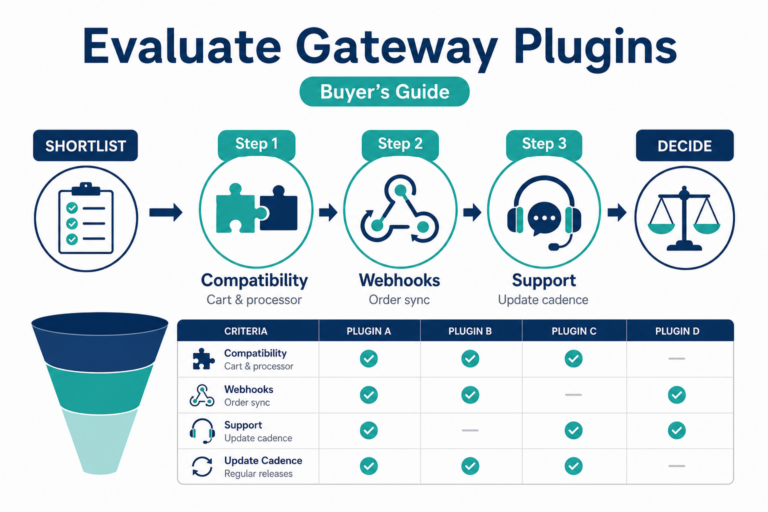
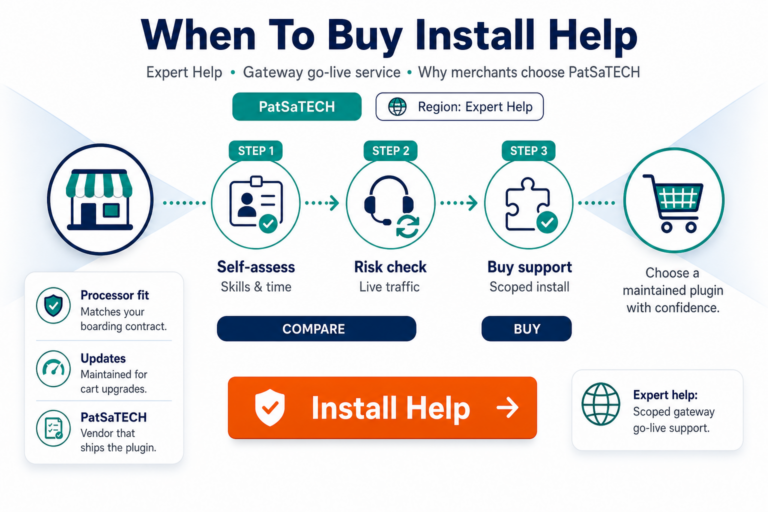
Still comparing? buying a payment gateway plugin for WordPress.
2. Purchase, install, enable
- Buy Inspire Commerce Gateway for Easy Digital Downloads.
- Upload to staging; activate.
- EDD → Settings → Payment Gateways → enable Inspire Commerce.
- Enter sandbox credentials; turn test mode on.
- Save settings; flush caches.
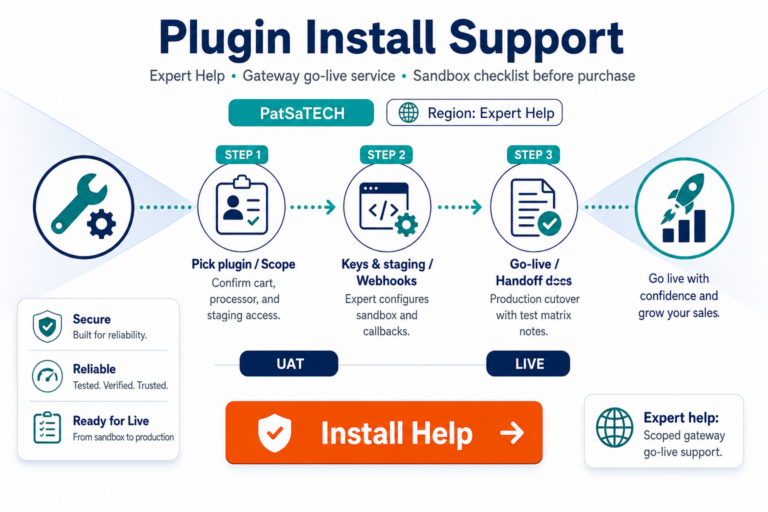
Optional: plugin installation support.
US digital merchant tip: align refund policy on your EDD product pages with what finance can execute in Inspire same-day—policy/marketing mismatch drives chargebacks on intangible goods.
Backup plan: document a manual payment verification procedure for the first 48 hours live in case async notifications lag during DNS propagation.
3. Configuration checklist for digital fulfillment
| Item | Why |
|---|---|
| Test vs live mode | Prevents accidental production charges during QA |
| Callback / notification URLs | Completes payments when browser return fails |
| Cache exclusions | Stops stale confirmation pages blocking unlock |
| Descriptor / receipt copy | Reduces dispute confusion on digital SKUs |
Reference: EDD payment setup for digital products.
4. Sandbox test matrix
| # | Scenario | Expected |
|---|---|---|
| 1 | Approved sale | Payment complete; download available |
| 2 | Declined card | No fulfillment |
| 3 | Close browser early | Async path completes payment |
| 4 | Refund | EDD + Inspire references align |
| 5 | Recurring (if used) | EDD Recurring status correct |
Testing discipline: how to test your payment gateway like a pro.
6. Staging content vs live keys discipline
Never paste live Inspire credentials into a staging site that sends real customer emails—or worse, exposes download files during QA. Use sandbox until the matrix passes, then clone settings to production with a fresh verification run (not copy-paste of database options alone).
7. First-week monitoring checklist
- Zero pending payments older than minutes for instant SKUs
- Receipt email deliverability (SPF/DKIM) verified
- Refund tested once from EDD or gateway path finance prefers
- Support macro includes Inspire reference + EDD payment ID
8. Go-live
- Live credentials; test mode off.
- One refundable live transaction.
- Key rotation runbook documented.
- Active license renewal for plugin updates.
Subscriptions: EDD subscriptions and payment gateways.
6. Escalation
- Processor / MID issues → Inspire Commerce support.
- Plugin configuration → PatSaTECH per license.
- Custom workflows → custom payment gateway integration.
FAQ
Purchase URL?
Inspire Commerce Gateway for Easy Digital Downloads
Port Woo settings?
Re-enter; full EDD retest required.
Downloads stuck pending?
Verify async notifications and caching first.
Other US gateways?
See EDD category (e.g. CardConnect, Quantum).
Will Inspire work with my EDD theme?
Gateway plugins integrate at checkout, not theme template level—still test mobile checkout before launch.
How long should sandbox testing take?
Plan half a day for the full matrix if Recurring and Software Licensing are in scope—not fifteen minutes.
Related reading
- Inspire Commerce for Easy Digital Downloads — purchase
- Why Inspire Commerce for Easy Digital Downloads
- Best payment gateways for digital goods
- Easy Digital Downloads payment gateways
- PatSaTECH shop