Introduction
Buying a gateway plugin should take minutes. Going live with EdgePlus on WooCommerce should not. The expensive mistakes happen after checkout: wrong API keys, cache breaking SSL checkout, or finance discovering partial refunds do not sync.
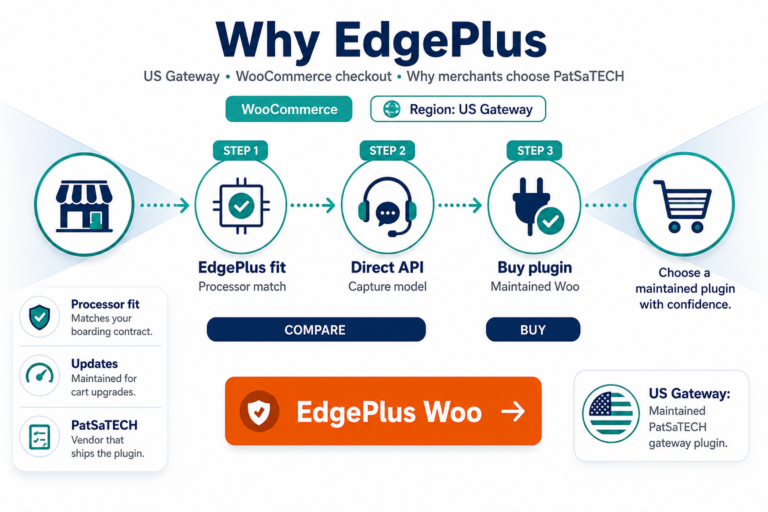
This guide is for merchants and agencies ready to purchase the PatSaTECH EdgePlus extension. It complements why EdgePlus merchants should use a maintained plugin and the vendor-neutral buying a payment gateway plugin for WordPress checklist.
Buy the plugin: EdgePlus Payment Gateway for WooCommerce · Need setup help? Plugin installation support
1. Pre-purchase checklist: align EdgePlus paperwork with the plugin
Complete this before add-to-cart:
| Item | Why it matters |
|---|---|
| Processor name matches EdgePlus on your MID | Wrong gateway = declined or misrouted transactions |
| Sandbox / test credentials available | You cannot validate behavior on live keys alone |
| Currencies you will charge vs settle | Mismatch surfaces at reconciliation, not demo checkout |
| Capture model (sale vs auth+capture) | Operations and EdgePlus config must agree |
| WooCommerce + PHP versions within product requirements | Avoid install-day surprises |
Cross-check broader criteria in how to evaluate payment gateway plugins and WooCommerce payment gateway integration checklist.
If EdgePlus features you need are not listed on the product page, contact PatSaTECH or explore custom payment gateway integration before buying the wrong SKU.
2. License, updates, and renewal expectations
PatSaTECH commercial plugins use annual licensing for updates and support—details on the product page. Before purchase:
- Know what happens when the license expires (security fixes, WooCommerce compatibility).
- Confirm support scope: configuration vs edge-case webhook failures.
- Budget renewals as operational spend—safe plugin updates explain why deferred renewals hurt high-volume stores.
Skipping renewals to save money can leave live checkout on unmaintained code when EdgePlus or WooCommerce changes APIs—see payment gateway TCO.
3. Sandbox test matrix (run before production)
Treat sandbox testing as part of the purchase decision, not a post-launch afterthought:
| Test | Pass criteria |
|---|---|
| Successful card payment | Order reaches expected processing/completed state |
| Decline / insufficient funds | Clear customer message; order not marked paid incorrectly |
| Customer closes browser early | Webhook or async callback still finalizes order—webhook monitoring |
| Partial refund from Woo admin | Refund visible in EdgePlus portal or reports |
| Void / full refund (if used) | Finance procedure documented |
| Duplicate submit / refresh | No double charge—idempotency patterns |
Use how to test your payment gateway like a pro and staging vs production testing for environment hygiene. Log transaction IDs only—PCI-safe logging.
4. Purchase and install workflow
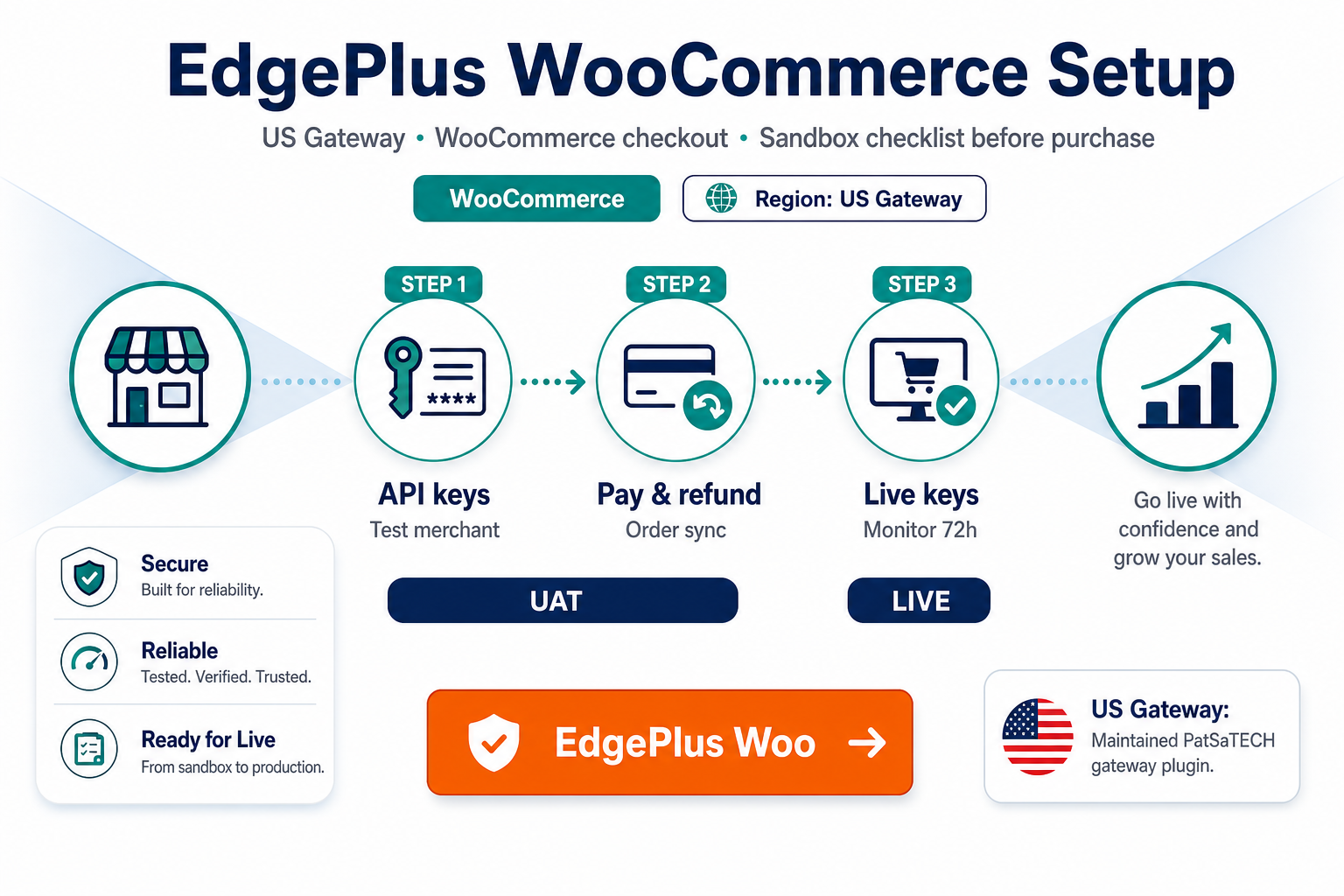
Step 1 — Buy: Complete checkout on EdgePlus Payment Gateway for WooCommerce. Download the package from your PatSaTECH account.
Step 2 — Staging install: Install on staging first. Enter sandbox credentials. Exclude checkout from aggressive page cache—see SSL and insecure checkout if wallets or 3DS break after optimization.
Step 3 — Configure WooCommerce: WooCommerce → Settings → Payments → EdgePlus. Map order statuses per order status gateway mapping.
Step 4 — Go live: Swap to live credentials during a low-traffic window. Keep sandbox available for regression after Woo updates.
Optional — Professional setup: Plugin installation support for scoped sandbox-to-staging configuration—pair with your agency go-live runbook if you manage client launches.
5. Post-purchase: protect the investment
- Document who may rotate API keys and where live vs sandbox values live.
- Enable webhook or IPN monitoring alerts before marketing pushes traffic.
- Train support on declines vs chargebacks—chargebacks vs refunds.
- Before major Woo upgrades, retest the matrix on staging—common gateway mistakes catalog typical regressions.
FAQ
Where do I purchase the EdgePlus WooCommerce plugin?
On PatSaTECH: EdgePlus Payment Gateway for WooCommerce.
Can PatSaTECH install it for me?
Yes—add plugin installation support or ask during purchase if bundled options apply.
Do I need separate plugins for staging and live?
One license typically covers your production site per product terms—confirm on the product page. Use sandbox keys on staging, live keys only on production.
Will this plugin make my store PCI compliant?
No plugin alone makes you compliant. Reduce scope with hosted/redirect flows where possible and follow your processor's SAQ—PCI scope plain English.
What if I am migrating from another EdgePlus integration?
Follow migrating payment gateway on WooCommerce—parallel sandbox validation before cutover.
Related reading
- EdgePlus Payment Gateway for WooCommerce — product page
- Why EdgePlus merchants should use a maintained plugin
- Buying a payment gateway plugin for WordPress
- WooCommerce payment gateways hub
- Plugin installation support
- Contact PatSaTECH