Introduction
- Introduction
- 1. Collect.js keeps sensitive data off your server
- 2. Real-time authorization and cart abandonment
- 3. Flexible payment methods within NMI rails
- 4. PrestaShop fit: themes and upgrades
- 5. Why PatSaTECH for NMI on PrestaShop
- 6. License tiers for agencies and multistore
- 7. When installation support is worth it
- FAQ
- Related reading
PrestaShop merchants selling across EU and global markets need payment modules that respect themes, one-page checkout, and PCI expectations—while staying aligned with the processor they already pay fees to.
If your paperwork says Network Merchants Inc., the decision is not whether to accept cards online—it is whether your Collect.js integration is maintained when PrestaShop minor releases and NMI API details shift.
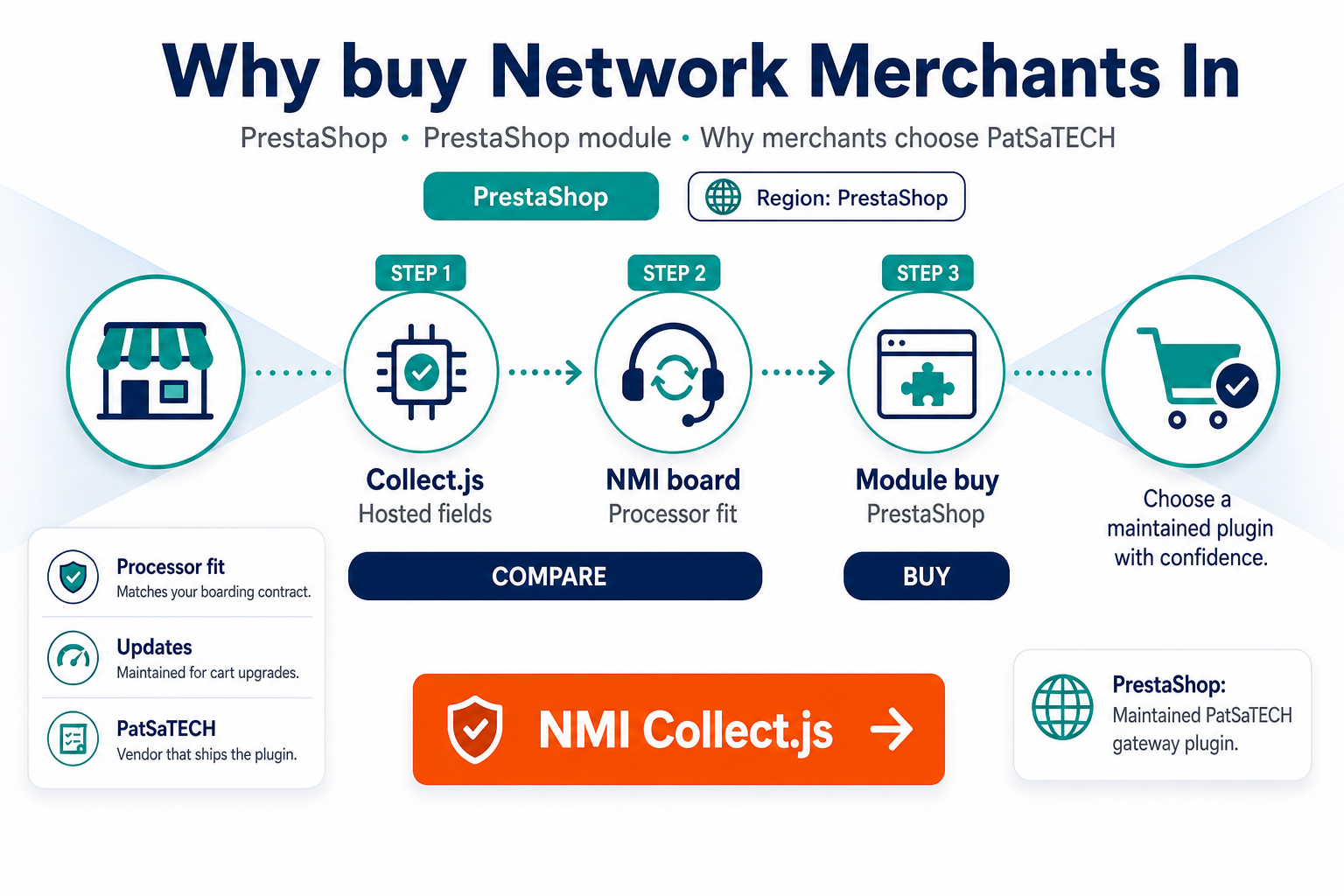
PatSaTECH’s NMI (Collect.js) for PrestaShop module targets that gap: a processor-specific extension with tokenization, real-time auth, and straightforward installation—starting at $79/year on the product page.
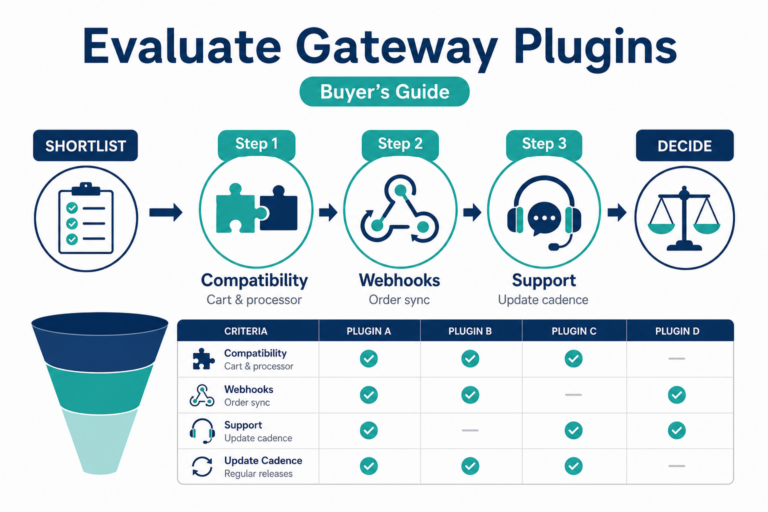
Explore the PrestaShop payment gateway hub and compare neutral criteria in how to evaluate payment gateway plugins.
1. Collect.js keeps sensitive data off your server
The module leverages NMI Collect.js so card numbers tokenize before they reach your PrestaShop application. Benefits:
- Reduced PCI scope conversations with acquirers and hosting partners
- Lower breach impact if storefront layers are compromised—tokens ≠ PAN storage
- Modern checkout UX without raw card fields in your theme templates
Collect.js is not a checkbox—it must be enabled on your NMI MID and tested in sandbox before live traffic.
2. Real-time authorization and cart abandonment
Slow or opaque payment steps drive abandonment. The listing emphasizes real-time authorization so approved orders move to fulfillment quickly—critical for flash sales, marketplace SLAs, and one-page checkout flows where shoppers do not tolerate spinners.
Pair speed with clear decline messaging—authorization success is only half of UX; declines must be understandable in the shopper’s language.
3. Flexible payment methods within NMI rails
The module supports credit and debit cards through your NMI configuration—exact card brands and currencies depend on your merchant account, not the module alone.
Before purchase, confirm with NMI or your ISO:
- Settlement currency matches PrestaShop shop currency
- Cross-border rules if you sell outside your incorporation country
- 3-D Secure requirements for EU/UK shoppers if applicable
4. PrestaShop fit: themes and upgrades
Generic payment plugins break when:
- Themes override checkout templates incorrectly
- JavaScript bundlers strip third-party payment scripts
- Multistore setups apply wrong shop context to credentials
PatSaTECH positions this module for latest PrestaShop versions (verify on the product page before buy). Staging clones that mirror production theme are non-negotiable for validation.
5. Why PatSaTECH for NMI on PrestaShop
PatSaTECH has shipped NMI integrations since 2011 across carts—including NMI for Magento, NMI for WooCommerce, and NMI for AbanteCart.
Buying a maintained module beats a freelancer snippet that nobody patches when Collect.js updates:
- Documented support and updates (1- or 5-year options)
- Satisfaction guarantee on the product page
- Escalation path to custom integration if your stack outgrows standard checkout
6. License tiers for agencies and multistore
Pricing includes single site, 2–5 sites, and unlimited license options—choose based on production PrestaShop URLs you will run, not staging clones.
Agencies: align license owner with renewal reminders so client stores do not silently run outdated payment code.
7. When installation support is worth it
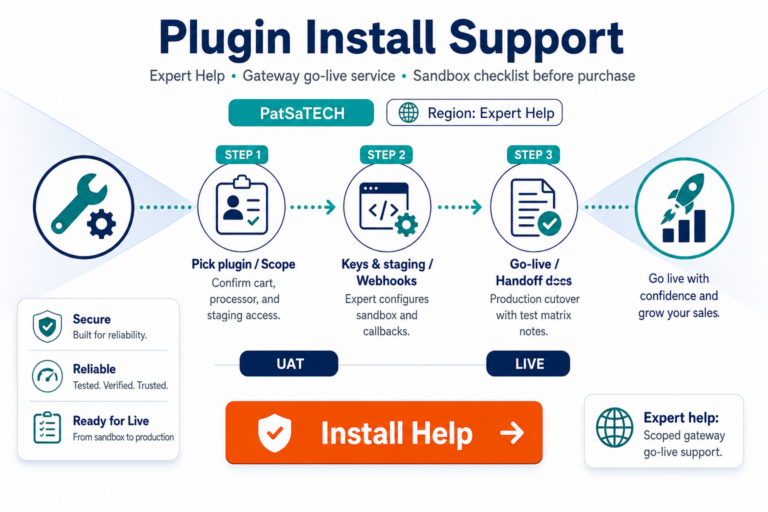
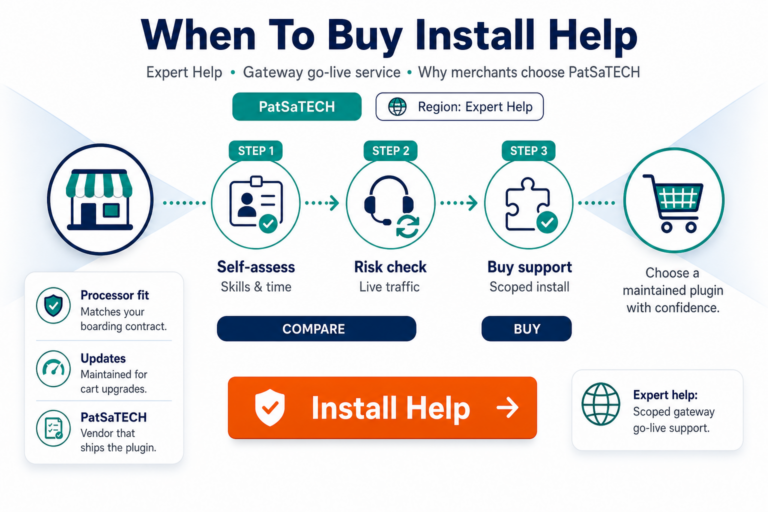
PrestaShop stacks with custom carriers, ERP webhooks, and heavy modules can delay payment go-lives when checkout JS conflicts surface late. Scoped plugin installation support helps when:
- Launch is this week and nobody on the team knows NMI keys
- Multistore credentials differ per shop
- Theme vendor insists payment is “not their problem”
FAQ
Is this module PCI compliant?
Compliance is shared: tokenization reduces exposure, but you must run HTTPS, patch PrestaShop, and follow processor rules. No module alone makes you “PCI certified.”
Do I need an NMI account first?
Yes—purchase the module only after your MID and Collect.js features are active (or imminent with sandbox keys).
Can I test in sandbox?
Use NMI sandbox credentials on a staging shop; run declines and refunds—not just one success.
What if I use a different processor?
Browse PrestaShop hub or get a quote for custom module work.
Does this support subscriptions?
Recurring billing depends on NMI recurring features and your business model—confirm with processor docs before promising subscription checkout.
Related reading
- NMI Collect.js for PrestaShop — product page
- PrestaShop payment gateway hub
- How to test your payment gateway like a pro
- Payment gateway glossary
- Contact PatSaTECH