Introduction
PrestaShop payment modules look interchangeable in marketplace screenshots—they are not. Collect.js integrations fail in subtle ways: wrong shop context, missing SSL, theme CSP blocking scripts, or currency mismatches between PrestaShop and NMI.
This guide supports buyers ready to checkout on the PatSaTECH product page. Read why buy NMI Collect.js for PrestaShop first if you are still comparing processors or modules.
1. Pre-purchase verification
| Item | Confirm |
|---|---|
| Processor | Active Network Merchants Inc. relationship |
| Collect.js | Enabled on MID for tokenized checkout |
| PrestaShop version | Matches module requirements on product page |
| HTTPS | Valid certificate on checkout domain |
| License scope | Single vs 2–5 vs unlimited sites |
| Support term | 1- or 5-year updates per checkout options |
Product page: Network Merchants Inc. (Collect.js) for PrestaShop
2. Choose license at purchase
From the listing:
- From $79.00 / year
- Single Site, 2–5 Sites, or Unlimited license
- Support and updates for 1 or 5 years
- Satisfaction and support guarantees as described on product page
Agencies: invoice license cost separately from install labor so renewals remain visible to the merchant.
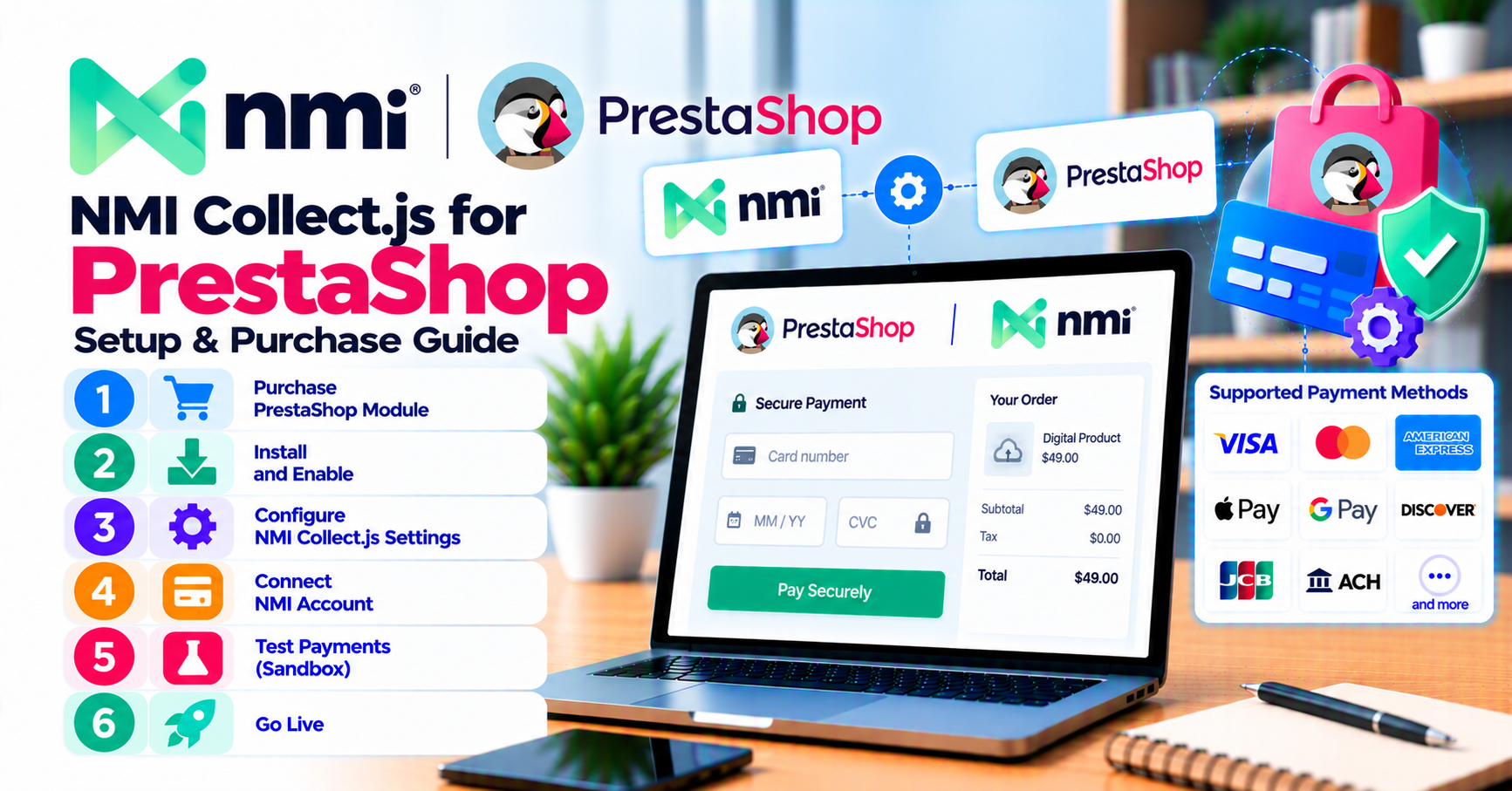
3. Download, install, enable
- Complete checkout on PatSaTECH; retain order confirmation.
- Install module via PrestaShop Module Manager (upload ZIP or use documented method in package).
- Enable module; clear Smarty/cache as required.
- Assign payment method to correct shop(s) in multistore setups.
- Verify module appears in Payment > Payment Methods (wording may vary by PS version).
Optional: purchase plugin installation support for PatSaTECH-led configuration on staging.
4. Configure sandbox
In module settings:
- Sandbox mode on.
- Enter NMI sandbox credentials (security key / username per your portal).
- Match currency with shop default unless intentionally multi-currency.
- Set customer-facing title and description.
- Enable debug/logging during setup only.
Walk through checkout as a guest and logged-in customer—PrestaShop customer contexts differ.
5. Sandbox test matrix
| Test | Pass criteria |
|---|---|
| Successful payment | Order status matches your fulfillment workflow |
| Declined card | Clear error; no paid status incorrectly set |
| AVS/CVV mismatch (if tested) | Document behavior for CS team |
| Refund from back office | Amount syncs with NMI portal |
| Mobile checkout | Collect.js fields render; no horizontal scroll traps |
| Multistore (if used) | Each shop uses intended credentials |
Use how to test your payment gateway like a pro for additional scenarios.
6. Theme and performance checks
Before live:
- Disable conflicting one-page checkout experiments temporarily to isolate payment.
- Confirm Collect.js not deferred by performance modules until after DOM ready.
- Test with ad blockers off and on—support scripts should fail gracefully.
- Validate email confirmations fire on paid orders.
If issues persist, capture browser console errors before opening support tickets.
7. Go-live cutover
- Announce maintenance if switching from another gateway mid-day.
- Toggle live credentials; disable sandbox.
- Process small live transaction; verify in NMI portal and PrestaShop order.
- Disable verbose logging.
- Monitor authorization failures for 48 hours.
Align finance on refund steps in PrestaShop vs NMI virtual terminal.
8. After purchase: renewals and hub links
- Calendar license renewal before expiry—expired modules risk unpatched Collect.js behavior.
- When PrestaShop core updates, re-run smoke tests even if release notes omit payments.
- Link store ops docs to PrestaShop hub for future gateway additions.
Red flags before buying
- No NMI sandbox access yet—get keys first.
- Production shop on HTTP only.
- Heavily customized headless front without scoping—consider custom integration.
- Expecting marketplace payment methods (iDEAL, etc.) without confirming NMI support for each rail.
FAQ
Where do I buy?
Only from PatSaTECH product page or authorized flows linked there.
Can I migrate from another PrestaShop module?
Yes—plan parallel running, customer communication, and rollback; test refunds on old gateway before decommissioning.
Does PatSaTECH host my keys?
No—credentials live in your PrestaShop admin; restrict admin access accordingly.
Need Magento or AbanteCart too?
See NMI for Magento and NMI for AbanteCart.
Related reading
- Why buy NMI Collect.js for PrestaShop
- Product page
- Plugin installation support
- How to evaluate payment gateway plugins
- Contact PatSaTECH