Introduction
- Introduction
- 1. Pre-purchase: match the extension to your contract
- 2. Choose license and support term at checkout
- 3. Installation prerequisites
- 4. Configuration checklist (admin)
- 5. Sandbox test matrix (before live)
- 6. Go-live cutover
- 7. Red flags that should pause “Buy now”
- 8. After purchase: protect the investment
- FAQ
- Related reading
“Add to cart” on a Magento gateway extension is the easy part. The expensive part is discovering—on launch day—that your MID expects a different API product, capture never fires on partial shipments, or checkout JavaScript conflicts with your theme minifier.
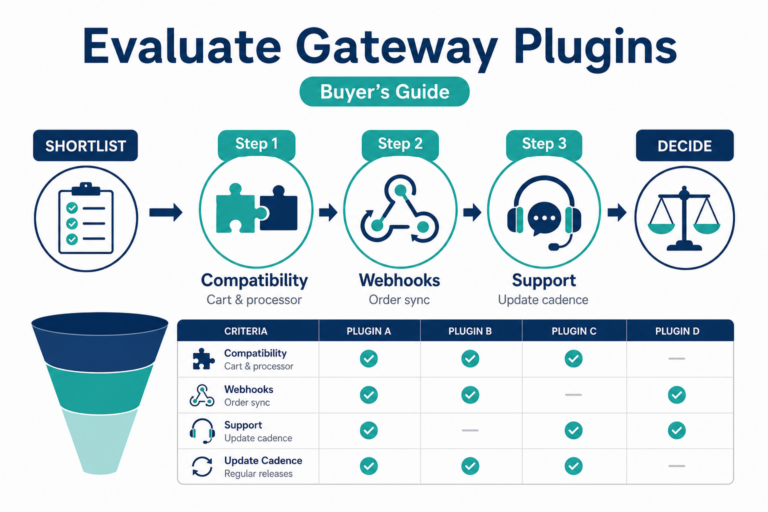
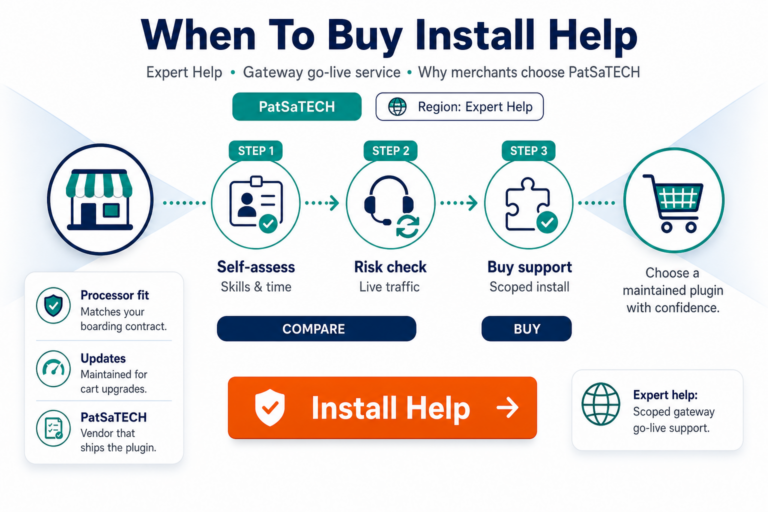
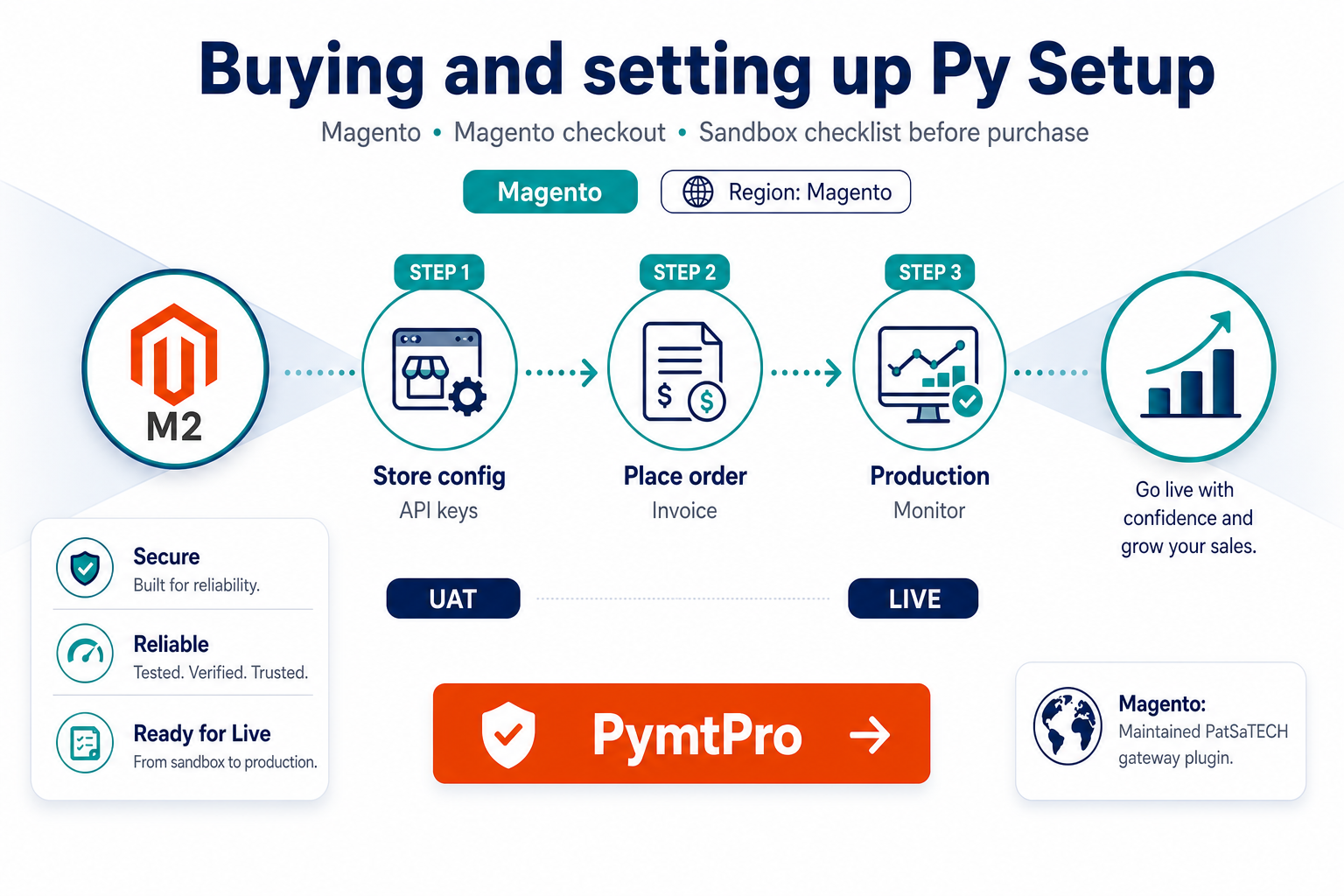
This guide is for merchants and agencies ready to buy PymtPro who want a pre-purchase and pre-live checklist that matches how serious integrators de-risk payment go-lives. It complements why buy PymtPro for Magento and the neutral framework in how to evaluate payment gateway plugins.
1. Pre-purchase: match the extension to your contract
On the product page, verify:
| Item | Why it matters |
|---|---|
| Processor / gateway product | PymtPro must match what your bank or ISO activated—not a look-alike name |
| Magento version | Requires 2.4.5+ |
| SSL certificate | Required for secure card transmission and Collect.js |
| Countries & currencies | Must match your storefront and settlement |
| Capture model | Auth+capture vs sale—align with fulfillment |
| 3-D Secure | Enable only if your market and MID strategy require SCA |
If any row is unclear, contact PatSaTECH or your processor before checkout. Wrong-processor purchases are the fastest path to refund requests that were avoidable.
2. Choose license and support term at checkout
PymtPro is offered from $241/year with options for:
- Single site, 2–5 sites, or unlimited license tiers
- Support and updates bundled for 1 or 5 years
Buyer guidance:
- Multi-store Magento footprints should pick the tier that matches production URLs, not “we might add a store someday.”
- Treat renewals as security and compatibility maintenance—see payment gateway plugin vs custom integration for TCO framing.
- PatSaTECH offers a satisfaction guarantee if the extension cannot be made to work for documented requirements—read terms on the product page.
Buy now: PymtPro Payment Gateway for Magento
3. Installation prerequisites
Before uploading the extension:
- Staging clone of production (same Magento minor version where possible).
- SSL on staging checkout URL—test as shoppers will experience it.
- Sandbox API keys from your processor—not live keys on staging.
- Backup and change window if installing directly on production (agencies: get written approval).
- Logging plan—PymtPro supports debug logging; disable verbose logs in production after validation.
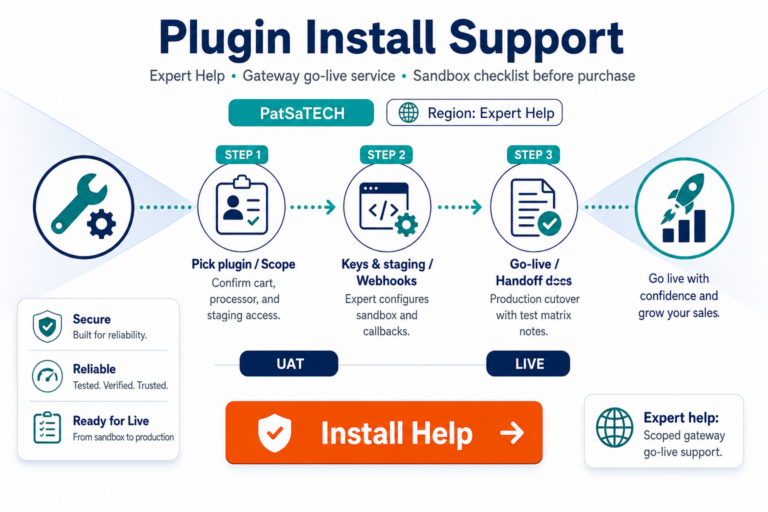
Need hands-on help? Add plugin installation support at checkout or after purchase for scoped setup.
4. Configuration checklist (admin)
After install, walk through:
- Mode: Sandbox until the matrix below passes.
- Credentials: Sandbox username/key (or equivalent)—never commit keys to git.
- Payment action: Authorize vs capture—match operations.
- 3-D Secure 2: Off in sandbox until baseline works; then enable and retest.
- CVV / AVS: Align with processor recommendations and fraud policy.
- Title / branding: Customer-facing label at payment step.
- Logging: Enable for setup; restrict in live.
Confirm the payment method appears in checkout for your website, store, and currency scope—Magento multi-store misconfiguration is a common false “plugin broken” report.
5. Sandbox test matrix (before live)
Do not go live after one successful Visa test. Minimum matrix:
| Test | Pass criteria |
|---|---|
| Successful sale or auth | Order reaches correct state; transaction ID in admin |
| Declined card | Clear customer message; order not marked paid incorrectly |
| Customer closes browser mid-3DS | No “paid” order without settlement; reconcile manually |
| Auth now, capture later | Capture from admin updates gateway and order totals |
| Partial refund | Credit memo + gateway refund amounts align |
| Full refund | Order closed consistently in admin and processor portal |
| 3-D Secure challenge (if enabled) | Challenge completes on mobile and desktop |
Use how to test your payment gateway like a pro for deeper edge cases.
6. Go-live cutover
When sandbox passes:
- Swap to live credentials in admin (or use environment-specific config if your deployment supports it).
- Place one low-value live transaction; verify settlement visibility.
- Document who may rotate keys and how rollbacks work.
- Monitor first 24–48 hours: failed auths, duplicate charges, capture delays.
- Align refund procedure between Magento admin and finance—see chargebacks vs refunds (concepts apply across platforms).
7. Red flags that should pause “Buy now”
- Processor docs say NMI Direct but you are buying PymtPro without written confirmation they are equivalent for your MID.
- Production Magento is below 2.4.5 with no upgrade plan.
- Checkout is headless/PWA without scoping JS load behavior—contact custom integration first.
- No staging environment and no maintenance window for payment changes.
8. After purchase: protect the investment
- Keep the extension updated through active support renewal.
- Review changelog when Adobe releases security patches.
- Exclude checkout from aggressive full-page cache and JS bundling that strips payment iframes.
- Train support staff on decline codes vs gateway outages.
Browse sibling Magento gateways on the Magento hub if you operate multiple processor relationships across brands.
FAQ
Where do I download after purchase?
Follow PatSaTECH account / order email instructions on the product page workflow—keep purchase receipt for license validation.
Can agencies buy on behalf of clients?
Yes—use the client’s processor credentials during setup and document license ownership for renewals.
Does PymtPro support multi-store?
Configure per website/store as Magento requires; license tier must cover your deployment footprint.
What if sandbox works but live fails?
Compare currency, MCC, 3DS enrollment, and live vs sandbox MID settings—enable logging and open a support ticket with transaction IDs redacted.
Should I buy NMI Magento instead?
If your contract is explicitly Network Merchants Inc. rather than PymtPro, compare NMI Gateway for Magento.
Related reading
- Why buy PymtPro for Magento
- PymtPro product page
- Plugin installation support
- Payment gateway glossary
- Contact PatSaTECH