Introduction
AbanteCart merchants often choose the platform for simplicity—then discover payment setup is the first place simplicity ends. API keys, SSL, sandbox, and theme JavaScript interact in ways product screenshots never show.
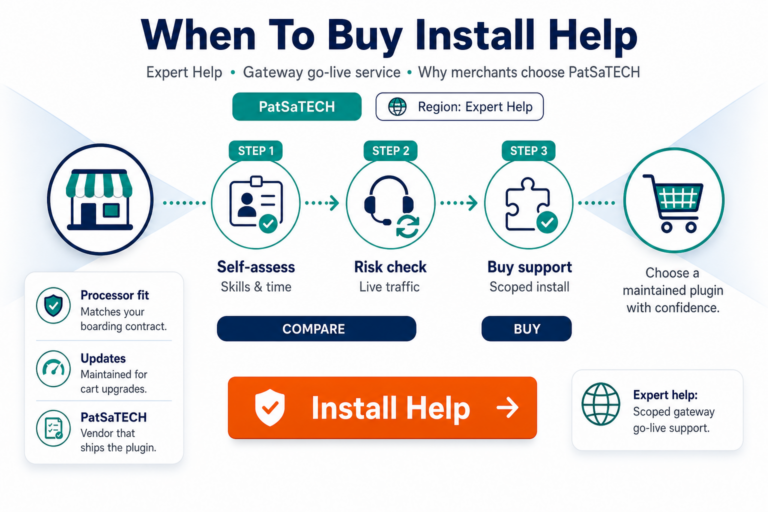
This transactional guide pairs with why buy NMI Gateway for AbanteCart. Use it when you are ready to add to cart on PatSaTECH and want a documented path to live payments.
1. Pre-purchase checklist
| Verify | Details |
|---|---|
| Platform | AbanteCart 2.0+ |
| Processor | Network Merchants Inc. merchant account |
| SSL | Valid certificate on storefront checkout |
| License | Single vs 2–5 sites for your live URLs |
| Support term | 6 or 12 months updates on product page |
| Staging | Clone available mirroring production theme |
Buy: Network Merchants Inc. Gateway for AbanteCart
2. Checkout options and guarantees
The product page includes:
- Single Site or 2–5 Sites license
- Support and Updates for 6 or 12 months
- Satisfaction guarantee if the extension cannot work for documented needs
- Support guarantee for installation assistance
Document license ownership and renewal dates in your ops calendar—AbanteCart stores without renewals can drift into unsupported payment behavior quietly.
3. Purchase and install
- Select license options; complete checkout on patsatech.com.
- Download extension package from order workflow / account area.
- Install via AbanteCart extension manager per README in package.
- Enable extension; clear template/cache if required.
- Confirm payment method visible in checkout before announcing acceptance of cards.
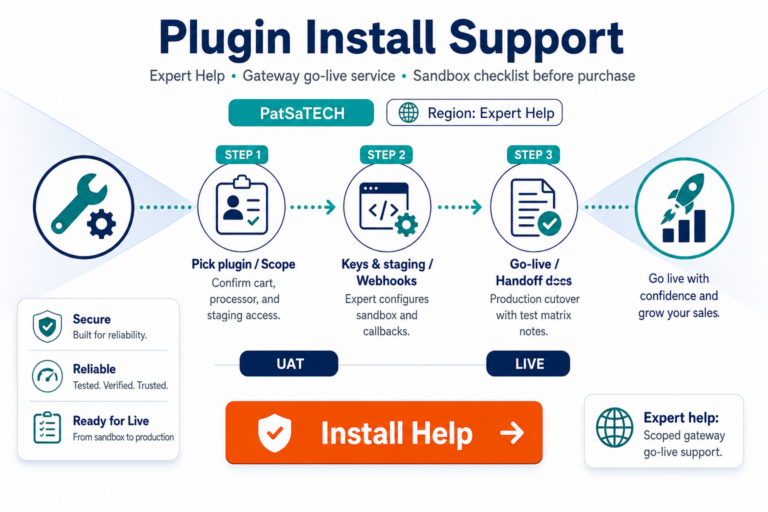
Optional: Plugin installation support for PatSaTECH-configured staging or production setup.
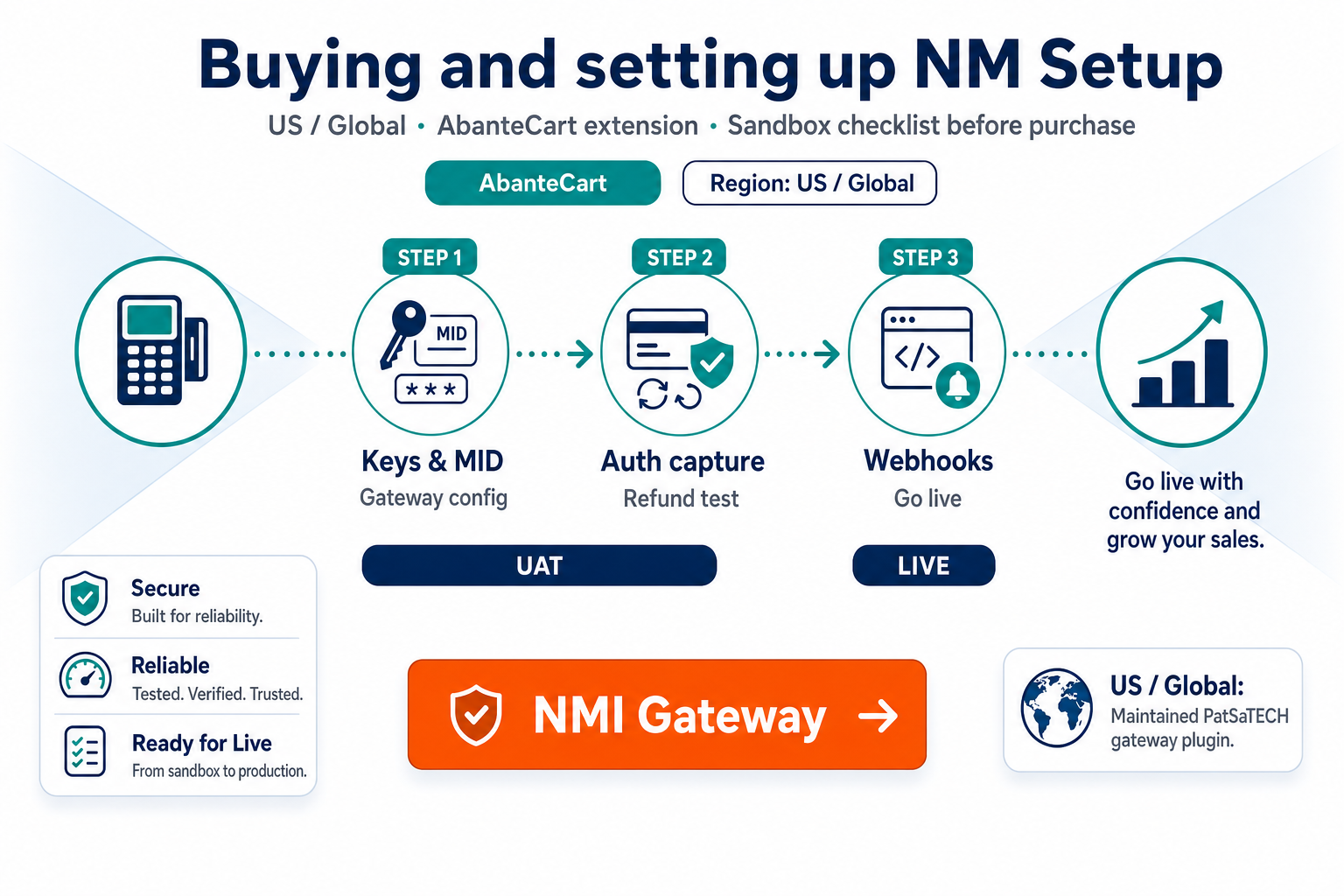
4. Configure sandbox
In extension settings:
- Enable sandbox mode.
- Enter NMI sandbox credentials from merchant portal.
- Set custom gateway title for shopper-facing label.
- Confirm CVV requirement active (extension default).
- Enable logging during setup; disable in live after validation.
Validate store URL in NMI portal if URL restrictions apply to your MID.
5. Sandbox test matrix
| Scenario | Expected result |
|---|---|
| Approved transaction | Order reaches paid/processing per your workflow |
| Declined card | Clear customer message; order not incorrectly completed |
| Missing CVV | Validation prevents submission |
| Sandbox → live toggle | Only after matrix passes—no mixed keys |
| Mobile checkout | Fields usable; no layout overlap with theme |
| Email receipt | Order confirmation sends if configured in AbanteCart |
Expand scenarios using how to test your payment gateway like a pro.
6. Theme and hosting validation
Shared hosting constraints affect payment JS:
- Confirm TLS 1.2+ with hosting provider
- Exclude checkout from aggressive caching plugins or CDN rules
- Test logged-in vs guest checkout if your catalog differs
- After AbanteCart core updates, re-run one sandbox transaction minimum
7. Go-live
- Maintenance note to team if replacing another gateway.
- Switch to live NMI credentials; disable sandbox.
- Place low-value live order; verify in NMI portal.
- Turn off debug logging.
- Document refund procedure for CS—portal vs admin.
8. Post-purchase
- Renew support/updates before expiry.
- Link internal runbooks to AbanteCart hub.
- If you add PrestaShop or Magento later, purchase platform-specific NMI products—licenses are not interchangeable.
Red flags before purchase
- No SSL on production domain.
- Processor is not NMI—use custom integration.
- AbanteCart below 2.0 without upgrade plan.
- Expecting wallet methods not enabled on NMI MID.
FAQ
How do I add to cart on PatSaTECH?
Use the Add to cart button on the product page with chosen license options.
Can agencies buy for clients?
Yes—clarify who receives renewal notices.
Where is documentation?
Included with extension package; support available per license terms.
Multi-store AbanteCart?
Confirm credential scope per store; pick 2–5 sites license if applicable.
Also need WordPress?
See NMI for WooCommerce and installation support for cross-platform rollouts.
Related reading
- Why buy NMI for AbanteCart
- Product page
- Plugin installation support
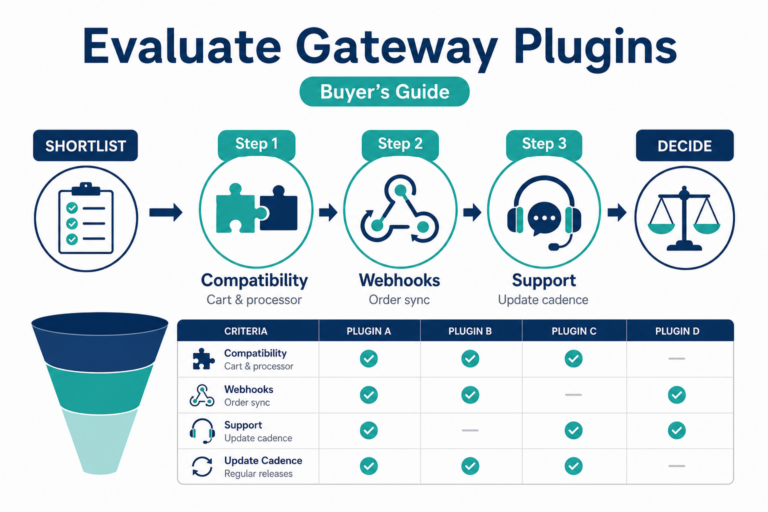
- How to evaluate payment gateway plugins
- Contact PatSaTECH